
10 Amazing Keyword Research Tools for Search Marketing
- Last Edited April 18, 2026
- by Garenne Bigby
Keyword research is the backbone of search marketing. Whether you are running Google Ads, optimizing organic pages, or planning a content calendar, you are guessing without it — and Google does not reward guesses. The right keyword research tool tells you what people actually search for, how often, how hard it is to rank for, and what buyer intent sits behind each query.
Your first stop should be free: Google Keyword Planner (requires a Google Ads account) and Google Search Console (shows the queries already bringing you traffic). For anything beyond the basics, you need a dedicated tool — and the landscape splits into two tiers. Ahrefs and Semrush are the dominant all-in-one platforms. Below them is a set of focused tools that do one or two things well, often at a fraction of the cost.
Here are 10 keyword research tools worth knowing about in 2026, from free options to the paid platforms agencies run on. For context on how rankings actually happen once you have the keywords, see our guide on realistic SEO timelines.
1. Google Keyword Planner
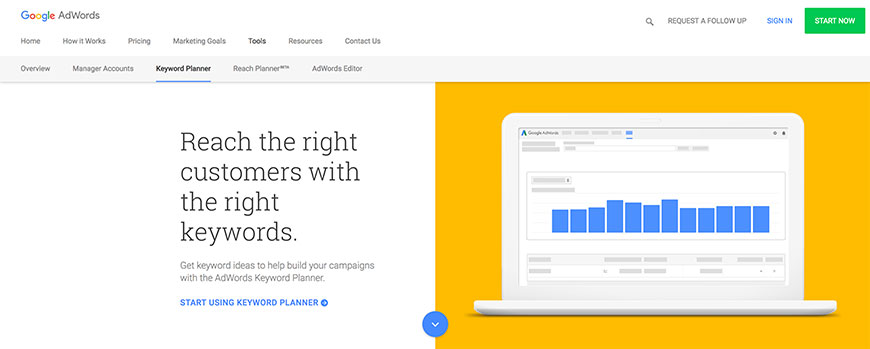
Google Keyword Planner is Google’s own keyword tool, built into Google Ads. It is free, and — critically — its data comes straight from Google. You see actual search volumes (bucketed into ranges unless you are spending on ads, in which case you get exact numbers), competition levels for paid campaigns, and suggested bid ranges.
The interface is built around paid search, which can be awkward if you are purely focused on organic SEO, and the keyword suggestions are notoriously conservative. But for a free ground-truth check on the data that third-party tools estimate, it is hard to beat. You need an active Google Ads account, but you do not need to be running campaigns.
Best for: First-party Google data, campaign planning, validating third-party volume estimates.
Pricing: Free with any Google Ads account.
2. Google Ads Search Terms Report
Not a standalone tool — the Search Terms Report lives inside Google Ads and shows the exact search queries that triggered your ads. Unlike Keyword Planner’s estimates, this is real intent data: what people typed, what matched your keywords, and which queries converted.
If you already run Google Ads, this report is one of the most valuable keyword research assets you have — and it costs nothing extra. Use it to find negative keywords (wasted spend), discover long-tail variations you had not considered, and feed your organic keyword list with queries that converted in paid. After Google Ads replaced AdWords as the product name in 2018, the report is now at Insights and Reports → Search Terms.
Best for: Mining real query data from existing ad spend; finding negative keywords; bridging paid and organic research.
Pricing: Free with an active Google Ads account (requires running campaigns to see data).
3. Spyfu
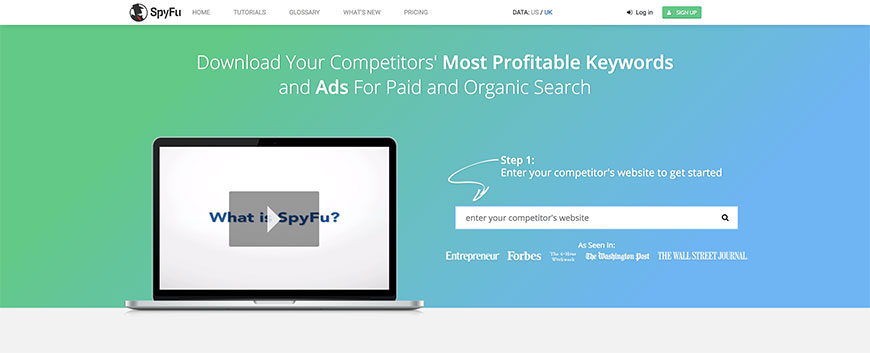
Spyfu is built for competitor research. Enter a competitor’s domain and you see their paid keywords, organic rankings, ad copy history, budget estimates, and the top keywords they’ve ranked for over time. It is the go-to tool for reverse-engineering what is working for other sites in your space.
As a pure keyword research tool, Spyfu is less deep than Ahrefs or Semrush — its index is smaller and some data is estimated. But its competitor-comparison features and the historic ad copy archive are genuinely useful on a smaller budget than the big platforms.
Best for: Competitor keyword analysis, PPC spy work, affordable agency use.
Pricing: Basic $39/month, Professional $79/month, Team $299/month.
4. KWFinder
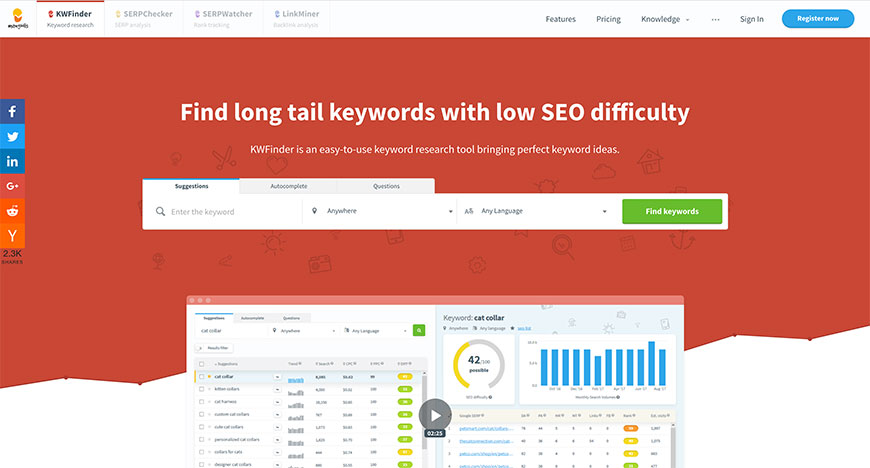
KWFinder is part of the Mangools SEO suite, and it has become the default pick for anyone who wants long-tail keyword research without the complexity (or price) of the big platforms. The interface is clean, the keyword difficulty metric is well-calibrated, and the suggestions feature surfaces low-competition long-tail variations that major tools tend to hide in bulk results.
Mangools bundles KWFinder with SERPChecker, SERPWatcher, LinkMiner, and SiteProfiler for a workflow that covers most of daily SEO at a consumer-friendly price. Not the deepest platform, but probably the best cost-to-utility ratio in keyword research.
Best for: Long-tail keywords, small teams, low-competition niche targeting.
Pricing: Mangools Basic $29/month (annual), Premium $49/month, Agency $99/month.
5. Moz Keyword Explorer
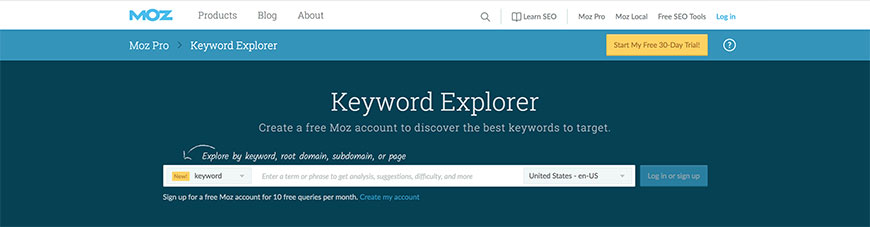
Moz Keyword Explorer is part of the Moz Pro suite. Its signature is the Priority Score — a single metric combining volume, difficulty, organic CTR, and Moz’s proprietary opportunity rating. The idea is to cut through noise and show which keywords are actually worth chasing, not just which ones have volume.
Moz’s link index is smaller than Ahrefs or Semrush, and its keyword suggestions can feel conservative. But the Priority Score is a genuinely useful way to rank keyword opportunities, and Moz’s local SEO features are strong for location-based businesses.
Best for: Beginner-friendly keyword prioritization, local SEO, teams already on Moz Pro.
Pricing: Moz Pro Starter $49/month, Medium $99/month, Large $179/month. Free Moz Keyword Explorer queries (limited) via the free Moz account.
6. Keyword Tool
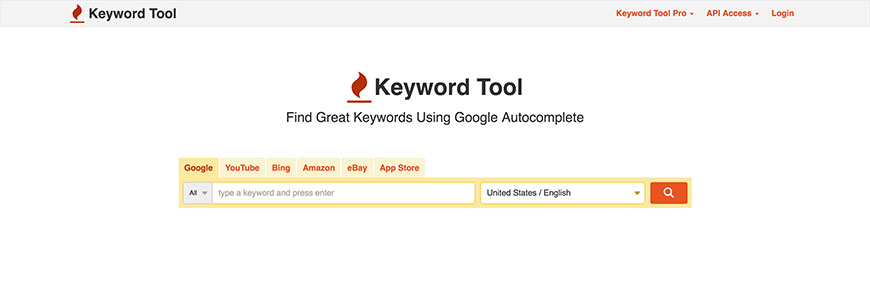
Keyword Tool (keywordtool.io) is a focused keyword suggestion tool that pulls from Google, YouTube, Bing, Amazon, eBay, App Store, Play Store, Instagram, and TikTok autocomplete. It uses the same autocomplete signals a human sees but scales them — feed it a seed keyword and get hundreds of long-tail variations across the platforms that matter to you.
The free version shows suggestions but hides search volume; the Pro version adds volume, CPC, competition, and trend data. It is especially useful for YouTube, Amazon, and App Store keyword research — markets where Google-focused tools have blind spots.
Best for: Multi-platform long-tail research (YouTube, Amazon, App Store, TikTok), content ideation.
Pricing: Free (suggestions only); Pro Basic $89/month, Pro Plus $99/month, Pro Business $199/month (annual billing).
7. Semrush
Semrush is one of the two dominant all-in-one SEO platforms (with Ahrefs), and its Keyword Magic Tool is the industry-leading keyword research interface — roughly 25 billion keywords across 140+ country databases, with filters for search intent, SERP features, and competitive clustering.
Beyond keywords, Semrush bundles site audits, backlink analysis (see our backlink checker tools guide for the link-side story), rank tracking, content marketing, and competitive intelligence into one subscription. The price tag is real, but for a team that does daily SEO work, Semrush replaces five or six separate tools.
Best for: Comprehensive keyword + competitor research, agencies, teams needing one-platform coverage.
Pricing: Pro $139.95/month, Guru $249.95/month, Business $499.95/month. Free keyword research via the Free Keyword Magic Tool with limited queries.
8. WordStream’s Free Keyword Tool
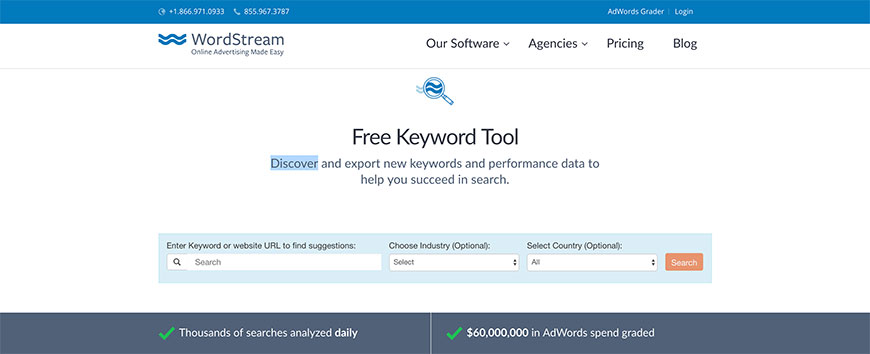
WordStream (now WordStream by LocaliQ since the 2018 acquisition) offers a genuinely useful free keyword tool that requires nothing more than an email address. It shows search volume, competition level, estimated CPC, and a handful of related keyword suggestions — enough for small businesses and solopreneurs to do real research without paying for a platform.
The paid plans are focused on managing paid search campaigns rather than pure keyword research, so most users stick with the free tool. For anyone not ready for Semrush or Ahrefs but needing more than Google Keyword Planner’s bucketed volumes, WordStream fills a useful gap.
Best for: Small businesses, first-time PPC research, quick volume and CPC lookups.
Pricing: Free (with email signup). Paid WordStream platform for ad management starts around $264/month.
9. Soovle
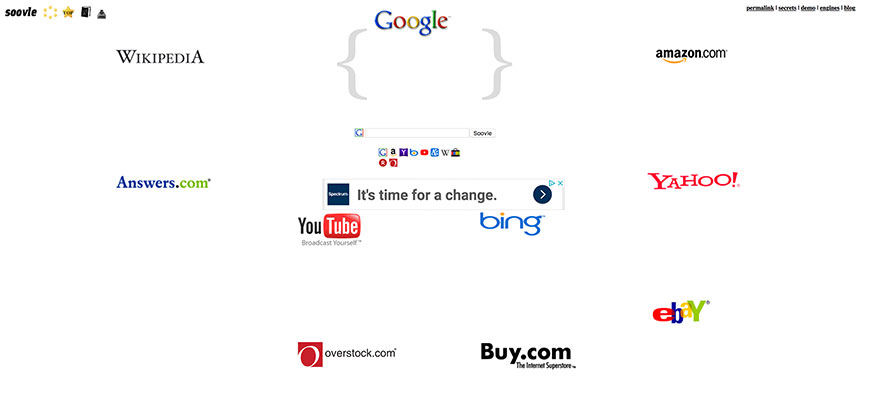
Soovle is the quirky free tool that still earns a spot on every keyword-research list because it does one thing nothing else does as elegantly: it shows you autocomplete suggestions from Google, YouTube, Bing, Yahoo, Amazon, eBay, Answers.com, and Wikipedia simultaneously, updating as you type. No account needed, no search volume, no difficulty scores — just raw suggestion data across platforms in one view.
It is not a replacement for a real keyword platform. It is a brainstorming tool. Drop in a seed term, export the suggestions with one click, and use the output to feed into whichever platform you use for volume and difficulty analysis. Free, fast, and still maintained.
Best for: Rapid brainstorming across multiple search platforms, content ideation, zero-budget research.
Pricing: 100% free, no signup.
10. Serpstat
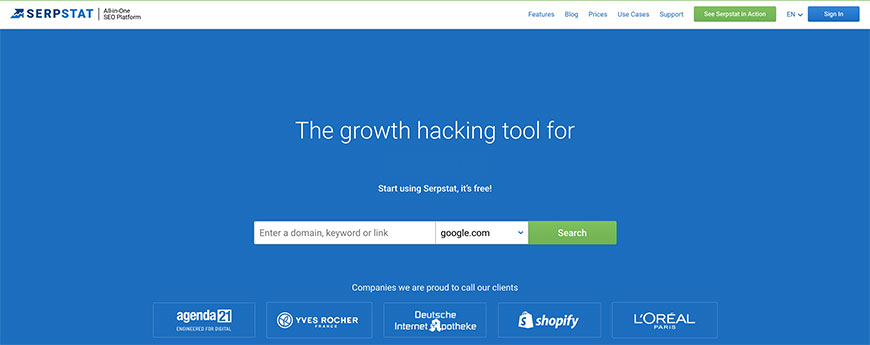
Serpstat is an all-in-one SEO platform positioned as a Semrush/Ahrefs alternative at a lower price point. Its keyword research covers search volume, difficulty, competition, search intent, and keyword clustering for 230+ Google databases. The clustering feature is a standout — it automatically groups related keywords by SERP overlap, which saves hours when planning topical content clusters.
Serpstat is stronger in Eastern European and regional markets where Semrush and Ahrefs coverage is thinner, and its pricing undercuts both significantly. Feature depth is a step below the top two, but for most small teams it is more than enough.
Best for: Budget-conscious agencies, non-US markets, keyword clustering, teams not needing the full Semrush/Ahrefs depth.
Pricing: Individual $59/month, Team $119/month, Agency $249/month (with meaningful discounts on annual plans).
Frequently Asked Questions
What is the best free keyword research tool?
For volume and CPC data, Google Keyword Planner (requires Google Ads account) gives you first-party data from Google itself. For finding keywords you already rank for, Google Search Console‘s Performance report shows the actual queries driving impressions and clicks. For quick brainstorming across platforms, Soovle and Keyword Tool‘s free tier are the standard picks.
How do I choose between Ahrefs and Semrush for keyword research?
For pure keyword research, they are roughly equivalent in 2026 — both have massive indexes and similar feature sets. Choose Semrush if you care more about PPC and competitive intelligence features; choose Ahrefs if you weight the backlink data and Content Explorer more heavily. For small teams or budget-conscious use, KWFinder (via Mangools) or Serpstat offer 80% of the value at a third of the price.
How often should I do keyword research?
Full research cycles every 3-6 months are reasonable for most sites — search behavior, competition, and your own authority shift over that span. But ongoing monitoring (what you already rank for, what competitors have moved on, what new queries are trending) should be continuous, which is where Google Search Console and the monitoring features in Semrush/Ahrefs earn their keep.
Has AI changed keyword research?
AI tools like ChatGPT and Claude are useful for keyword ideation and grouping, but they do not have reliable volume or competition data — the training cutoff and lack of real SERP data limit them. Modern workflow: use LLMs for brainstorming and intent mapping, then validate with Google Keyword Planner or a proper keyword platform for actual volumes. Don’t publish pages targeting keywords that only an AI suggested — validate first. For more on how AI has reshaped search, see our coverage of the history of SEO and search engines (including the AI Overviews era).
Bottom Line
The right stack for most teams in 2026: Google Keyword Planner and Google Search Console as your free first-party layer, then one all-in-one platform (Semrush or Ahrefs) as your daily driver, plus a specialized tool or two for specific use cases — Soovle for cross-platform brainstorming, Keyword Tool for YouTube or Amazon, Spyfu for competitor PPC reconnaissance. For small budgets, KWFinder and Serpstat are the best all-in-one alternatives to the top-tier platforms.
Remember that tools give you data, not answers. The hard work — choosing which keywords actually match your audience, your content capacity, and your SEO authority — still requires judgment. Good tools make that judgment easier; they don’t replace it. For how to avoid common pitfalls like ranking signal splitting, see our guide on duplicate content issues.