

A/B or Split Testing
A/B testing (also called split testing) compares two or more versions of a page or flow to see which performs better against a goal — sign-ups, clicks, revenue per visit. Tools in this category run the experiment, allocate traffic, and report statistical significance so you stop guessing and start measuring. Modern platforms also handle multivariate tests, server-side experimentation, and personalization based on visitor segments.
A/B Test Master
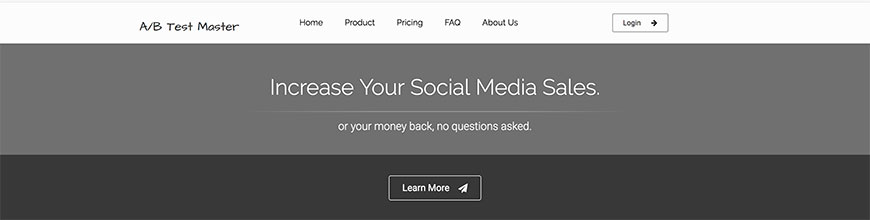
A/B Test Master segments traffic by signals like referrer, browsing history, and on-site behavior, then routes each visitor to the variant most likely to convert for that profile. The product is positioned for marketers who want personalization layered on top of straight A/B comparisons rather than a generic 50/50 split.
Oracle Maxymise
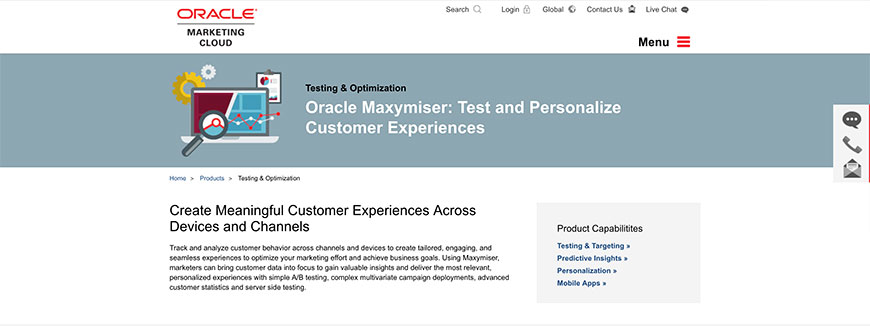
Originally Maxymiser, this product is now part of the Oracle CX Marketing suite as Oracle Maxymise. It runs A/B and multivariate tests, behavioral targeting, and content personalization on top of Oracle’s customer data platform. The trade-off versus a standalone tool is integration depth: if you already run Oracle Marketing Cloud, experiments inherit your customer segments without a second integration.
AB Tasty
AB Tasty is a feature experimentation and personalization platform with a strong visual editor, server-side testing through their Flagship product, and AI-driven recommendations. It is one of the few enterprise-grade Optimizely alternatives that still leans heavily into the marketing-friendly visual editor while supporting full developer-side feature flags.
Omniconvert
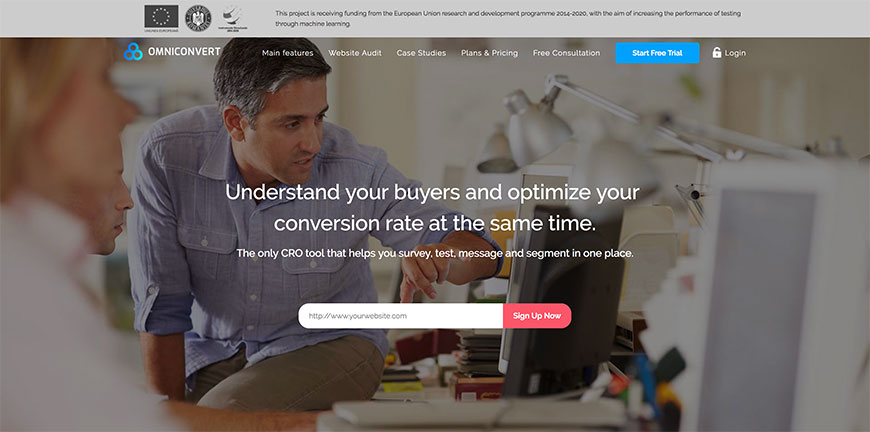
Omniconvert Explore handles A/B testing, on-site surveys, and overlay personalization in one platform. It targets ecommerce shops more than enterprise apps — pricing scales by tested traffic rather than by seat — and integrates directly with Shopify, WooCommerce, and Magento. The companion Reveal product layers RFM segmentation on top.
Optimizely
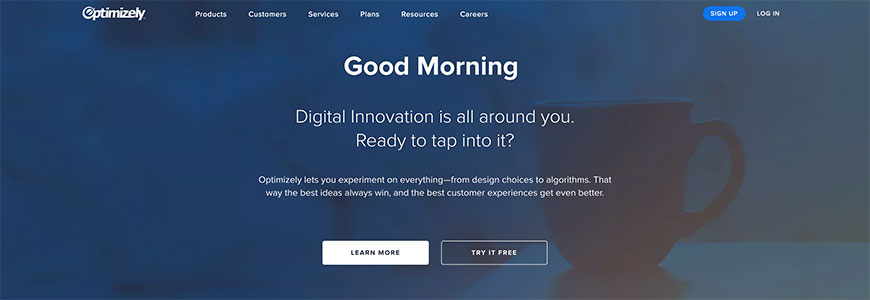
Optimizely is the long-time leader in client-side and server-side experimentation. The platform now spans Web Experimentation, Feature Experimentation (developer-led feature flags + A/B), Personalization, and a Content Marketing platform. It is enterprise-priced and overkill for small sites, but for engineering-led organizations running hundreds of concurrent tests it remains the reference implementation.
PostHog
PostHog is an open-source product analytics platform that bundles A/B testing, feature flags, session replay, heatmaps, and funnel analytics under one roof. Self-host or use their cloud. Engineering teams pick PostHog when they want experimentation tightly coupled to product analytics rather than a marketing-first tool that bolts on analytics afterward.
Testomato
Testomato is more of a continuous monitoring tool than a traditional A/B platform: it watches pages for unexpected changes, broken forms, missing analytics tags, and content drift. Use it alongside an experimentation tool to catch the case where a winning test variant ships but the tracking pixel never fired.
VWO
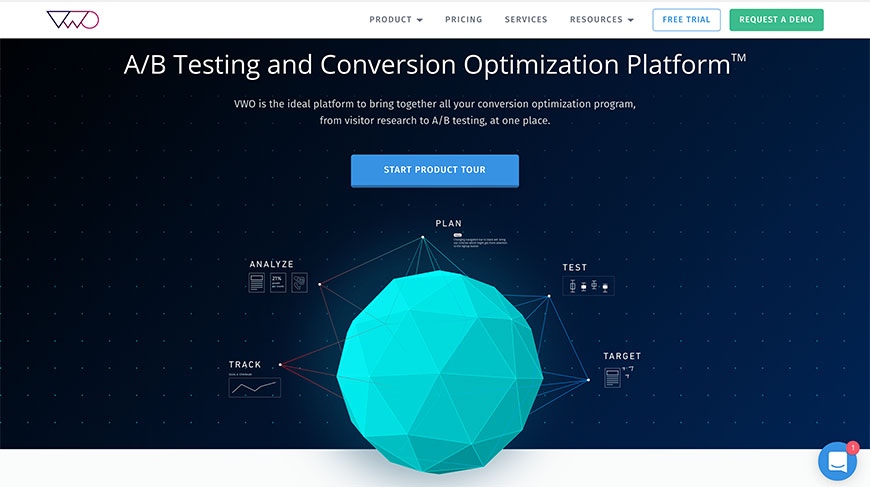
VWO (Visual Website Optimizer) bundles A/B testing, multivariate testing, heatmaps, session recordings, surveys, and a behavior analytics layer in one suite. Pricing is more accessible than Optimizely’s, and the visual editor is friendlier for non-developers, which makes VWO the default pick for mid-market marketing teams that want one tool instead of five.
Accessibility Testing
Accessibility testing verifies that a website is usable by people with disabilities and meets standards like WCAG 2.2 AA, the EU Accessibility Act, and the U.S. DOJ’s Title II web rule. Automated tools catch perhaps 30 to 40 percent of issues — colour contrast, missing alt text, ARIA misuse, form labelling — but every responsible accessibility programme pairs them with manual keyboard and screen-reader testing.
axe DevTools
axe DevTools by Deque is the de facto standard for automated accessibility testing. The free browser extension catches common WCAG violations during development; the Pro tier adds intelligent guided testing for issues automation cannot reliably detect, plus integrations for Cypress, Playwright, Jest, and CI pipelines. Most modern audit reports lean on axe under the hood.
WAVE
WAVE, from WebAIM, is a free web accessibility evaluation tool that overlays icons and indicators directly on the page so you can see structural issues, contrast errors, and ARIA problems in context. Run it as a browser extension, paste a URL into the online checker, or pull the underlying engine into your build via the WAVE API.
Lighthouse
Lighthouse is built into Chrome DevTools and runs a curated subset of axe-core checks alongside performance, SEO, and best-practice audits. The accessibility score is a useful smoke test in CI and a fast first pass during development, though it is intentionally narrower than a full axe DevTools run.
Pa11y
Pa11y is an open-source command-line accessibility tester that runs HTML CodeSniffer or axe-core under the hood. It is the standard pick for adding automated accessibility checks to a CI pipeline because it is free, scriptable, and produces machine-readable JSON output that gates a build on regressions.
Accessibility Insights
Accessibility Insights is Microsoft’s free tooling: a browser extension for the web, plus desktop apps for Windows. The Assessment workflow walks you through a manual WCAG 2.1 AA audit step by step, prompting for the checks automation cannot perform — focus order, screen reader announcements, meaningful sequence — which makes it a practical companion to axe.
Stark
Stark is a designer-first accessibility suite with plugins for Figma, Sketch, Adobe XD, and a browser extension for live sites. It catches contrast, vision simulation, focus order, and touch-target issues at design time, before code is written. Teams pair Stark in design with axe in development and Accessibility Insights for manual verification.
HTML_CodeSniffer
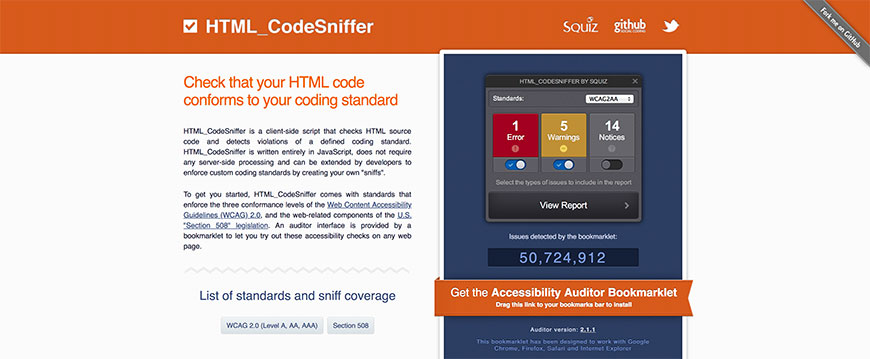
HTML_CodeSniffer is an open-source tool that checks rendered HTML against WCAG 2.1 and U.S. Section 508 rules. The bookmarklet runs in any browser and reports errors, warnings, and notices inline. It is the engine behind several of the cloud accessibility checkers and is still useful as a quick page-level audit.
Accessibility Priority Tool
The Accessibility Priority Tool from Intopia (formerly Usability One) helps teams triage WCAG findings by impact and effort. It is a workbook rather than a scanner — you paste in audit findings and the tool produces a remediation roadmap that engineering and content teams can actually plan against.
Design Prototyping
Design prototyping tools let you build clickable, often animated, mock-ups of an interface before any production code is written. The category looks very different in 2026 than it did a few years ago: Figma now dominates collaborative interface design, Adobe sunset XD as a standalone product in 2023, and several of the early-2010s prototyping tools have either been folded into bigger suites or shut down. The list below covers what is still actively maintained.
Figma
Figma is the dominant interface design and prototyping tool in 2026. It runs in the browser, supports real-time multiplayer editing, and combines vector drawing, components, auto-layout, prototyping, and developer hand-off in one product. Figma’s Dev Mode, variables, and code connect features have folded several adjacent tools into the core platform. For most product teams, Figma is the default starting point.
Sketch
Sketch is the macOS-native design tool that originated the modern symbol-and-component workflow. After losing market share to Figma, Sketch has rebuilt around a hybrid model: native Mac app for designers, browser-based viewer and inspector for stakeholders and developers. Teams that work primarily on Mac and prize file-on-disk workflows still pick Sketch.
Framer
Framer started as an animation prototyping tool and is now a full website-building platform with layout, code components, CMS, and one-click publishing. For prototyping it is unmatched on motion fidelity — easing, springs, scroll-linked effects — and the same prototype can ship as a production website without redesigning it elsewhere.
Axure
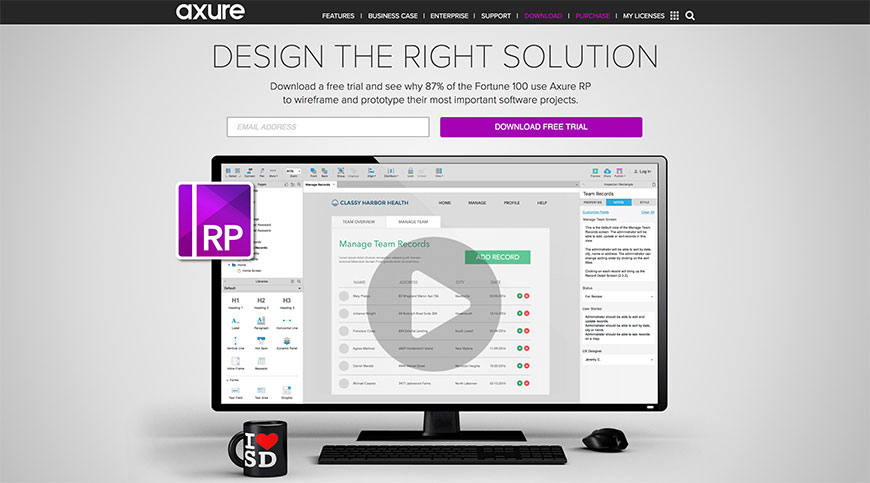
Axure RP is the long-standing pick for high-fidelity, conditional-logic-heavy prototypes. Where Figma’s prototyping is shallow by design, Axure handles dynamic panels, variables, math, repeaters, and form interactions that simulate the actual application logic. Enterprise UX and government teams continue to use Axure precisely because it can represent complex state, not just static screens.
Justinmind
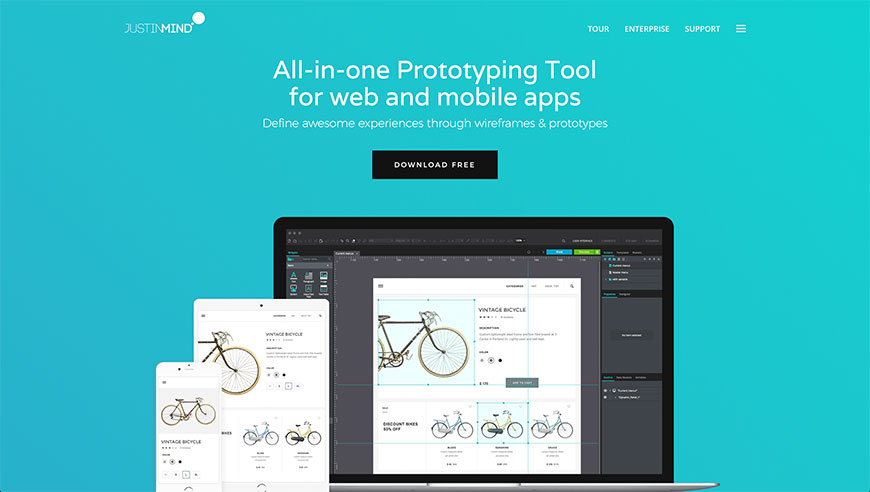
Justinmind is a desktop prototyping app aimed at the same conditional-logic, data-driven prototyping niche as Axure. It ships with extensive UI libraries for iOS, Android, and Material, and it can connect to APIs to populate prototypes with real data. Pricing tends to land below Axure’s enterprise tier.
UXPin
UXPin sells "Merge," a workflow where designers prototype using the same React, Storybook, or npm components engineering ships in production. The prototype and the codebase share a single source of components, eliminating the design-engineering drift that plagues Figma-to-code hand-offs at scale. It is opinionated and best fits design-system-mature teams.
Marvel
Marvel is a lightweight prototyping tool that lets you turn static images, Sketch files, or simple in-app screens into clickable prototypes in minutes. It is intentionally less powerful than Figma or Axure and aims at quick stakeholder sign-off, classroom use, and POP-style mobile prototypes. Marvel also acquired and integrated POP for hand-drawn mobile prototyping.
Penpot
Penpot is the leading open-source Figma alternative. Self-hostable, file format is open SVG-based, and it supports collaborative design, components, and prototyping in the browser. Organizations with strict data-residency requirements or open-source mandates use Penpot in place of a SaaS design tool.
Balsamiq Wireframes
Balsamiq Wireframes (previously Balsamiq Mockups) is the deliberately low-fidelity wireframing tool. The hand-drawn aesthetic short-circuits arguments about visual polish and forces conversation onto layout and content. Balsamiq is still the right pick for early discovery work, requirements workshops, and stakeholder alignment before higher-fidelity design begins.
MockFlow
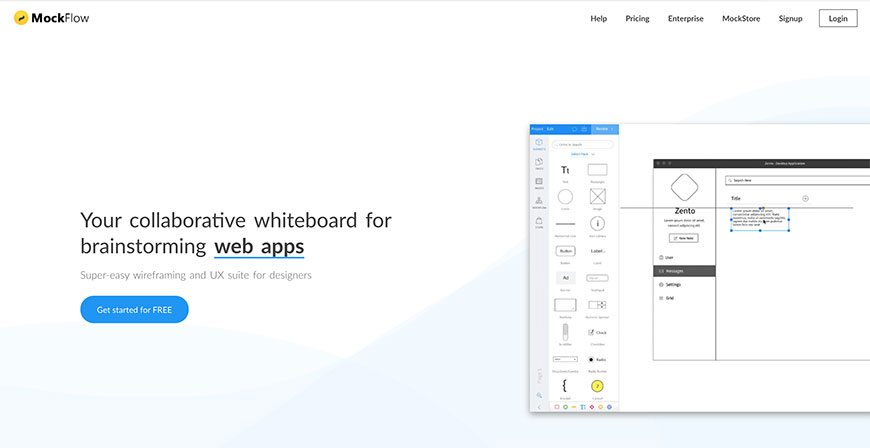
MockFlow is a browser-based wireframing and design system tool with libraries for web, mobile, and desktop UI. The WireframePro app handles low- to mid-fidelity layouts; SpaceOS adds design-system documentation, brand guidelines, and a style-guide builder for organisations that want one tool covering both.
Flinto
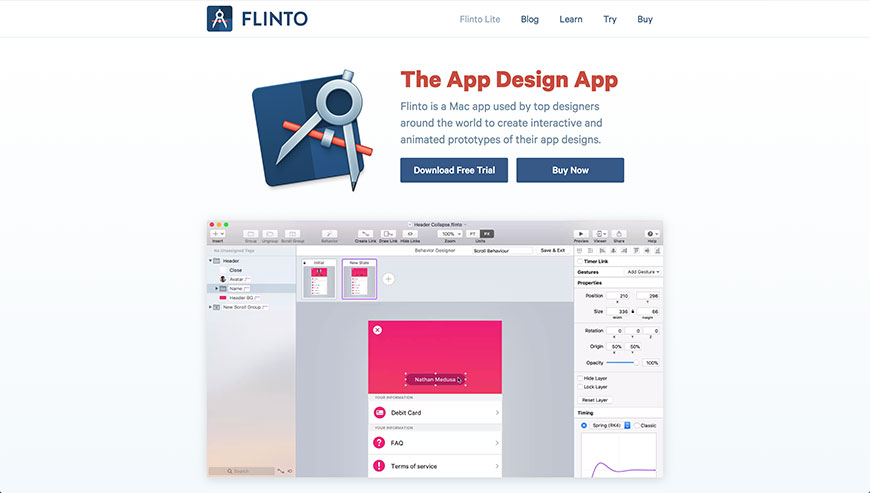
Flinto is a Mac-only motion and microinteraction prototyping tool. It excels at scroll-linked animations, transition design, and per-layer timeline control — the kind of fine-grained motion work that a frame-based prototype editor cannot easily reproduce. Designers often pair Flinto with Figma for static screens.
Indigo.Design
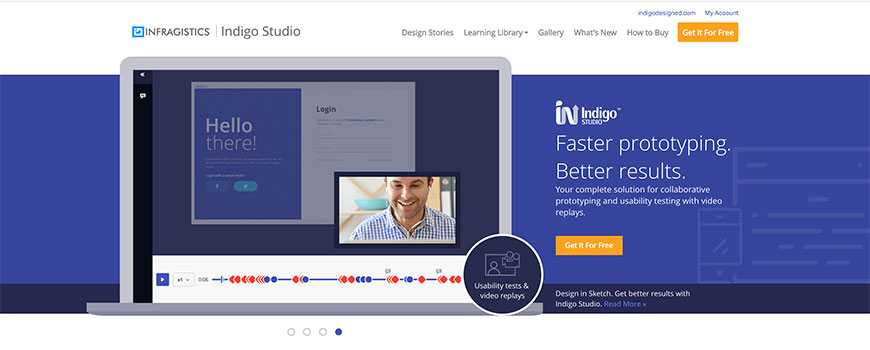
Indigo.Design (previously Indigo Studio) is Infragistics’ design-to-code platform. Designs created in Figma or Sketch can be converted to Angular, React, or Blazor code with the App Builder, and prototypes can include user-flow analytics. It is aimed at .NET- and Angular-heavy enterprises that want a tighter Figma-to-production pipeline.
Notism
Notism is a design collaboration and review platform aimed at video, motion, and interactive prototypes. It handles annotated review of screens and video, version comparison, and approval workflows — useful when the deliverable is a clickable prototype that needs sign-off from clients or stakeholders.
Pencil Project
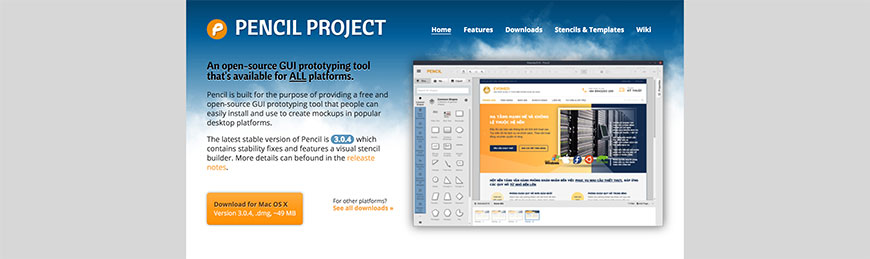
Pencil Project is a free, open-source GUI prototyping tool built as a stand-alone Electron app. Stencil libraries cover common desktop, mobile, and web UI elements. It is not as polished as commercial tools, but it is a credible offline option for educational and budget-constrained projects.
Pidoco
Pidoco is a browser-based wireframing and prototyping tool that supports collaborative editing, simulations, and usability testing on prototypes. It exports specifications as PDF or Word, which makes it a fit for waterfall-flavored organisations that still produce written requirements documents alongside prototypes.
Naview
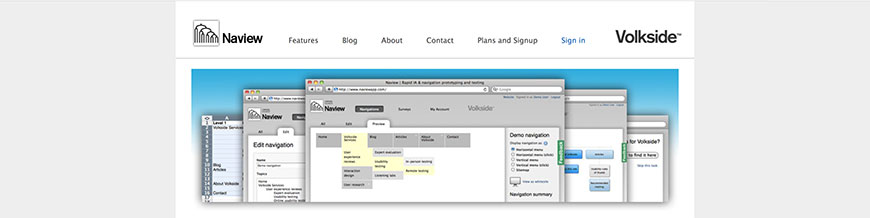
Naview is focused specifically on navigation design — sitemaps, navigation flows, and information architecture for websites and applications. Where Figma represents single screens well, Naview represents the cross-screen navigation graph and lets stakeholders evaluate IA before any screens are designed.
Proto.io
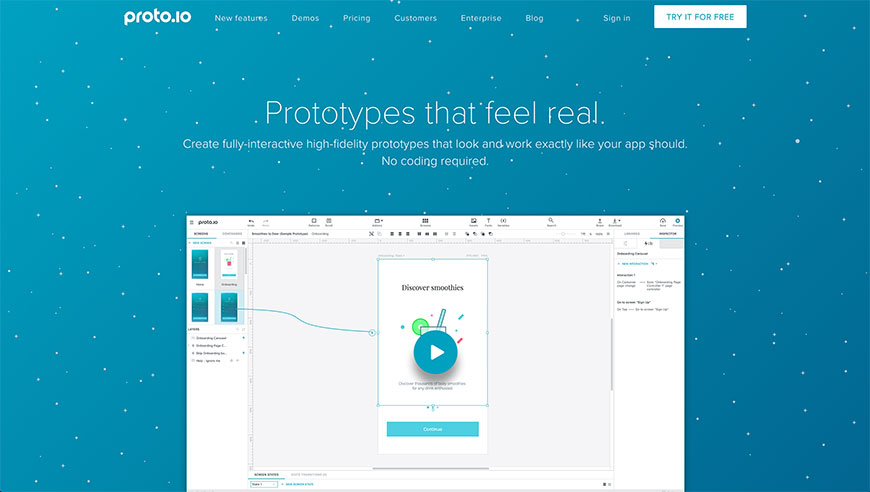
Proto.io is a high-fidelity prototyping tool aimed at mobile interactions. It supports timelines, gestures, transitions, and device sensors, and it runs prototypes inside an iOS or Android wrapper app for realistic device testing. The product has a longer learning curve than Marvel but more headroom for native-feeling mobile prototypes.
Keynote
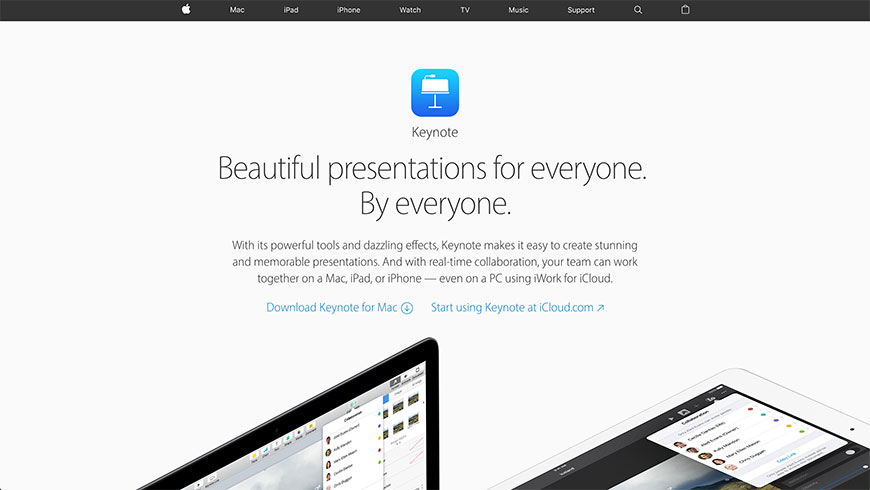
Apple’s Keynote is still a credible — if unconventional — prototyping tool. Magic Move transitions, exact-pixel positioning, and click-through navigation make it surprisingly capable for stakeholder-facing flow walkthroughs, especially when the audience needs an animated narrative more than a clickable artefact.
Evaluating Design
Design-evaluation tools answer questions like: which version is more attention-grabbing, where do users look first, can people find what they need, and does this comp pass accessibility checks. Some run synthetic prediction (AI eye-tracking, contrast simulators); others run quick remote tests with real participants in five seconds, fifteen minutes, or longer. Together they let you de-risk a design before it ships.
Lyssna (formerly UsabilityHub)
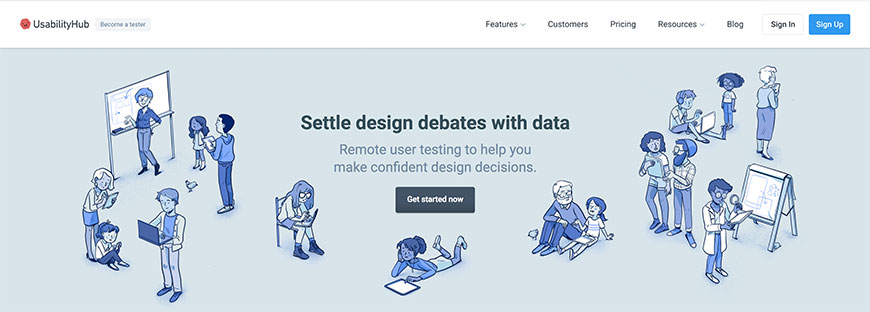
Lyssna is the rebranded UsabilityHub. It runs short remote usability tests — five-second tests, first-click tests, navigation tests, preference tests, design surveys — against a recruited participant panel or your own users. The product is strong on speed: a typical study is set up in under ten minutes and delivers results within the day.
Maze
Maze is a remote testing platform tightly integrated with Figma, Sketch, and Adobe XD. It supports usability tests on prototypes, card sorting, tree testing, surveys, and AI-assisted screener summaries. Maze is the modern successor to the "quick remote test" category — most product teams running unmoderated tests on Figma prototypes are using Maze.
Five Second Test (by Lyssna)
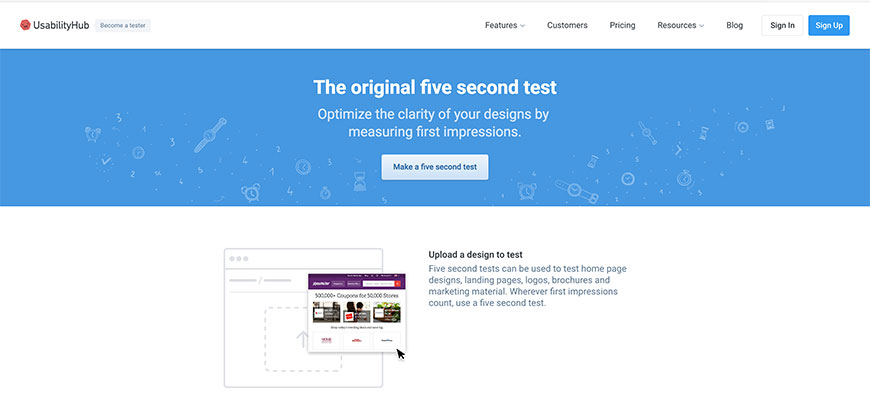
Five Second Test (now part of Lyssna) flashes a design for five seconds and asks participants what they remember. It is a fast, focused first-impression test for landing pages, hero sections, and brand work where the question is whether the most important message lands in the first glance.
Lyssna Navigation Test
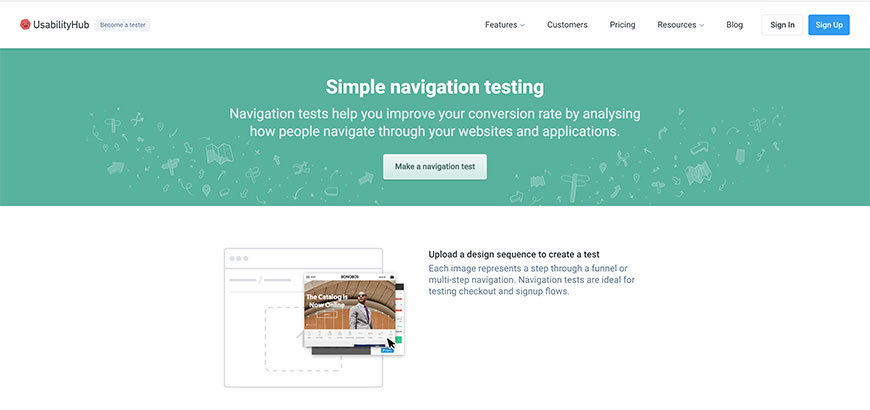
Lyssna’s Navigation Test (previously Navflow) measures whether participants can complete a task across a series of static screens. It captures click paths, success rates, and time-on-task without requiring a coded prototype. Useful early in the design process when you want to validate IA decisions before a clickable prototype exists.
EyeQuant
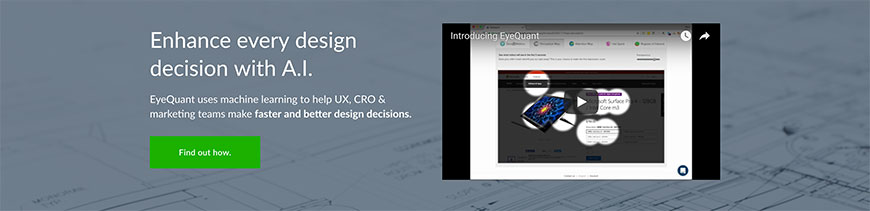
EyeQuant uses neuroscience-trained models to predict where attention and gaze will fall on a design within the first three to five seconds. It produces synthetic heatmaps and clarity scores for screens that have not yet been tested with real users — most useful as a pre-test sanity check on hero sections and conversion-critical pages.
Feng-GUI
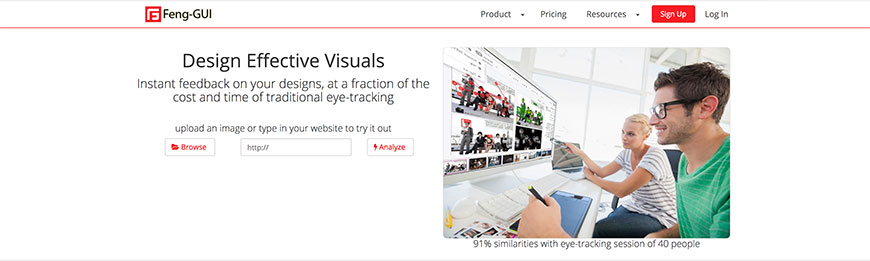
Feng-GUI is another synthetic eye-tracking tool. It generates attention heatmaps, gaze plots, and area-of-interest reports from a still image of a design or web page. Like EyeQuant, treat the output as a hypothesis to validate, not a substitute for testing with humans.
Userbrain
Userbrain runs remote unmoderated usability tests with video recordings of real participants thinking aloud. Pricing is subscription-based per delivered test, which makes the cost predictable for ongoing programmes. The tester panel is broad and the platform handles screening, recruiting, and recording end-to-end.
Loop11
Loop11 is a long-standing remote usability testing platform that handles task-based testing on live websites or prototypes, click maps, sentiment analysis, and video recordings. It works with the platform’s own tester panel or with your own participants, which is useful for B2B contexts where the panel needs to match a specific persona.
SurveyMonkey GetFeedback
SurveyMonkey GetFeedback is the descendant of Usabilla after the SurveyMonkey/Momentive acquisition. It runs targeted on-site feedback widgets, visual page feedback (annotate-and-rate), and integrates with the SurveyMonkey survey platform. Suitable for organizations already on SurveyMonkey that want voice-of-customer signals on web and app.
Capian
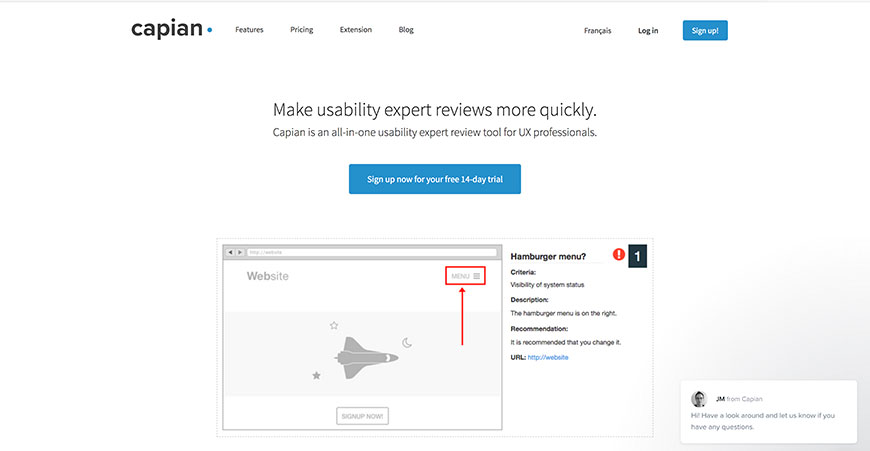
Capian is an expert-review and heuristic-evaluation platform. It walks evaluators through Nielsen heuristics or custom checklists against a set of screens, then produces a prioritised report. Useful for design teams that want lightweight expert reviews systematically captured rather than recorded only as Figma comments.
Color Tester

Color Tester is a free in-browser tool for checking colour contrast against WCAG AA and AAA thresholds. Paste in foreground/background pairs, see large-text and small-text pass/fail, and simulate common colour-vision deficiencies. It is one of several free contrast tools — pick the one that fits your workflow.
Firefly

Firefly lets users leave annotated feedback directly on a live website or prototype URL without any code installation. The team reviewing the feedback sees comments overlaid on the actual site. It is the lightweight equivalent of Pastel or Markup.io and a fit for client-review workflows.
Mental Notes by Stephen P. Anderson
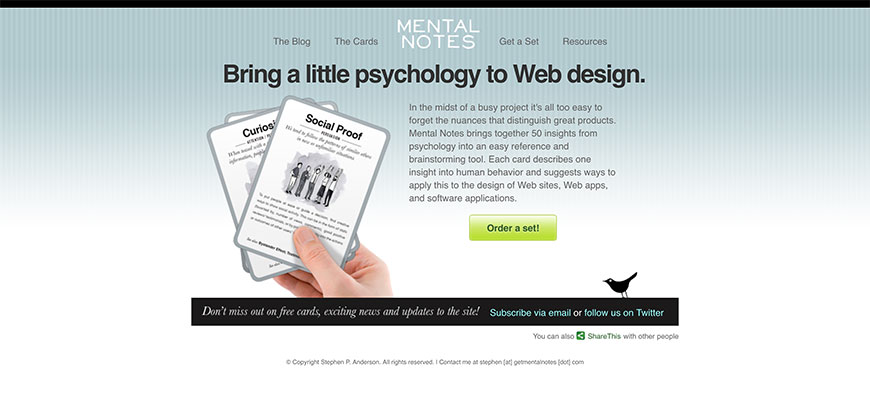
Mental Notes is a deck of cards (and digital companion) covering 50 behavioural psychology principles relevant to design — anchoring, reciprocity, social proof, default effect. It is a brainstorming and design-critique aid rather than a testing tool, and is most useful when you want a structured way to introduce behavioural thinking into a design review.
Evaluating Information Architecture
IA-evaluation tools test whether the structure of a site or app — categories, labels, navigation, search — matches how users actually think about the content. Card sorting and tree testing are the core methods. Both are unmoderated and remote, which means you can run them with hundreds of participants in days rather than dozens in weeks.
Optimal Workshop Card Sorting
Optimal Workshop’s Card Sorting (previously OptimalSort) runs open, closed, and hybrid card sorts with remote participants. The analysis includes similarity matrices, dendrograms, and standardisation grids — outputs that translate directly into a defendable IA recommendation. It is the reference implementation for online card sorting.
Optimal Workshop Tree Testing
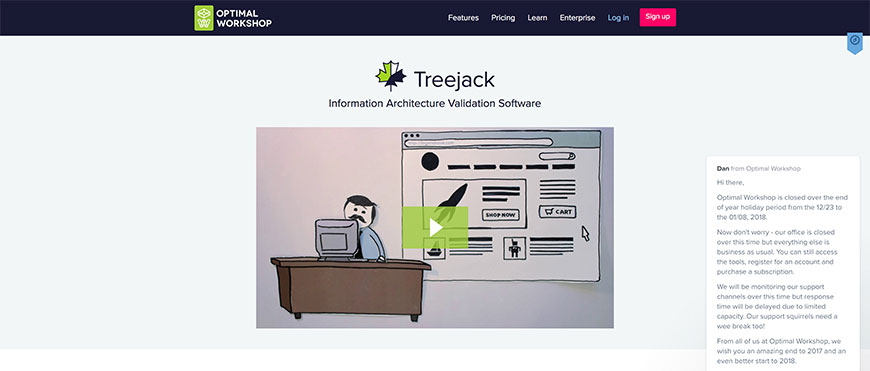
Tree Testing (previously TreeJack) measures whether users can find content in a proposed navigation hierarchy. Participants click through a tree of categories without any visual design, which isolates IA from layout and copy. Reports show success rate, directness, and the categories that most often misroute users — the data you need to defend or fix a navigation structure.
kardSort
kardSort is a free, simple alternative to Optimal Workshop’s card sorting product. It supports open and closed sorts and exports the underlying data for analysis in your own tooling. A reasonable pick for student work, smaller studies, or organisations that cannot justify a paid Optimal Workshop subscription.
FlowMapp
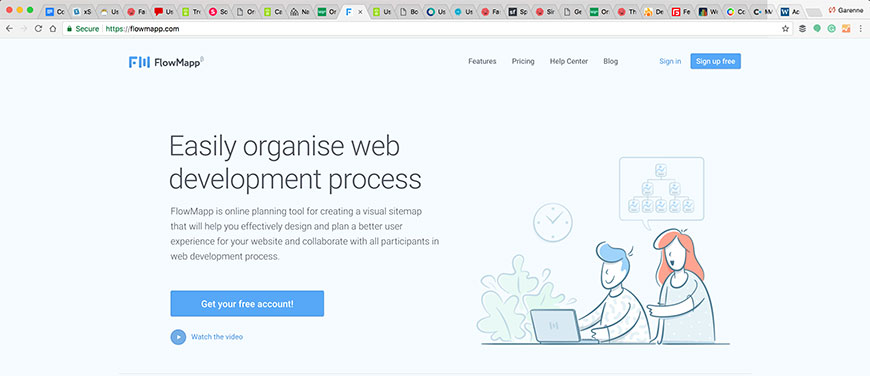
FlowMapp is an end-to-end IA and UX-planning tool that combines sitemap building, user-flow diagramming, customer journey maps, and basic content inventories. Useful when one tool needs to cover sitemap, flows, and personas instead of stitching together three different products.
Loop11
Loop11 (also covered under Evaluating Design) handles tree tests and first-click tests as well as task-based usability testing. Worth choosing if you already use Loop11 for usability testing and want to keep IA evaluation in the same tool and panel.
UserTesting (formerly UserZoom)

UserZoom was acquired by UserTesting in 2023, and the IA-testing modules — card sorting, tree testing, click testing — are now part of the UserTesting platform. Pick this if you are running broader usability testing on UserTesting and want IA testing in the same tool and panel.
SimpleCardSort
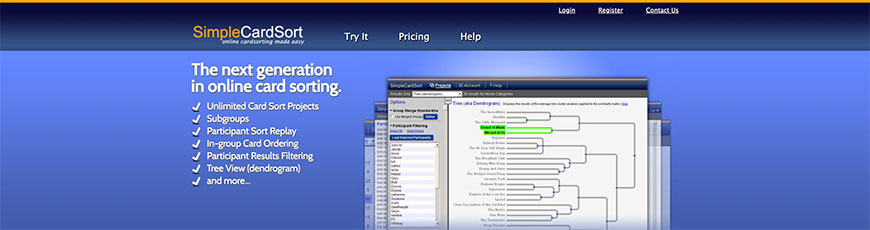
SimpleCardSort is a focused, low-cost online card sorting tool. The interface and analytics are deliberately simpler than Optimal Workshop’s — fine for straightforward open or closed sorts, less suitable when you need cluster analysis or multi-language studies.
Solidify
Solidify turns static designs and prototypes into interactive tests for IA, click testing, and usability. It supports recorded participant sessions and is particularly useful when you have a Sketch or Figma export and need to test it with users without coding a real prototype.
xSort (Mac) / proven3 alternative

xSort is a free macOS card sorting application for in-person and small remote studies. It is desktop-only, so it lacks the recruiting and panel features of cloud tools, but it is a good pick for facilitated workshop-style card sorts where participants are in the room.
Naview
Naview (also covered under prototyping) is purpose-built for navigation design. Use it to sketch and validate site structures before building any screens. The output is a defendable navigation diagram you can hand to a designer to populate with screens.
Optimal Workshop First Click Testing
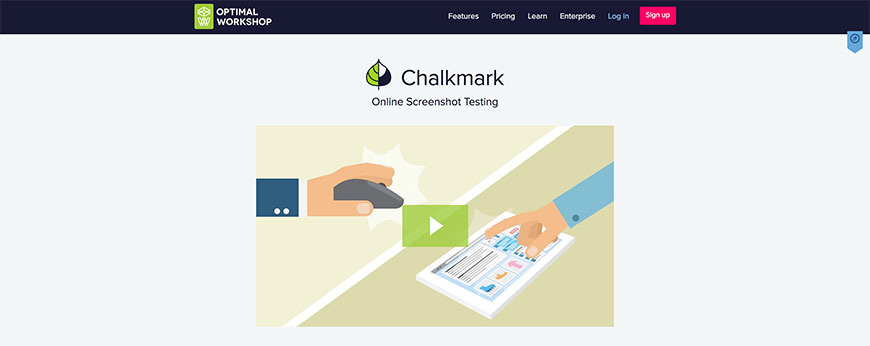
First Click Testing (previously Chalkmark) measures where participants click first on a static screen to complete a task. Where users click first is one of the strongest predictors of task success, which makes the tool a fast IA and labelling check before committing to a clickable prototype.
Heatmaps, Mouse-tracking, and Session Replay
Heatmaps and session replay tools show what users actually do on live pages — where they click, how far they scroll, where their mouse hovers, and what their exact session looked like end to end. The category has split into two camps: free or low-cost tools (Microsoft Clarity, Hotjar’s free tier) and enterprise-grade experience-analytics platforms that combine replay with funnel analysis and frustration scoring.
Microsoft Clarity
Microsoft Clarity is free, unlimited, and has reset the floor for heatmaps and session replay since its 2020 launch. It produces click, scroll, and area heatmaps, full session recordings, and AI-summarised insights. The trade-off versus paid tools is fewer enterprise integrations and less granular sampling control — for most teams that price-to-value swap is a no-brainer.
Hotjar
Hotjar bundles heatmaps, session recordings, on-site surveys, feedback widgets, and a basic funnel analysis. Now part of Contentsquare, Hotjar still ships as a standalone product with a free Basic tier and predictable per-session pricing on paid tiers. It is the default mid-market pick where Clarity feels too thin and an enterprise platform is overkill.
FullStory
FullStory is an enterprise digital-experience platform with high-fidelity session replay, retroactive funnel analysis, frustration signals like rage-clicks and dead-clicks, and broad analytics integrations. Pricing assumes a serious volume commitment but the underlying capture is exceptional — useful when product, support, and analytics teams all need to interrogate the same sessions.
LogRocket
LogRocket combines session replay with frontend error tracking, network logs, and Redux/state inspection. The product is engineering-led: instead of marketers watching scroll heatmaps, developers replay the exact sequence of state changes leading to a bug. A natural pick for product organisations where the same tool needs to serve UX research and engineering.
Mouseflow
Mouseflow is a focused heatmaps and session replay tool sitting between Clarity and Hotjar in price and capability. It supports six heatmap types — click, movement, scroll, attention, geo, live — plus form analytics, funnel analysis, and friction scoring. A reasonable Hotjar alternative if you need form analytics included.
CrazyEgg
CrazyEgg is one of the original heatmap tools and now also includes session recordings, A/B testing, and surveys. It is positioned squarely at small-to-mid-market marketing teams. The interface is approachable and the pricing is predictable, but the analytics depth is below FullStory or Contentsquare.
Inspectlet
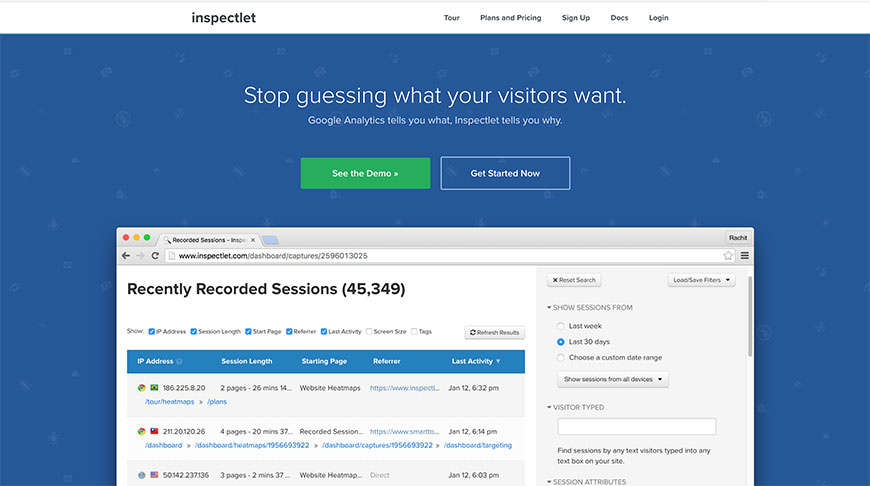
Inspectlet is a long-standing session replay and heatmap tool with strong filtering, error replay, and form analytics. It is more developer-friendly than CrazyEgg and offers per-session pricing that suits low-volume sites well.
Smartlook
Smartlook covers web and mobile-app session replays, event-based funnel analysis, and heatmaps in one platform. Its mobile-app SDK is more mature than most competitors’, which makes Smartlook a fit for teams that want one tool covering both web and native apps.
Contentsquare (formerly Clicktale)

Contentsquare absorbed Clicktale in 2019 and is now a top-tier digital-experience analytics platform. It combines heatmaps, session replay, journey analysis, AI-driven insight surfacing, and zone-based engagement metrics. Pricing is enterprise; capability is among the deepest in the category.
Medallia DXI (formerly Decibel)
Medallia acquired Decibel in 2021 and folded it into Medallia DXI (Digital Experience Insights). DXI scores sessions for frustration, struggle, and engagement and links those signals to Medallia’s broader voice-of-customer programmes. Best fit for enterprises already running Medallia for CX surveys.
Lucky Orange
Lucky Orange is a budget-friendly heatmap, recording, live chat, and survey tool aimed at small ecommerce. It has been around since 2010 and stays relevant by undercutting Hotjar’s pricing for sites that genuinely need only the basics.
Optimal Workshop
Optimal Workshop is the parent product behind Card Sorting, Tree Testing, First Click Testing, and Qualitative Insights. It is included here because the platform also ships a basic click-test heatmap on static screens — useful when you want one tool covering IA testing and lightweight visual click testing.
Ptengine
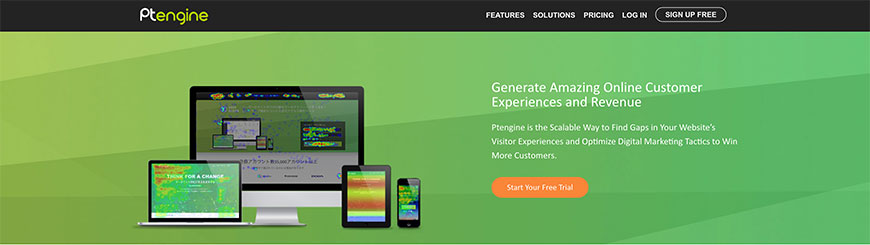
Ptengine combines heatmaps, session replay, and an experimentation engine in one platform. It is more popular in the APAC market than in North America or Europe but offers a credible Hotjar alternative for teams that want experimentation built in.
Eyetracking.me
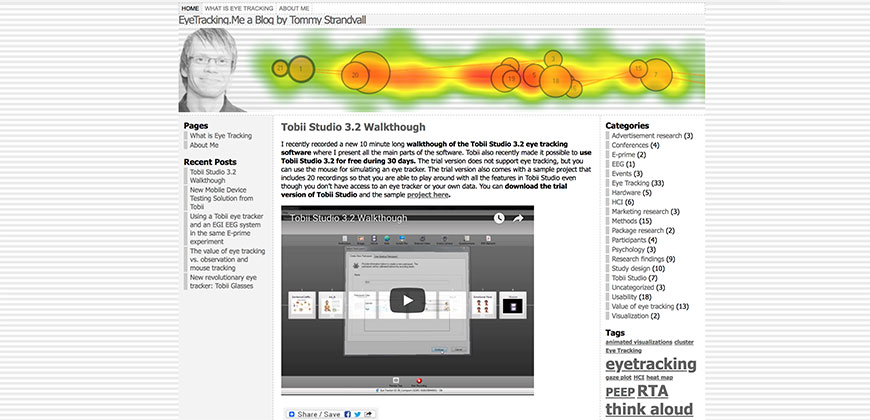
Eyetracking.me is a simulated eye-tracking tool that overlays predicted gaze and attention on web pages. Like Feng-GUI and EyeQuant, treat it as a hypothesis generator before user testing rather than a replacement for it.
Feng-GUI
Feng-GUI is also listed under Evaluating Design and is included here because it produces attention heatmaps from a still image of a page or design. It is a synthetic alternative to recording real users with eye-tracking hardware.
EyesDecide

EyesDecide is a remote eye-tracking platform that uses webcam-based gaze tracking with paid participants. It bridges the gap between synthetic prediction (EyeQuant) and lab-based eye-tracking (Tobii) by recording real eye movement on real participants without specialised hardware.
In-Application Annotation and User Onboarding
In-app onboarding tools overlay tooltips, walkthroughs, and product tours on a live application without engineering having to build them. They are equally a UX research aid (instrumenting features and measuring adoption) and a customer-success tool (driving feature adoption post-sign-up). The category has expanded considerably since 2018 — Pendo, Appcues, and Userpilot now anchor it.
Pendo
Pendo combines product analytics, in-app guides, surveys, and a roadmap product in one platform. It is the most-deployed product-led-growth tool in B2B SaaS. The analytics are tag-free at install — Pendo retroactively recognises features once you label them — which dramatically reduces the time to first useful insight.
Appcues
Appcues is a no-code product adoption tool focused on tooltips, modals, hotspots, and checklists. It is more focused than Pendo: less analytics, more onboarding flow design. Marketing and product teams use Appcues when they want to ship onboarding flows independently of engineering sprints.
Userpilot
Userpilot is a direct Appcues competitor with stronger segmentation and analytics in mid-tier plans. It supports product tours, checklists, surveys, and resource centres. Pricing typically lands below Appcues at comparable feature depth.
WalkMe
WalkMe is the enterprise option in this category. It supports both web applications and packaged software (Salesforce, Workday, SAP), with deep analytics on every step of a guided flow. The trade-off is implementation effort and price; the upside is one platform that covers both customer-facing and internal-employee adoption.
Userflow
Userflow is a fast, developer-friendly product-tour tool that emphasises a clean visual flow editor and a strong API. Engineering teams that have outgrown a low-code tool but do not want WalkMe’s enterprise overhead often pick Userflow.
Chameleon
Chameleon focuses on product adoption with deep targeting and personalisation — show different tours to different segments based on plan, behaviour, or HubSpot/Salesforce attributes. Useful when onboarding has to differ meaningfully across self-serve and sales-led segments.
Live Chat with Users
Live-chat tools serve double duty in UX work: they handle real-time customer support and conversational sales, and they also surface friction points and language patterns that you would never see in a survey. The category has consolidated around a few large players (Intercom, Zendesk, Drift, LiveChat) plus several mid-market options.
Intercom
Intercom is the dominant business-messaging platform in B2B SaaS. It combines live chat, AI agents (Fin), product tours, help centres, and outbound campaigns in one product. Most product-led companies use Intercom both for support and for conversational onboarding from inside the app.
Zendesk Chat (formerly Zopim)
Zendesk Chat is the descendant of Zopim, folded into the Zendesk Suite after Zendesk’s 2014 acquisition. If your organisation already runs Zendesk for support tickets, Zendesk Chat is the path-of-least-resistance live-chat tool because conversations and tickets share one inbox and one customer record.
LiveChat
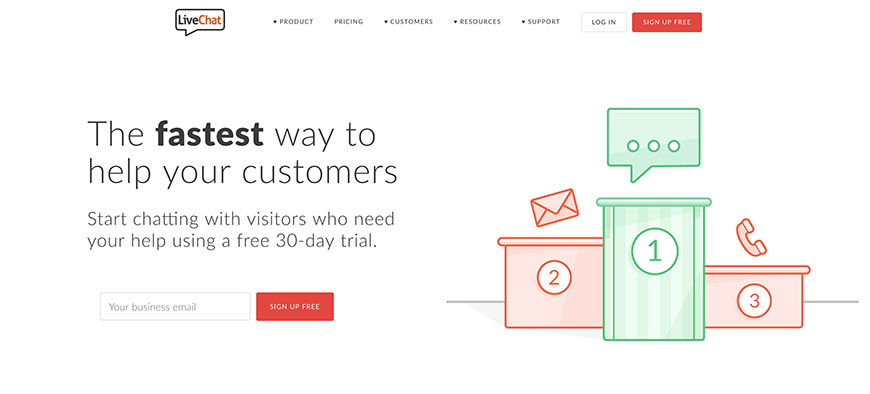
LiveChat is a focused, mature live-chat product. It is less ambitious than Intercom — it does not try to be a full customer-engagement suite — and pricing is correspondingly lower. A solid pick when the requirement is "chat with site visitors and route to support agents" and not much else.
Drift
Drift, now part of Salesloft, positions live chat as a B2B revenue tool: route sales-qualified visitors to live reps, schedule meetings inline, and run conversational landing pages. Best fit for B2B marketing teams using ABM and prioritising chat-as-pipeline-source.
Olark
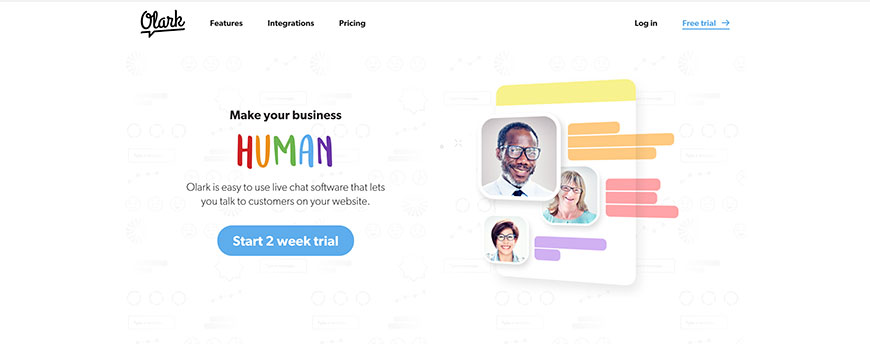
Olark is a no-frills live-chat tool with strong reporting and excellent accessibility credentials — a rare strength in this category. Pricing is straightforward seat-based, which makes it predictable for small teams that want chat without an Intercom-sized commitment.
LivePerson
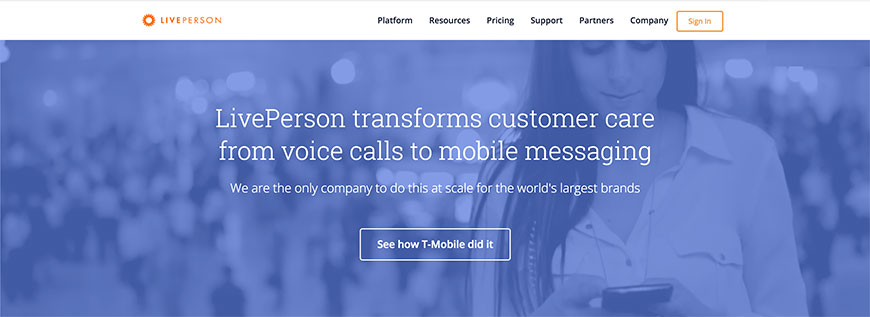
LivePerson is an enterprise conversational platform spanning live chat, messaging across SMS/WhatsApp/Apple Business Chat, and AI bots. It is overkill for small teams and well-positioned for global enterprises that need to consolidate dozens of messaging channels under one routing engine.
Crisp
Crisp is a multi-channel inbox covering chat, email, Messenger, WhatsApp, Twitter, and Telegram. It includes a basic CRM and knowledge base. Crisp is a popular Intercom alternative for SMB and indie SaaS teams, mainly because the free tier is genuinely usable for two-agent operations.
Comm100 Live Chat
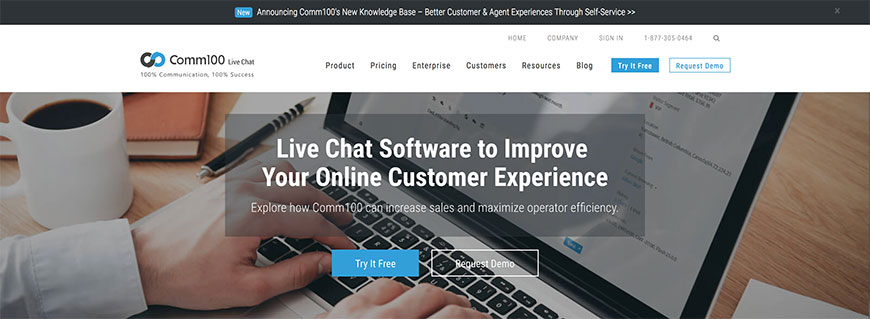
Comm100 is an enterprise live-chat and digital-engagement platform with strong omnichannel routing, AI bots, and a particularly strong presence in higher education and government deployments. Pricing assumes serious volume.
SnapEngage
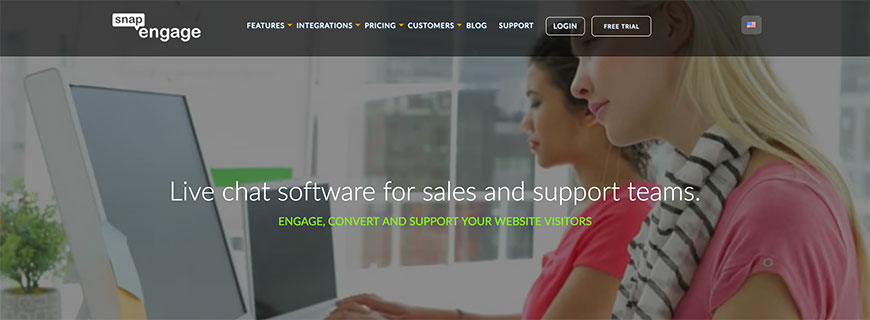
SnapEngage is mid-market live chat with strong CRM and helpdesk integrations and HIPAA-compliant deployment options. The HIPAA support makes it relevant for healthcare-adjacent UX work where Intercom and most consumer-grade tools cannot be used.
Woopra
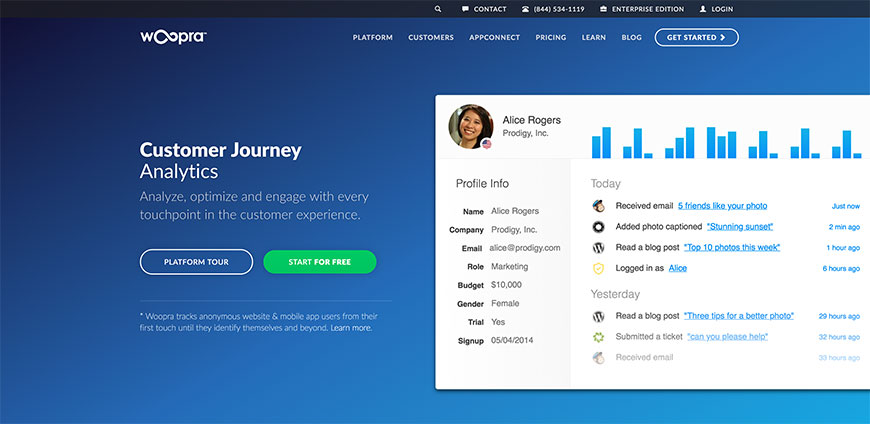
Woopra is primarily a customer-journey analytics tool that also offers a chat product. The pairing is useful when you want chat conversations stitched into the same person-level event timeline as your product analytics, instead of stranded in a separate tool.
Mobile App Testing Tools
Mobile testing tools cover device emulators, simulators, real-device cloud labs, and physical-device aids for in-person studies. The category looked very different a decade ago: most of the early-2010s emulators (Adobe Device Central, iPhoney, DotMobi) are gone, while real-device cloud platforms (BrowserStack, Sauce Labs, LambdaTest) and the official Apple and Google simulators have absorbed the rest.
BrowserStack App Live
BrowserStack is the dominant cloud real-device-testing platform. App Live offers manual interactive testing on thousands of real iOS and Android devices, App Automate runs Appium and Espresso suites in CI, and the platform is the de facto choice for most cross-device QA programmes in 2026.
Sauce Labs
Sauce Labs is the BrowserStack competitor of choice in larger enterprises. It supports Appium, XCUITest, Espresso, and a low-code option, with strong CI integrations and analytics. Tooling is comparable; the difference is usually existing relationships and pricing.
LambdaTest
LambdaTest is a newer entrant priced below BrowserStack and Sauce Labs at comparable device coverage, with a strong AI test-orchestration story (HyperExecute). It is a credible pick for cost-sensitive teams.
Xcode Simulator and Android Emulator
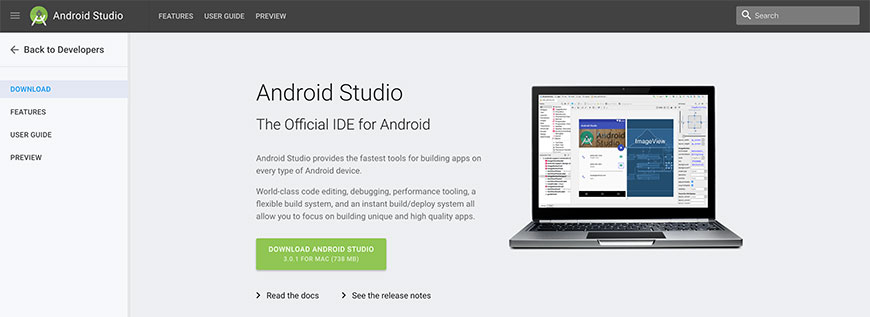
The official simulators ship with Xcode (iOS) and Android Studio (Android). They are free, fast, and accurate for most layout and flow testing. Use real devices via BrowserStack or in person for performance, sensors, and any test where the simulator’s GPU and CPU profile diverges from a real device.
Eggplant by Keysight
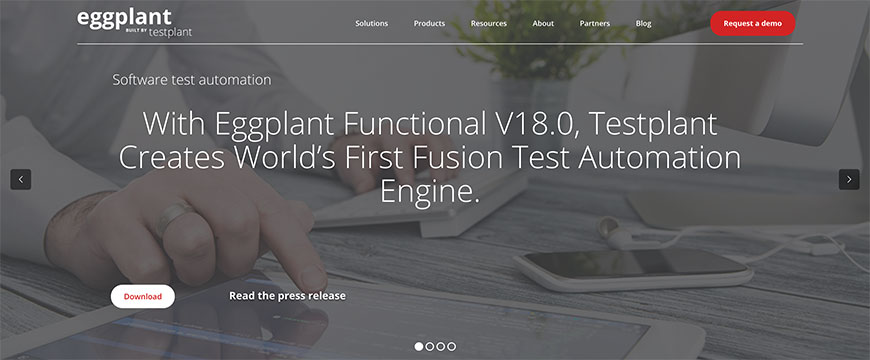
Eggplant Functional, now part of Keysight, is an enterprise UI-testing platform that uses image and OCR-based recognition to drive any application — native, web, mobile, even non-standard kiosk and embedded systems. The strength is its ability to test interfaces no other automation framework can drive; the cost is enterprise pricing.
Appium
Appium is the open-source, WebDriver-protocol mobile automation framework that most cloud device labs use under the hood. It supports iOS, Android, Windows, and macOS apps with a single API. For teams investing in long-term test automation, Appium is the foundational skill.
Charles Proxy
Charles is a debugging proxy that lets you inspect HTTP and HTTPS traffic from a mobile app on a desktop. It is essential for understanding what an app is actually requesting from servers — useful in UX research when investigating why a screen takes too long, fails offline, or sends the wrong data.
Mr Tappy
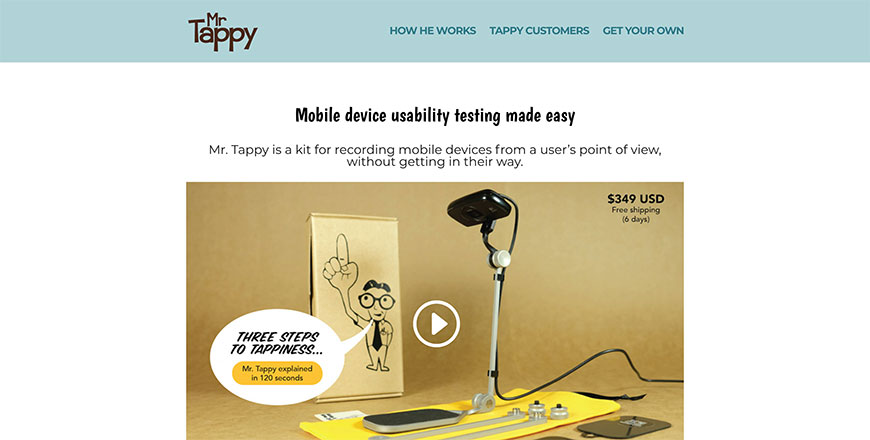
Mr Tappy is a physical mounting rig that holds a phone above a participant’s hands and aims a webcam at the screen for in-person mobile usability research. Inelegant but effective when you need to record both the screen and the participant’s interactions in a moderated session.
POP App by Marvel
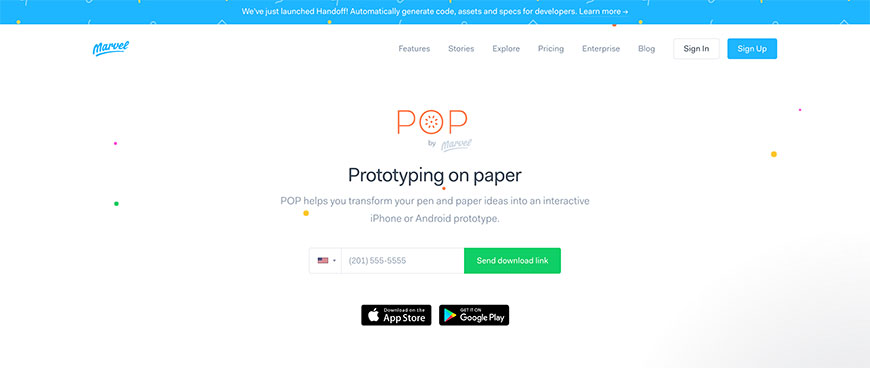
POP (Prototyping on Paper), now owned by Marvel, photographs paper sketches and links them into a clickable prototype on a phone. It is the fastest way to validate a sketched-out flow with real users on a real device — a good fit for early discovery work and design sprints.
Opera Mobile Emulator
Opera’s developer tools include a mobile emulator focused on the rendering behaviour of Opera Mobile and Opera Mini. Niche but useful when you are specifically targeting markets where Opera retains meaningful mobile-browser share.
Presentations
Presentation tools are how design and research findings get communicated to executives, clients, and the rest of the company. The category overlaps with sketching and process tools, but the focus here is the meeting-room artefact: the deck or page or video that someone presents.
Canva
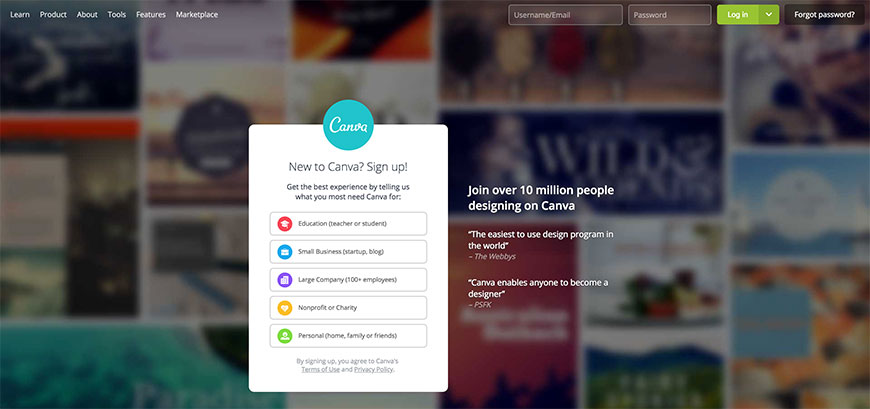
Canva has grown from a graphics tool into a full presentation platform with templates, AI-assisted slide generation (Magic Design), and real-time collaboration. It is the default pick for teams that want presentation-as-a-service: fewer Keynote-style power-user features, much lower friction to a presentable deck.
Pitch
Pitch is a collaborative presentation tool built specifically for product, design, and marketing teams. It feels like a hybrid of Figma’s collaboration and Keynote’s polish, with a clean component model and strong template management. A fit for teams that present often and value real-time co-editing.
Slides.com
Slides.com is a browser-based presentation tool with strong support for code samples, embedded media, and developer-friendly content. Not a Canva alternative for branded marketing decks; a strong fit for engineering and conference-talk presentations.
Cx/omni CEM Cloud
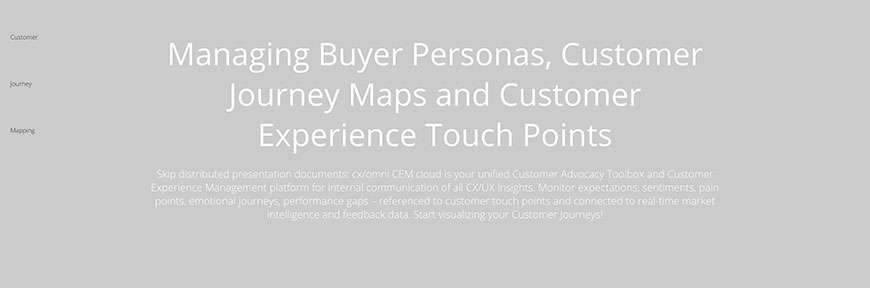
Cx/omni is a customer-experience-management platform that produces journey-map presentations, persona artefacts, and CX dashboards for stakeholder reviews. More specialised than Canva; sized and priced for enterprise CX programmes that need a structured presentation layer over a CX data model.
Tyle
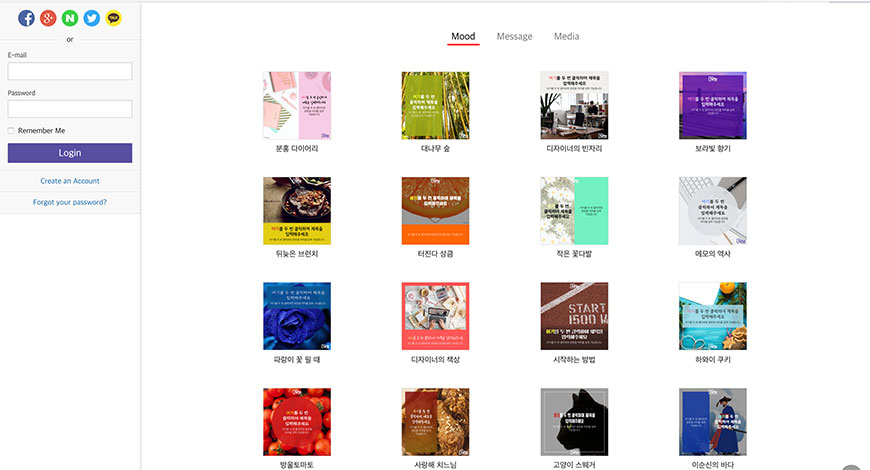
Tyle is a video-creation platform that turns text-and-asset inputs into animated short-form videos. Useful for design and research teams that want to deliver findings as a two-minute video rather than a 40-slide deck.
Process Aids
Process aids support the operational side of UX work: managing research repositories, mapping customer journeys, coordinating workshops, and storing personas, artefacts, and findings so the next person can find them. This category has consolidated around a few research-repository tools and the rise of Notion / Airtable / FigJam as general-purpose UX toolkits.
Dovetail
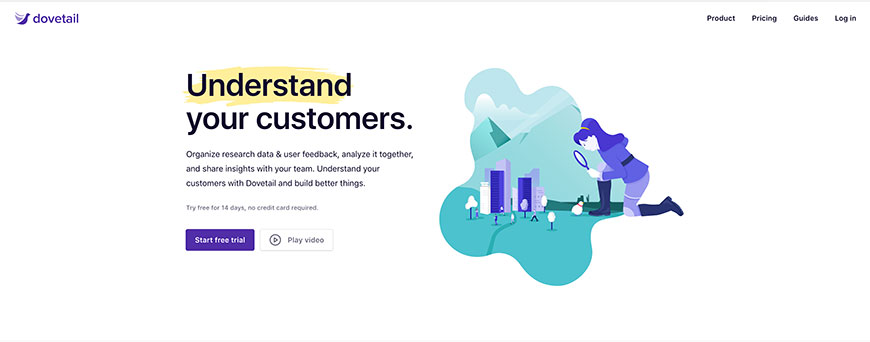
Dovetail is the leading research repository and analysis platform. It handles raw recordings and notes, tag-based analysis, transcription, AI summarisation, and a searchable insights library. For mid-to-large research teams, Dovetail is the tool that turns "we ran a study" into "we have an organisation-wide insights asset."
Optimal Qualitative Insights (formerly Reframer)

Optimal Workshop’s Qualitative Insights (previously Reframer) captures observations during research sessions, tags them, and rolls them up into themes. The tighter integration with Optimal’s IA-testing tools makes it a fit for teams that already run card sorts and tree tests through Optimal Workshop.
EnjoyHQ (formerly NomNom)
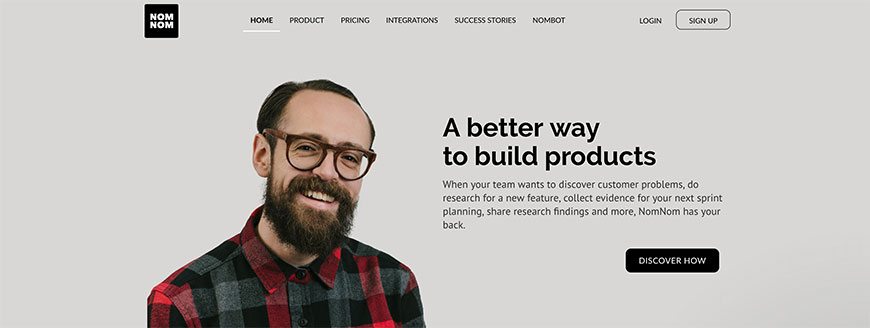
EnjoyHQ is a research repository that aggregates recordings, support tickets, NPS comments, and notes into a single searchable corpus. It overlaps with Dovetail; the differentiator is heavier ingestion of customer-support and survey data alongside research interviews.
Custellence
Custellence is a dedicated customer journey-mapping tool. Rather than reproducing a journey map in Miro or Figma, Custellence treats each step, touchpoint, and persona-emotion as structured data, which makes large maps maintainable as the product evolves. A fit for service-design and CX teams.
Notion
Notion is now a default research-ops tool for many teams: persona pages, study templates, debrief docs, and a research backlog all live in the same workspace. The trade-off versus a dedicated repository like Dovetail is no transcription, no automated tagging, no native video — but Notion is dramatically cheaper and easier for small teams to adopt.
Airtable
Airtable is a database-spreadsheet hybrid that UX teams often use for research participant tracking, study calendars, persona libraries, and competitive audits. The combination of relational structure and spreadsheet usability makes it more durable than a Google Sheet for teams that outgrow simple lists.
FigJam
FigJam is Figma’s collaborative whiteboard product. It is the default tool for affinity diagramming, journey mapping, retrospective workshops, and sticky-note synthesis since Miro and Mural are no longer the only options on every team. FigJam is a strong fit for teams that already live in Figma.
Remote Research
Remote research tools handle participant recruiting, scheduling, screening, and incentive payment for studies that do not happen in person. The category has consolidated and matured: User Interviews and Respondent.io now own the recruiting layer, while UserTesting, Trymata, and Maze handle the actual study delivery.
User Interviews
User Interviews is the leading research-recruiting marketplace. It handles screening, scheduling, incentive payment, and a growing set of research-ops features (project management, NDA workflow, panel management). For B2B and consumer research alike, it is now the default recruiting layer.
Respondent.io
Respondent specialises in B2B and professional-audience recruiting — finance professionals, developers, doctors, executives. Where User Interviews leans broader-consumer, Respondent leans harder into hard-to-find professional segments and prices accordingly.
UserTesting
UserTesting is the largest end-to-end remote research platform. After acquiring UserZoom and Validately, it now spans unmoderated tests, moderated interviews, surveys, IA testing, and a research repository in one suite. Enterprise pricing; depth and panel quality match.
Trymata (formerly TryMyUI)
Trymata (the rebranded TryMyUI) is a remote unmoderated testing platform with a System Usability Scale calculator, video recordings, and a tester panel priced below UserTesting. A reasonable mid-market pick when UserTesting’s enterprise minimums are too high.
Lyssna (formerly UsabilityHub)
Lyssna runs short remote tests against an on-demand panel — five-second tests, first-click, navigation, preference, surveys. Best for fast, lightweight remote studies rather than hour-long moderated sessions.
Maze
Maze is the dominant remote unmoderated testing platform for Figma prototypes. It handles task-based usability tests, surveys, card sorts, and tree tests with strong AI-assisted analysis. Best fit for product teams that already design in Figma and want testing in the same tool ecosystem.
Ethnio

Ethnio is a research-ops tool specialising in intercept-style recruiting from your own website or app. It handles screener pop-ups, calendar booking, and incentive payment. Useful when your best participants are your existing users rather than an external panel.
UsersThink

UsersThink is a long-form first-impression test: participants spend several minutes on a site and write substantive feedback. The output is closer to a written critique than to a clipped video. Useful for landing-page reviews and content audits.
Pick Fu
Pick Fu runs fast preference and concept tests against demographic-screened panels. Common uses include book covers, product packaging, ad creative, and landing-page hero comparisons. Targeting is segmented by demographic, lifestyle, and purchase behaviour rather than B2B firmographics.
Mechanical Turk
Amazon Mechanical Turk is a general crowdsourcing marketplace. UX teams sometimes use it for low-cost, high-volume preference testing or survey distribution, but the panel quality is uneven — qualification tests and careful screening are mandatory if findings are going to be load-bearing.
Testapic
Testapic is a French/European remote-testing platform with a panel concentrated in francophone markets. A fit when geographical or language-specific recruiting is the priority — the bigger US-based platforms cannot match Testapic’s depth in French-speaking Europe.
Research Notetaking and Synthesis
Research notetaking and synthesis tools handle the loop between raw observations (interview notes, recordings, transcripts) and the insights and themes that come out the other side. AI-assisted analysis has reshaped the category since 2022 — Notably, Looppanel, Marvin, and the AI features inside Dovetail and Optimal Workshop now do work that previously took days of manual coding.
Dovetail
Dovetail is the largest research-repository and analysis platform. Upload recordings, transcribe, tag, surface themes with AI, and publish insights to a searchable library. The 2024–2025 AI features (Magic Themes, AI Summaries) moved the product from "repository" to "repository plus analyst."
Notably
Notably is an AI-first research analysis tool that combines transcription, tagging, AI clustering, and a research-repository layer. It is positioned as a Dovetail alternative for teams that lead with AI synthesis rather than human-only tagging.
Looppanel
Looppanel is an AI notetaker for research interviews — automatic transcription, AI tagging in real time, and theme extraction. It is built specifically for the research-interview workflow rather than the generic meeting-summary use case, so it understands research-specific concepts like personas and tasks.
Condens
Condens is a research repository and analysis tool focused on transcription, tagging, and synthesis with strong support for video annotation. A solid Dovetail alternative for teams that prioritise the analyst’s workspace over the executive-facing insights library.
Marvin
Marvin is an AI-native research repository with strong recording, automated tagging, and a research operations layer. The AI surface (suggested themes, automated summarisation) is more aggressive than Dovetail’s, which works well when you want speed over manual control.
Aurelius
Aurelius is a research-repository tool focused on tagging notes, organising insights, and producing reports. Smaller and more focused than Dovetail; a reasonable pick for one- or two-person research practices that need structure but not enterprise depth.
BugHerd
BugHerd is technically a website-feedback and bug-tracking tool, but UX research teams use it for capturing observations during in-context sessions: pin a comment to a UI element, attach context (URL, OS, browser), and share with the team. A useful complement to a heavier research repository.
Screen Capture
Screen-capture tools record what is happening on a screen — for playback in research debriefs, knowledge-share videos, asynchronous walkthroughs, or moderator-side capture during a usability session. The market has split into Loom (async messaging), TechSmith (production-grade), and a long tail of open-source and budget options.
Loom

Loom (acquired by Atlassian in 2023) is the dominant async-video tool. Record screen, voice, and webcam in a few clicks, share via link, and let viewers comment with timestamps. UX teams use it for stakeholder updates, design walkthroughs, and quick research-finding shareouts in place of a meeting.
Camtasia
Camtasia is TechSmith’s production-grade screen recorder and video editor. Use it when the deliverable is a polished tutorial, training video, or research highlight reel that needs editing, captions, callouts, and transitions — not a one-take Loom share.
Snagit
Snagit replaces the long-discontinued Jing in TechSmith’s free-to-low-cost screen-capture niche. It captures stills, scrolling pages, and short videos with quick annotation. The right pick when you mainly need annotated screenshots rather than long video sessions.
ScreenPal (formerly Screencast-O-Matic)
ScreenPal is a budget alternative to Camtasia covering screen recording, basic editing, and hosting. It is popular with educators and small-team trainers and is well below Camtasia’s price for similar core capability, with less editing depth.
OBS Studio
OBS Studio is the open-source standard for streaming and screen recording. It is more powerful and more complex than Loom or Camtasia: scenes, sources, audio routing, virtual cameras. UX use cases include high-fidelity research session capture and live-streamed remote sessions.
Vidyard
Vidyard is a Loom competitor positioned at sales and marketing teams, with strong CRM integration, viewer analytics, and personalised-video at scale. UX teams sometimes pick Vidyard when video assets need to be tracked through the same analytics as marketing campaigns.
Silverback
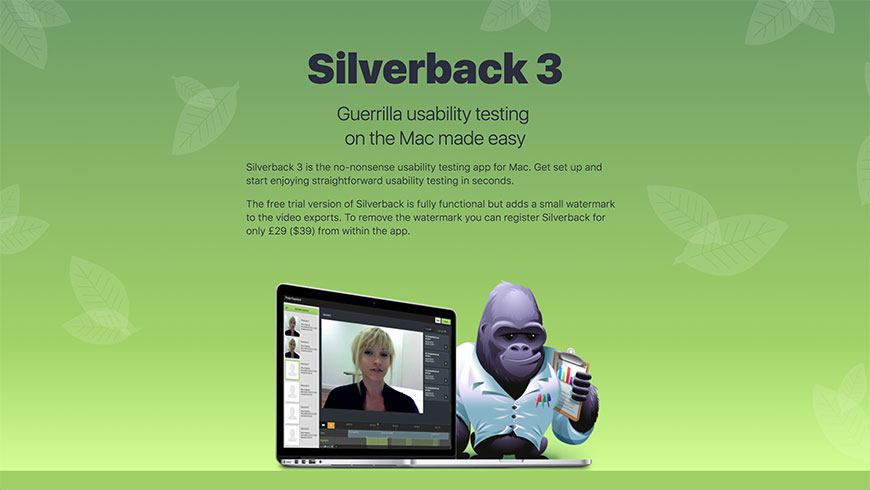
Silverback is a Mac-only guerrilla usability-testing recorder. It captures screen, webcam, and audio in one file and is intentionally simple — open it, hit record, run the session. Best for in-person moderated tests where you want one binary on the laptop and no SaaS subscription.
Inspectlet
Inspectlet is also listed under heatmaps. It records full sessions of real users on your live site, which is a different category of recording from a research-team capture tool, but it belongs here for completeness because the deliverable (replayable screen video) is similar.
zipBoard
zipBoard is a review-and-collaboration tool that lets teams record video walkthroughs of websites, prototypes, or e-learning content and then capture stakeholder feedback as time-stamped comments. A useful complement to a generic screen recorder when the deliverable will be reviewed by a client.
Site Mapping
Site-mapping tools generate a structured representation of a website’s pages and the links between them. They are foundational for content audits, IA redesigns, and SEO work. The four tools below cover the spread from comprehensive auditing platforms to lightweight planning sketches.
DynoMapper
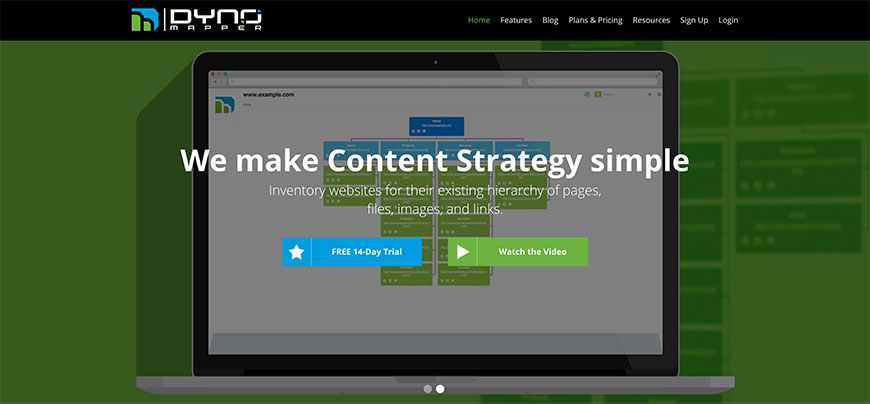
DYNO Mapper produces visual sitemaps, content audits, and accessibility audits from a crawl of any website. It is built for large-site teams: hundreds of thousands of pages, multi-user collaboration, scheduled re-crawls, and exports in formats stakeholders can actually consume. A fit for IA, SEO, and accessibility teams that want one platform across all three.
PowerMapper
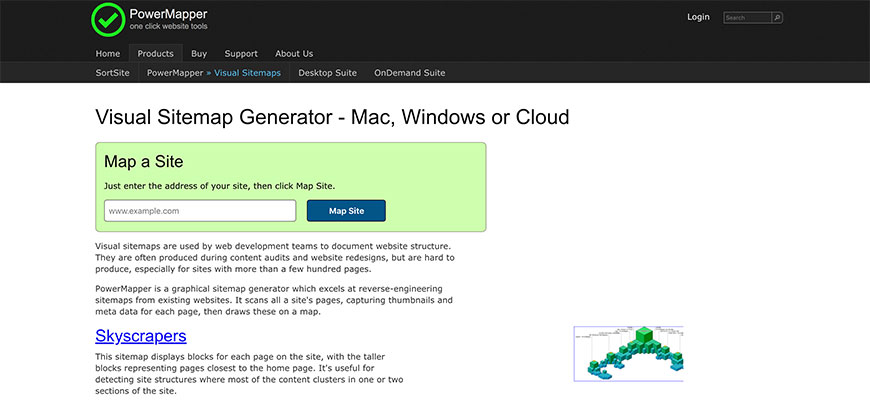
PowerMapper is a desktop tool that generates visual sitemaps from a crawl. It is more focused than DYNO Mapper and ships as a Windows app rather than a SaaS platform. A reasonable choice for one-off audits and small consultancies that prefer file-based deliverables.
Slickplan
Slickplan is a sitemap-planning tool — for designing new IA rather than auditing an existing site. It produces clean, presentable sitemaps and user flows, and integrates with content-strategy workflows. Pair Slickplan (planning the future) with DYNO Mapper (auditing the present).
Screaming Frog SEO Spider
Screaming Frog is the SEO industry’s reference crawler. It is technical, command-line-friendly, and produces deep technical-SEO output — broken links, duplicate content, schema validation, redirect chains, page-speed signals. The free tier covers small sites; the licensed tier covers everything else.
Sketching and Visual Thinking
Sketching tools serve the early, lo-fi end of design thinking — affinity diagrams, journey maps, whiteboarding, paper-equivalent ideation. The category has consolidated around digital whiteboards (Miro, Mural, FigJam) plus a small set of native tablet apps (Procreate, Concepts, Goodnotes) for actual hand-drawing.
Miro (formerly RealtimeBoard)
Miro (the rebranded RealtimeBoard) is the dominant collaborative whiteboard. Templates cover affinity diagrams, customer-journey maps, retros, story maps, and several thousand other use cases. For most distributed UX teams, Miro is now the default ideation surface.
Mural
Mural is the long-standing Miro competitor. The product positions itself for facilitator-led workshops and structured collaboration, with strong template management for design sprints and innovation workshops. A fit for organisations that buy whiteboarding for facilitator usage rather than ad-hoc team boards.
FigJam
FigJam is Figma’s collaborative whiteboard. It is the default pick for teams already living in Figma, and it pairs well with Figma design files when you want to flow from open-ended ideation into structured design without changing tools.
Procreate
Procreate is the iPad standard for digital drawing and sketching. UX use cases are narrower than "general illustration" — concept sketches, journey-map illustrations, custom storytelling assets — but for those uses Procreate is unmatched on iPad.
Concepts
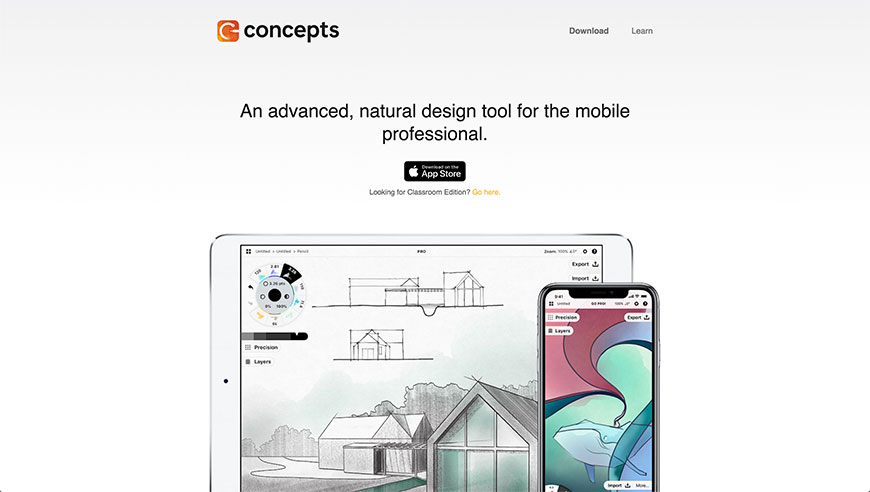
Concepts is an infinite-canvas vector sketching app for iPad and Windows. Where Procreate is raster-first, Concepts is vector-first, which makes it a better fit for sketching architecture diagrams, IA flows, and wireframes that may need to be cleaned up later.
Goodnotes
Goodnotes is an iPad note-taking and sketching app with strong handwriting recognition and PDF annotation. UX teams use it for sketched persona drafts, structured workshop notes, and PDF mark-up of competitive screenshots.
Excalidraw
Excalidraw is a free, open-source whiteboard with a deliberately hand-drawn aesthetic. It is the right pick for diagrams, sketches, and architecture drawings where the lo-fi aesthetic is itself the point — same reasoning as Balsamiq for wireframes.
Balsamiq Wireframes
Balsamiq is also covered under prototyping. The hand-drawn style fits the sketching category equally well: low-fidelity sketches that intentionally avoid polished visuals so the conversation stays on layout and content.
Canva
Canva supports basic whiteboarding via Canva Whiteboards alongside its presentation and graphic-design products. It is a credible pick for organisations that already pay for Canva and want lightweight whiteboarding without buying a second tool.
Livescribe
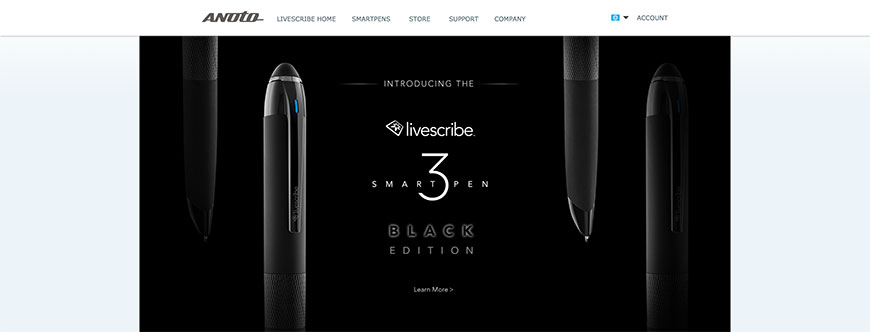
Livescribe smartpens record handwriting on special paper and sync it to a phone or tablet. The output is searchable digital text plus the original ink. A fit for researchers who still take primary notes on paper and want them digitised without retyping.
Surveying Users
Survey tools deliver structured questions to users — site-wide pop-ups, NPS, post-task ratings, longer-form research surveys. The category has split: simple form builders (Typeform, Google Forms, Tally) own the casual end; voice-of-customer platforms (Qualtrics, Medallia) own the enterprise CX end; in-product survey tools (Qualaroo, Survicate, Hotjar’s surveys) sit in the middle.
Typeform
Typeform is the conversational, one-question-at-a-time survey tool. Completion rates are typically higher than traditional grid-style surveys for short studies, and the templates and brand customisation make it a fit for marketing-flavored research as well as UX work.
SurveyMonkey
SurveyMonkey is the long-time category leader. After absorbing Usabilla and GetFeedback, it covers traditional surveys, on-site feedback widgets, and CX programmes from one platform. A fit for organisations that want one survey vendor across HR, CX, and UX research.
Google Forms
Google Forms is free, fast, and good enough for many internal and lightweight surveys. The trade-offs versus paid tools are limited logic, branding, and analytics — all of which are non-issues for a quick post-meeting survey or a participant screener.
Jotform
Jotform is a feature-rich form builder with strong conditional logic, integrations, and a generous free tier. It is positioned between Google Forms (free, simple) and SurveyMonkey (paid, enterprise) and is a popular pick for small teams that need real form logic without enterprise pricing.
Tally
Tally is a free, Notion-style form builder. It runs on a typeform-like one-question-at-a-time pattern with a generous free tier and pricing that is dramatically below Typeform’s. Common pick for indie SaaS and early-stage teams.
Qualaroo
Qualaroo (originally Kiss Insights) specialises in targeted in-product micro-surveys that fire based on user behaviour. Its sentiment-analysis and AI-assisted theme extraction sit on top of small samples of intent-rich responses — the strength of in-product surveys versus open-recruit surveys.
Survicate
Survicate is an in-product and email survey tool with strong integrations (Intercom, HubSpot, Salesforce, Slack). It is a credible Qualaroo alternative for teams that want surveys triggered by lifecycle events rather than only by on-site behaviour.
Crowdsignal (formerly Polldaddy)
Crowdsignal is the rebranded Polldaddy, owned by Automattic. It is a straightforward survey and polling tool with strong WordPress integration and a generous free tier — a fit for content sites and WordPress-centric organisations.
Wufoo

Wufoo is SurveyMonkey’s longtime sibling form-builder product. It is more form-focused than survey-focused — registration forms, lead-gen forms, structured intake — and integrates with everything in the SurveyMonkey ecosystem.
Yesinsights
Yesinsights specialises in one-click NPS and CSAT surveys delivered by email or in-app. The output is intentionally narrow and easy to act on. A fit for teams that want regular, low-friction satisfaction signals without rebuilding a full CX programme.
Uservoice
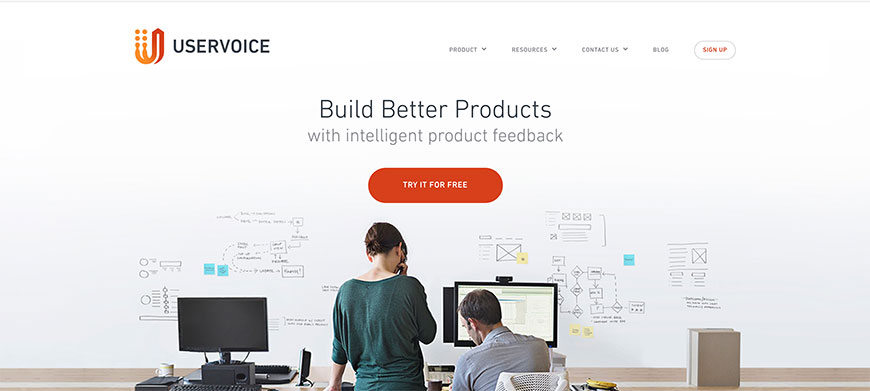
Uservoice combines product feedback collection, idea voting, and a structured roadmap-feedback loop. It is a different shape from a generic survey tool: instead of asking questions, it captures unsolicited feedback and prioritises it against a roadmap.
UserTesting (formerly UserZoom)
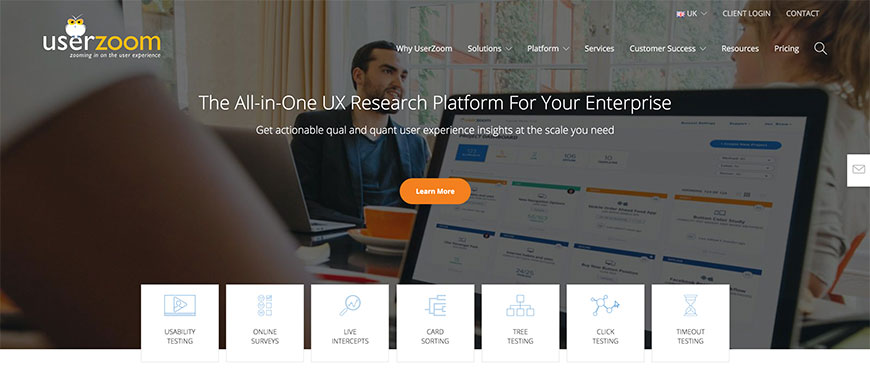
UserTesting now includes the survey capabilities of the acquired UserZoom. Best fit when surveys need to be coordinated with the same panel and research repository as moderated and unmoderated tests.
Lyssna (formerly UsabilityHub)
Lyssna’s design-survey product runs preference and ranking surveys against its panel. It is more focused than a generic survey tool, with templates designed for design and brand-evaluation studies.
Medallia (formerly Kampyle)
Kampyle was acquired by Medallia and folded into Medallia’s experience-management platform. Best fit for enterprise CX programmes where on-site feedback feeds the same data warehouse as call-centre, app, and post-purchase signals.
ARCS by M-S-G

ARCS (Automated Recruiting and Communication System) is a participant-management platform aimed at large research panels and longitudinal studies. It is more research-ops than survey, but the survey delivery and panel-management features overlap heavily.
Webreep
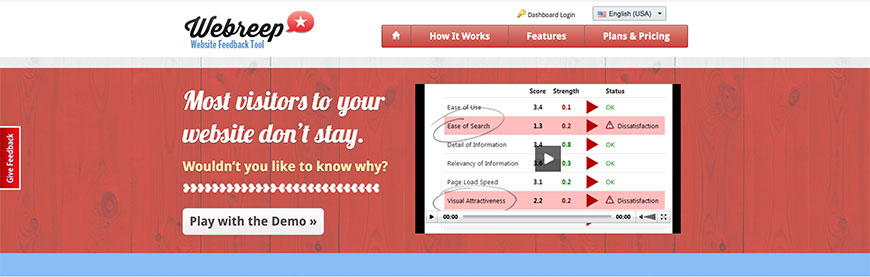
Webreep specialises in short, two-question website-feedback surveys delivered as overlays. The output is intentionally narrow — "did you achieve your goal" plus comment — and feeds straight into a feedback dashboard. Useful as a complement to richer in-product survey tools.
Feedback Lite (now Survicate)
Feedback Lite was folded into Survicate. The redirect now lands on Survicate’s product, which is the modern equivalent — in-product surveys with strong integrations.
Usability Testing
Usability testing tools are how teams watch real users attempt real tasks against a real interface — moderated or unmoderated, in-lab or remote, on-prototype or on-production. The category has consolidated around three big platforms (UserTesting, Maze, Lookback) plus a long tail of mid-market and specialist options.
UserTesting
UserTesting is the largest moderated and unmoderated remote-testing platform. After absorbing UserZoom and Validately, it covers the full range of test types, has a deep panel, and offers an enterprise research repository. Pricing matches; smaller teams typically pick alternatives.
Maze
Maze is the dominant unmoderated tool for testing Figma prototypes. Strong AI-assisted analysis and tight Figma integration make it the default for product teams running fast iterative prototype tests.
Lookback
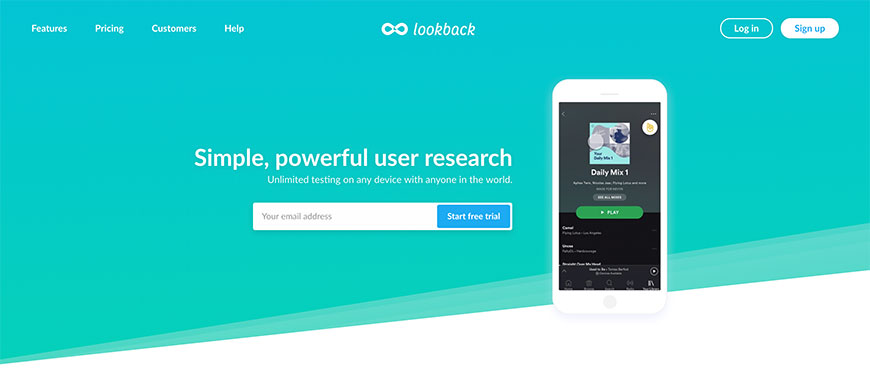
Lookback specialises in moderated remote sessions: live observation rooms, real-time team commenting, automatic transcripts, and easy clipping. It is the best fit when the priority is moderated interviews rather than unmoderated tests at scale.
Trymata (formerly TryMyUI)
Trymata runs unmoderated remote tests with a tester panel priced below UserTesting. A solid pick when UserTesting’s enterprise minimums are too steep for an early-stage research practice.
Userlytics
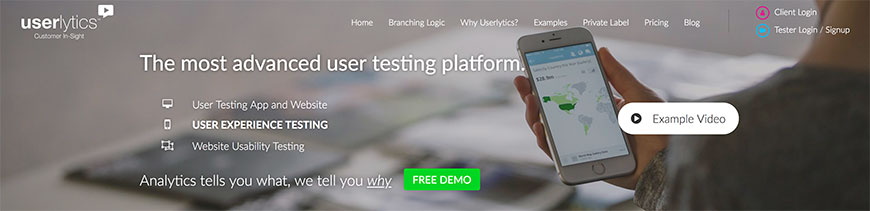
Userlytics offers moderated and unmoderated tests, persona-targeted recruiting, and webcam recordings. It positions on flexibility and pricing — pay-per-test rather than annual seat plans — which suits agencies and consultancies.
Userfeel
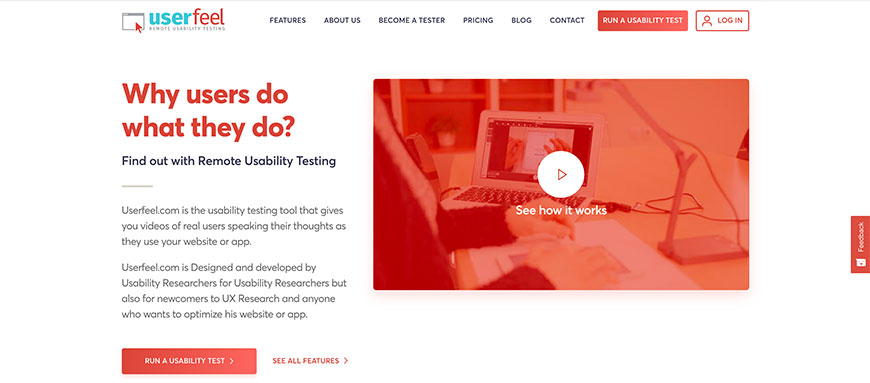
Userfeel is a credit-based unmoderated testing platform with a multilingual tester panel covering 40+ languages. The trade-off versus UserTesting is shallower analytics; the upside is a relatively low entry price and broad language coverage.
UserBob

UserBob runs short (one- to fifteen-minute) unmoderated tests with a flat per-test price. The product is intentionally simple — task setup, panel, video recording — which makes it a good fit for solo founders and small agencies that need quick, cheap test data.
Useberry
Useberry is a Maze competitor with strong Figma, Sketch, and Adobe XD integration. It supports tasks on prototypes, surveys, card sorting, and tree testing, with pricing typically below Maze.
PlaybookUX
PlaybookUX combines moderated and unmoderated remote testing with AI-assisted transcript analysis. It is a credible mid-market alternative to UserTesting for organisations that want both modes in one tool.
Hotjar Recordings
Hotjar Recordings (separate from synthetic usability testing) plays back real users’ sessions on production. Useful as a passive complement to active usability testing — you see what real users do without setting up tasks, while still running scheduled tests with a research panel.
Loop11
Loop11 (also covered under Evaluating Design and IA) is a long-standing remote testing platform with task-based usability tests, click maps, and sentiment analysis. A fit when you want one tool covering several evaluation methods.
Lyssna (formerly UsabilityHub)
Lyssna runs short remote usability tests with on-demand panel access. Best for fast preference, first-click, and five-second tests rather than full task-based usability sessions.
SurveyMonkey GetFeedback (formerly Usabilla)
SurveyMonkey GetFeedback (the descendant of Usabilla) collects on-page user feedback and complaint annotations. It is more feedback-collection than active usability testing, but it surfaces real-user frustration that complements moderated study findings.
Verint Experience Cloud (formerly ForeSee)

Verint Experience Cloud absorbed ForeSee. It is an enterprise CX-management platform that runs site-intercept satisfaction surveys, journey-level CX scoring, and longitudinal benchmarks. Best fit for large enterprises that need an industry-benchmarked CX score, not a tactical usability tool.
Silverback
Silverback is a Mac-only guerrilla usability-testing recorder, also covered under Screen Capture. Open it, hit record, run a moderated test on the laptop. It is the fastest path from "we should run a usability test" to "we have a recording" that does not require a SaaS subscription.
uxline
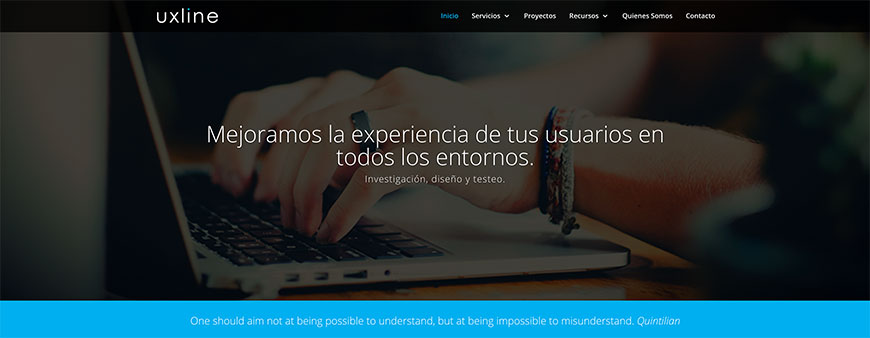
uxline is a Spanish-language remote testing platform with a panel concentrated in Latin America and Spain. A fit when geographical or language-specific recruiting is the priority for Spanish-speaking markets.
Testapic (French)
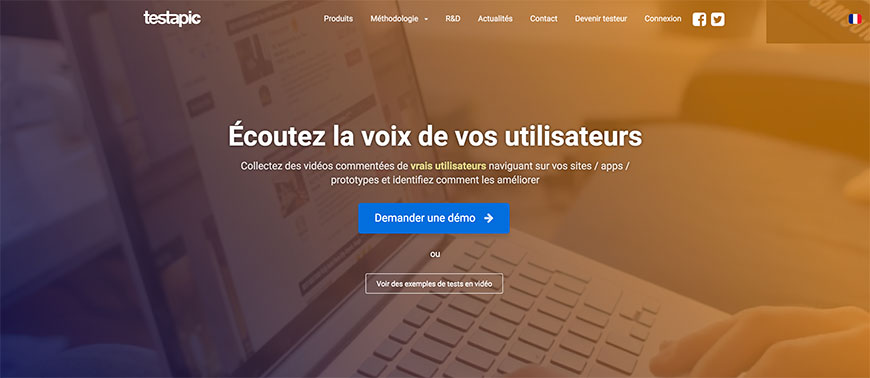
Testapic is a French/European remote-testing platform — the same product covered under Remote Research. Listed here for completeness because the panel and testing modes also support task-based usability tests.
Testaisso (Portuguese)

Testaisso is a Brazilian Portuguese-language remote testing platform. A fit when Brazil-specific recruiting and Portuguese-language tests are the priority.
WhatUsersDo (now part of UserZoom/UserTesting)
WhatUsersDo was acquired by UserZoom (now UserTesting) in 2019. The product still operates and remains a fit for UK-centric enterprise customers; new programmes typically default to the broader UserTesting platform.
Handrail

Handrail is a research-ops platform combining recruitment, scheduling, study templates, and a research repository. It is more tightly focused on agency and consultancy workflows than the consumer-product platforms above.
Verify
Verify runs lightweight preference and click tests on uploaded designs. The product is simple, fast, and inexpensive — comparable to Lyssna for design-survey-style studies — and a reasonable starter tool for teams that have not yet committed to a full testing platform.
Webtrends Optimize

Webtrends Optimize is an experimentation and personalisation platform that overlaps with the A/B testing category. It belongs here for completeness because the Webtrends suite includes session recordings and usability-flavored testing modules in its Optimize product.
Ovo Logger
Ovo Logger is a moderator-side notetaking and event-logging tool for in-lab usability sessions. Useful for facilitator-driven workshops where the moderator needs to time-stamp observations live.
Web Analytics
Web analytics tools measure traffic, behaviour, and conversion. The category looks dramatically different in 2026: Universal Analytics was sunset by Google in mid-2023; GA4 is the new default; privacy-respecting alternatives (Plausible, Fathom, Matomo) have grown into a meaningful third lane; and product-analytics tools (Mixpanel, Amplitude, PostHog, Heap) now cover use cases that web-analytics tools never handled well.
Google Analytics 4
Google Analytics 4 (GA4) is the successor to Universal Analytics, which Google sunset in 2023. It is event-based rather than session-based, integrates with BigQuery for deeper analysis, and is free for most sites. The learning curve from UA is real — if you have not migrated, it is worth doing properly with help rather than treating it as a drop-in.
Adobe Analytics

Adobe Analytics (originally Omniture, then Adobe Marketing Cloud, now part of Adobe Experience Cloud) remains the enterprise alternative to GA4. Strong segmentation, attribution, and integration with the rest of the Adobe Experience Cloud — sized and priced for enterprises that already commit to Adobe.
Matomo (formerly Piwik)
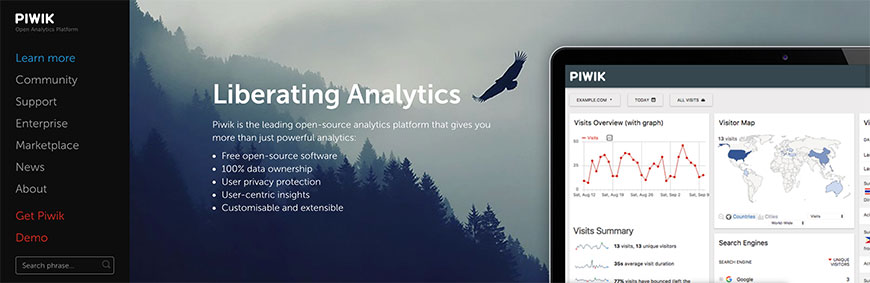
Matomo (the rebranded Piwik) is the leading open-source web-analytics platform. Self-host or use their cloud. Choose Matomo when data residency, privacy regulation, or open-source mandates rule out GA4 — Matomo can be configured to run without a cookie banner under most jurisdictions.
Plausible Analytics
Plausible is a privacy-first analytics tool: no cookies, no personal data, no consent banner needed in most jurisdictions. The dashboard is intentionally minimal compared with GA4 — the trade-off is simpler reports for dramatically less compliance overhead. A fit for marketing sites, blogs, and indie SaaS.
Fathom Analytics
Fathom is a Plausible-equivalent privacy-first analytics tool. Cookie-free, GDPR/CCPA-compliant, simple dashboard. The differences with Plausible are small; pick one based on pricing and personal preference rather than feature gaps.
Mixpanel
Mixpanel is a product-analytics platform — events, funnels, retention, segmentation — rather than a traditional web-analytics tool. It complements GA4 in product-led teams that need person-level event analysis instead of just page-level traffic stats.
Amplitude
Amplitude is the largest dedicated product-analytics platform. It supports event tracking, behavioural cohorts, retention analysis, and an experiment-results module. Amplitude is the typical pick when product analytics is a strategic capability rather than a side feature of marketing analytics.
Heap (now part of Contentsquare)
Heap is a product-analytics platform with autocapture: every click, form input, and page change is logged automatically and analysts retroactively define events. Heap was acquired by Contentsquare in 2024 and is now positioned alongside session replay in the Contentsquare suite.
PostHog
PostHog (also covered under A/B Testing) is the open-source product-analytics platform of choice when you want analytics, A/B testing, session replay, heatmaps, and feature flags in one self-hostable tool. A fit for engineering-led teams that are wary of sending product data to multiple SaaS vendors.
Contentsquare (formerly Clicktale)
Contentsquare is an enterprise digital-experience analytics platform. Heatmaps, session replay, journey analysis, and AI-driven anomaly detection. Pricing is enterprise; capability is the deepest in the experience-analytics market.
Lucky Orange
Lucky Orange combines simple analytics, heatmaps, recordings, and chat at a price point well below Hotjar or Contentsquare. A fit for small ecommerce sites that genuinely need only basic combined behavioural analytics.
Clicky
Clicky is a long-standing real-time web-analytics tool with strong heatmaps, uptime monitoring, and on-page session replay. It positions on real-time and simplicity — a Plausible-style alternative for teams that want more depth than Plausible but less complexity than GA4.
Quantcast
Quantcast is primarily an audience-measurement and advertising platform but offers a free Quantcast Measure analytics tool focused on audience demographics and content categorisation. It is more useful as a complement to a primary analytics tool than as a standalone platform.
Angelfish Software
Angelfish is on-premise web-log analytics — analysing server logs rather than running JavaScript trackers. It is a fit for intranets, regulated environments, and any context where running client-side tracking is not acceptable.
Inspectlet
Inspectlet is also listed under Heatmaps and Screen Capture. The session replay and heatmap output also functions as a behavioural-analytics complement to a traditional analytics tool like GA4.
FoxMetrics
FoxMetrics is an event-based analytics platform with first-party data infrastructure. It is positioned for organisations consolidating customer-data infrastructure that want analytics, segmentation, and CDP-style features in one platform.
LivePerson
LivePerson is primarily a conversational platform but ships behavioural analytics tied to chat conversations and bot performance. Useful when chat is a central acquisition channel and you need analytics scoped to that conversational funnel.
Loop11
Loop11 is a remote-testing platform with a click-stream and behavioural analytics layer over its tests. It is more usability-testing than web-analytics, but the behavioural data overlaps and belongs here for completeness.
UserTesting (formerly UserZoom)
UserTesting (which absorbed UserZoom in 2023) ships behavioural analytics on tested sessions. As with Loop11, this is a complement to a primary web-analytics tool when behavioural data on testing sessions is needed.
Woopra
Woopra is a customer-journey analytics platform — person-level event timelines stitched across web, app, email, support, and chat. A fit for product and CX teams that need an integrated view of one customer across all touchpoints.
Wireframing and Diagramming
Wireframing and diagramming tools overlap heavily with prototyping but the focus here is structural: low-to-medium fidelity layouts, flowcharts, ER diagrams, and architecture sketches that come before high-fidelity design. Figma+FigJam dominate the modern stack; older specialist tools (Visio, OmniGraffle, Lucidchart) still own corners of the enterprise market.
Figma + FigJam
Figma covers wireframing as well as it covers prototyping — components, auto-layout, and wireframe templates make low-fidelity work fast. FigJam adds whiteboarding and flowcharting. For most product teams in 2026, Figma+FigJam together replace what was previously several separate wireframing and diagramming tools.
Whimsical
Whimsical is a fast, no-frills wireframing, flowchart, mind-map, and sticky-note tool. It is intentionally less powerful than Figma and dramatically faster for low-fidelity work — a fit for teams that want to move from idea to wireframe in seconds, not minutes.
Sketch
Sketch (originally Sketch 3 in this list) is the macOS-native design tool that originated the modern symbol-and-component workflow. After losing market share to Figma, it has rebuilt around a hybrid model: Mac app for design work, browser-based viewer for collaboration.
Penpot
Penpot is the leading open-source Figma alternative — collaborative, browser-based, SVG-native, self-hostable. A fit for organisations with strict data-residency requirements or open-source mandates.
Excalidraw
Excalidraw is a free, open-source diagramming tool with a deliberately hand-drawn aesthetic. Best for architecture diagrams, sequence diagrams, and flow sketches where the lo-fi style keeps stakeholders focused on structure.
Axure RP
Axure is also listed under prototyping. For wireframing, it offers extensive UI libraries and the ability to scale a wireframe up to a high-fidelity, conditional-logic prototype in the same file — a workflow most other tools cannot match.
Balsamiq Wireframes
Balsamiq is the deliberately low-fidelity wireframing tool. The hand-drawn aesthetic is the point — it short-circuits arguments about polish and forces stakeholder conversation onto layout and content.
Lucidchart
Lucidchart is the dominant general-purpose diagramming tool — flowcharts, ER diagrams, network diagrams, BPMN, AWS architecture. It is more enterprise-friendly than Draw.io with stronger collaboration, governance, and Atlassian/Microsoft integrations.
draw.io / diagrams.net
diagrams.net (formerly Draw.io) is a free, open-source diagramming tool that competes directly with Lucidchart. It runs in the browser, integrates with Confluence, GitLab, and OneDrive, and supports the same range of diagram types — flowchart, ER, BPMN, network, mind map.
Microsoft Visio
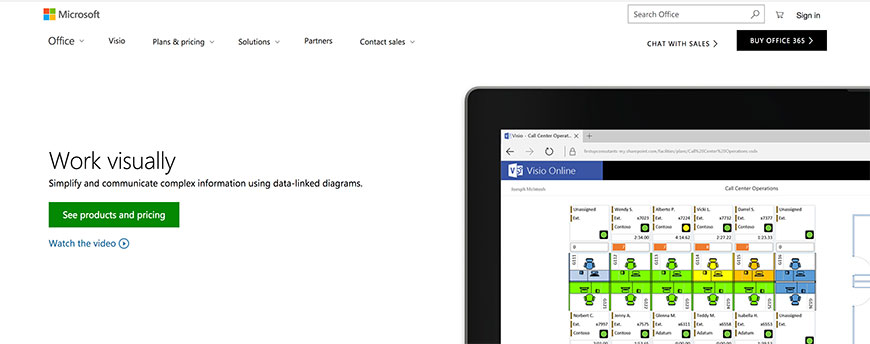
Visio remains the enterprise diagramming standard in Microsoft-shop organisations. It owns network and infrastructure diagramming categories well beyond UX work; for wireframing it is overkill, but if your stakeholders insist on .vsdx files, Visio is still the answer.
OmniGraffle
OmniGraffle is the macOS standard for serious diagramming work — wireframes, flowcharts, architecture diagrams. It predates Figma and Sketch by a decade and remains the right pick for Mac-only teams that prize precision and a native interface.
Miro
Miro (formerly RealtimeBoard) is the dominant collaborative whiteboard, with strong support for flowcharts and wireframing alongside affinity diagrams and journey maps. Listed here because Invision Studio’s wireframing role has effectively been taken over by Miro and Figma.
Cacoo
Cacoo is a browser-based diagramming and wireframing tool from Nulab. It supports flowcharts, ER diagrams, network diagrams, and wireframing with strong real-time collaboration. A fit for teams that want a Lucidchart alternative at a lower price point.
MockFlow
MockFlow is a wireframing and design-system tool. WireframePro covers low- to mid-fidelity layouts; SpaceOS adds design-system documentation. Suitable for teams that want both wireframing and a lightweight design-system tool in one product.
Mockplus
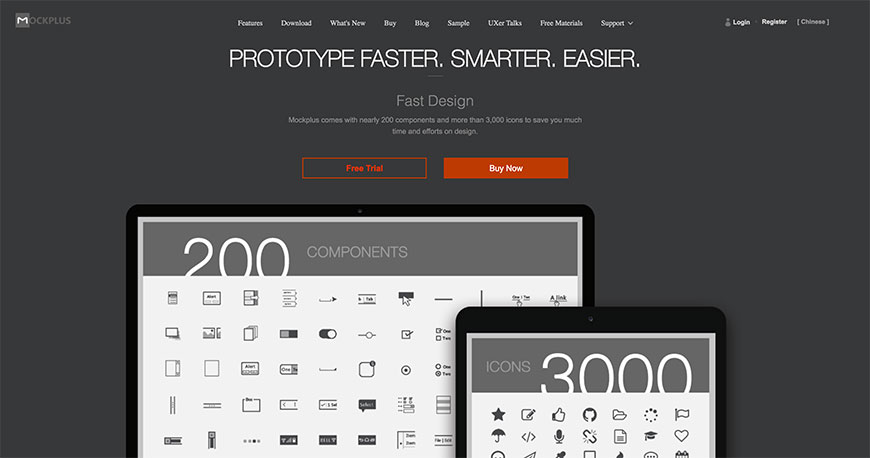
Mockplus is a Sketch- and Figma-friendly prototyping and wireframing tool with strong design-handoff and collaboration features. Pricing is competitive against UXPin and Marvel for mid-market teams.
MOQUPS
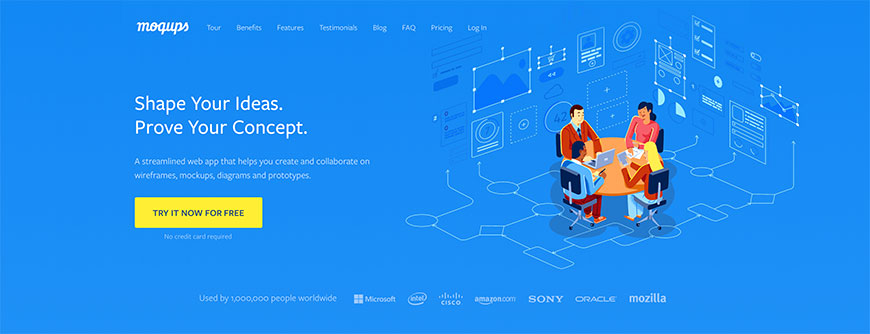
MOQUPS is a browser-based mockup, wireframing, and diagramming tool that bundles flowcharts, mind maps, and wireframes in one workspace. A fit for teams that want one tool across wireframing and lightweight diagramming.
Fluid UI
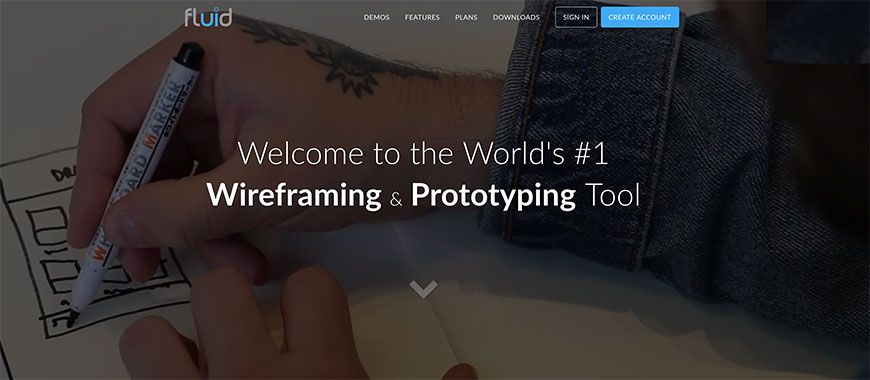
Fluid UI is a browser-based wireframing and prototyping tool with platform-specific UI libraries (iOS, Android, Material) and live device preview. Pricing is friendly to small teams.
Mockingbird
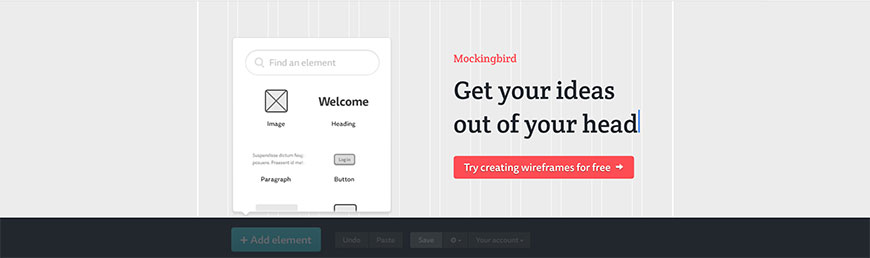
Mockingbird is a deliberately simple, low-fidelity wireframing tool. The output looks intentionally rough, which makes it a Balsamiq-style pick when you want stakeholders focused on structure rather than visual polish.
Gliffy
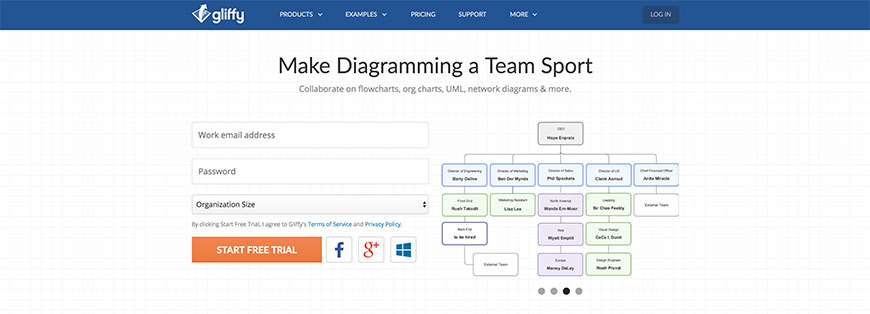
Gliffy is a browser-based diagramming tool with strong Atlassian (Confluence, Jira) integration. A fit for organisations that already publish documentation in Confluence and want diagrams that live alongside it.
Creately
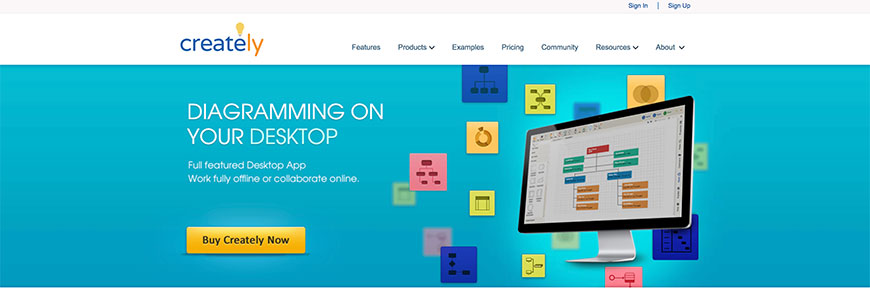
Creately is a visual collaboration platform combining diagramming, whiteboarding, and project visualisation. It overlaps Lucidchart and Miro and competes mainly on price for mid-market teams that want one combined tool.
OmniGraffle alternative — Mockplus / NinjaMock
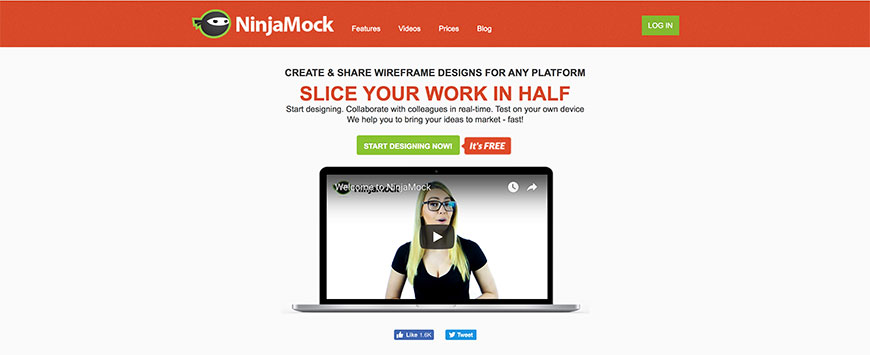
NinjaMock is a fast, simple wireframing tool with a sketch-style aesthetic. It is the Eastern-European-priced alternative to Balsamiq and Mockingbird, with similar capability at a lower price point.
Indigo.Design (formerly Indigo Studio)
Indigo.Design (the rebranded Indigo Studio) is Infragistics’ design-to-code platform. Wireframes and prototypes can be converted to Angular, React, or Blazor code — a fit for .NET- and Angular-heavy enterprises.
Pidoco
Pidoco is a collaborative wireframing and prototyping tool with PDF/Word specification export. A fit for organisations that still produce written specifications alongside wireframes.
Wirify
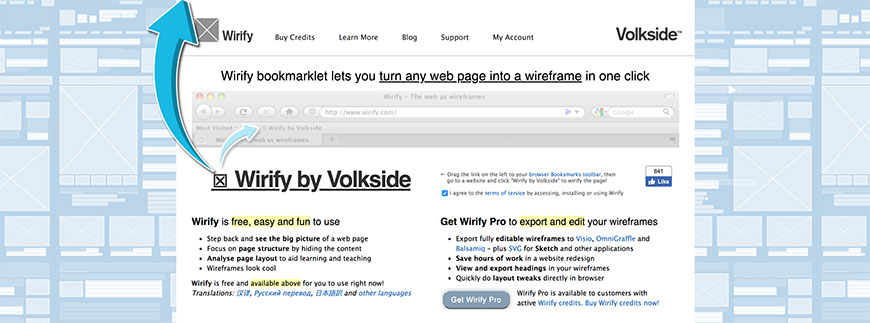
Wirify is a one-click bookmarklet that turns any live web page into a wireframe — useful for competitive audits, content audits, and reverse-engineering reference patterns from existing sites.
WireframeSketcher
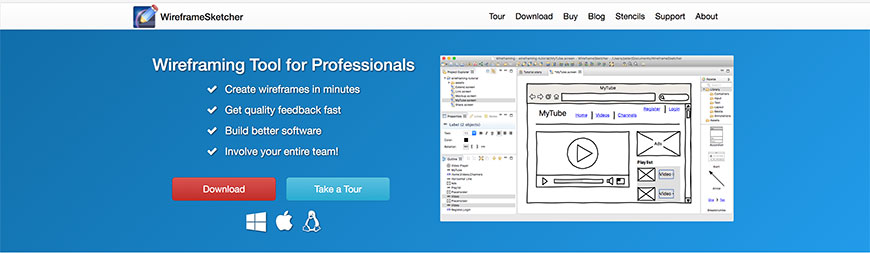
WireframeSketcher is a desktop wireframing tool with strong storyboard and design-system features. It is positioned for product managers and engineers as much as for designers — a fit for organisations where the wireframe author is not a full-time designer.
Power Mockup
Power Mockup is a PowerPoint plug-in that turns PowerPoint into a wireframing tool. Niche but useful in organisations where the audience reviews everything as PPT and the wireframe needs to live in the same file format.
Flair Builder

Flair Builder is a desktop wireframing and interactive-prototyping tool that supports linking, animations, and conditional flows. A reasonable Axure alternative at a lower price point for teams that need conditional-logic prototypes.
Koolchart
Koolchart is a JavaScript chart library aimed at dashboard and data-visualisation work. It belongs in wireframing because it ships preview templates that designers use to wireframe data-heavy interfaces before engineering builds the actual charts.
Proto.io
Proto.io is a high-fidelity prototyping tool aimed at mobile interactions. It is also covered under Design Prototyping; included here because the same tool also supports wireframing as a starting point before high-fidelity work.