
What Is a Website Crawler?
A website crawler (or spider, or bot) is a program that systematically reads web pages and follows their links. Search engines like Google use crawlers to build their index. SEO teams use crawlers to audit their own sites for broken links, duplicate content, thin pages, and structured-data errors. Researchers use them to assemble corpora; price-monitoring and market-intelligence companies use them to track competitor pricing. Most modern crawlers also respect the Robots Exclusion Protocol (formalized as RFC 9309 in 2022) — the robots.txt standard that tells crawlers which URLs are off-limits.
Crawlers fall into four broad categories: SEO auditing tools (Screaming Frog, Lumar, Sitebulb, Ahrefs Site Audit), cloud crawling platforms (Apify, Diffbot, JetOctopus), open-source frameworks (Scrapy, Apache Nutch, Heritrix), and headless-browser automation tools (Playwright, Puppeteer). Each trades off speed, JavaScript rendering, scale, and cost.
What Are the Benefits of Using a Website Crawler?
For SEO teams and site owners, running a crawler against your own site surfaces problems that would otherwise ship into production undetected: broken internal links, orphan pages, redirect chains, duplicate content, missing canonical tags, structured-data errors, slow pages, and meta-description gaps. A regular crawl audit is the closest thing to a linter for a website.
Beyond SEO, crawlers are the foundation of any workflow that needs structured data from unstructured web pages: competitor price monitoring, content change alerts, market research, job-board aggregation, training data for machine-learning models, and academic corpus building. Running a crawler is also how you populate your own site search index if you are building a domain-specific search product.
How to Choose a Website Crawler
Start with what you are actually trying to do. A few questions that map cleanly to the options below:
- Auditing your own site? Pick a commercial SEO crawler (Screaming Frog, Lumar, Sitebulb, Ahrefs Site Audit, Semrush Site Audit) or pair an open-source crawler with your own reporting layer.
- Scraping structured data at scale? Use Apify, Diffbot, or roll your own with Scrapy or Playwright.
- Crawling JavaScript-heavy sites? You need a headless-browser-based crawler (Playwright, Puppeteer, Apify, or enterprise SEO tools with JS rendering enabled).
- Building a search engine or archive? Apache Nutch, Heritrix, or YaCy are the battle-tested open-source options.
- Mirroring a static site? HTTrack or wget handle this well with no coding required.
Budget, JavaScript support, respect for robots.txt, rate-limiting, and output format (CSV, JSON, database) are the other factors that usually separate one tool from another. The 60 crawlers below span that entire range.
1. DYNO Mapper

With a focus on sitemap building (which the website crawler feature uses to determine which pages it’s allowed to read), DYNO Mapper is an impressive and functional software option.
DYNO Mapper’s website crawler lets you enter the URL (Uniform Resource Locator—the website address, such as www.example.com) of any site and instantly discover its site map, and build your own automatically.
There are three packages to choose from, each allowing a different number of projects (sites) and crawl limitations regarding the number of pages scanned. If you’re only interested in your site and a few competitors, the Standard package (at $40 a month paid annually) is a good fit. However, the Organization ($1908 per year) and Enterprise ($4788 a year) packages are better options for higher education and medium to large sized companies, especially those who want to be able to crawl numerous sites and up to 200,000 pages per crawl.
2. Screaming Frog SEO Spider
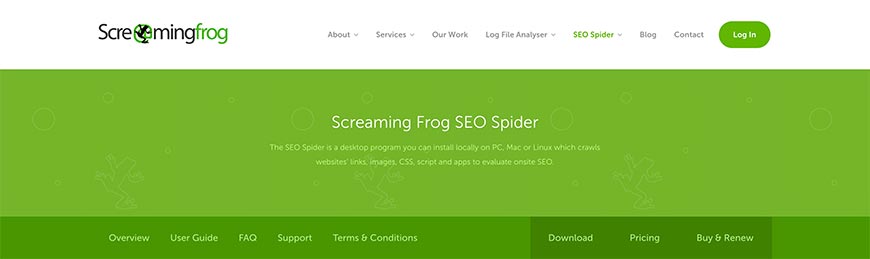
Screaming Frog offers a host of search engine optimization tools, and their SEO Spider is one of the best website crawlers available. You’ll instantly find where your site needs improvement, discovering broken links and differentiating between temporary and permanent redirects.
While their free version is somewhat competent, to get the most out of the Screaming Frog SEO Spider tool, you’ll want to opt for the paid version. Priced at about $197 (paid on an annual basis), it allows for unlimited pages (memory dependent) as well as a host of functions missing from the free version. These include crawl configuration, Google Analytics integration, customized data extraction, and free technical support.
Screaming Frog claim that some of the biggest sites use their services, including Apple, Disney, and even Google themselves. The fact that they’re regularly featured in some of the top SEO blogs goes a long way to promote their SEO Spider.
3. Lumar (formerly DeepCrawl)
Lumar, renamed from DeepCrawl in 2022, is an enterprise-grade website intelligence platform used by major brands for site audits, log-file analysis, and technical SEO monitoring. It handles sites with tens of millions of URLs, executes JavaScript, and integrates with Google Search Console, Google Analytics, and Adobe Analytics. Subscription-based pricing (contact sales). Best for large organizations that need continuous monitoring rather than one-off audits.
4. Apify
Apify (formerly Apifier) is a cloud-based crawling and scraping platform built around reusable “Actors” — containerized scripts that scrape specific targets. Apify ships thousands of ready-made Actors for common targets (Google Maps, Amazon, Twitter, real-estate sites) and supports custom Actors written in Node.js or Python. Free tier available; paid plans from $49/month. Best for teams that want ready-made scrapers without managing infrastructure.
5. OnCrawl
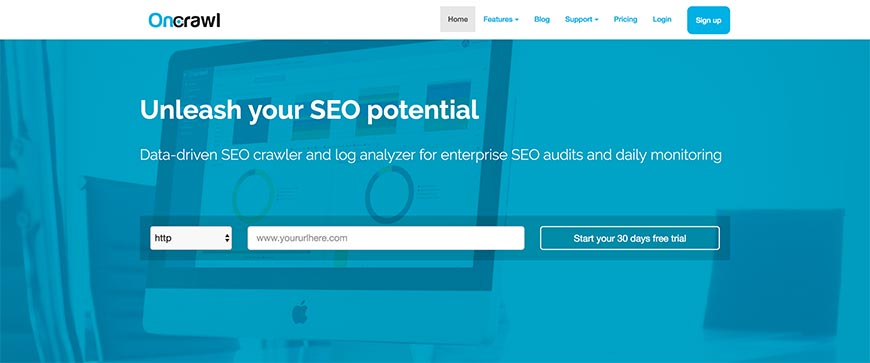
Since Google understands only a portion of your site, OnCrawl offers you the ability to read all of it with semantic data algorithms and analysis with daily monitoring.
The features available include SEO audits, which can help you improve your site’s search engine optimization and identify what works and what doesn’t. You’ll be able to see exactly how your SEO and usability is affecting your traffic (number of visitors). OnCrawl even monitors how well Google can read your site with their crawler and will help you to improve and control what does and doesn’t get read.
With OnCrawl’s Starter package ($136 a year) affords you a 30-day money back guarantee, but it’s so limited you’ll likely be upgrading to one of the bigger packages that don’t offer the same money-back guarantee. Pro will set you back $261 a year—you get two months free with the annual plan—but will also cover almost every requirement.
6. SEO Chat Website Crawler and XML Site Map Builder
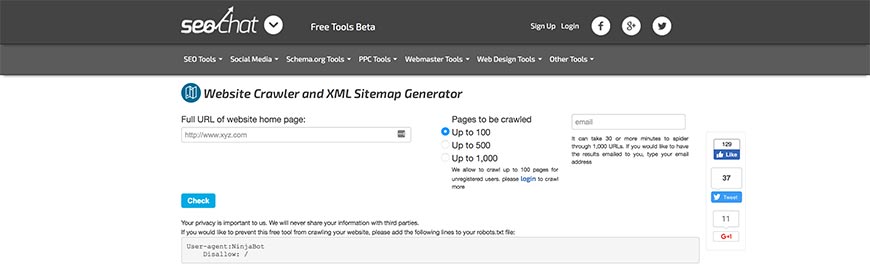
We now start moving away from the paid website crawlers to the free options available, starting with the SEO Chat Website Crawler and XML Site Map Builder. Also referred to as SEO Chat’s Ninja Website Crawler Tool, the online software mimics the Google sitemap generator to scan your site. It also offers spell checking and identifies page errors, such as broken links.
It’s incredibly easy to use integrate with any number of SEO Chat’s other free online SEO tools. After entering the site URL—either typing it out or using copy/paste—you can choose whether you want to scan up to 100, 500, or 1000 pages from the site.
Of course, there are some limitations in place. You’ll have to register (albeit for free) if you want the tool to crawl more than 100 pages, and you can only run five scans a day.
7. Webmaster World Website Crawler Tool and Google Sitemap Builder
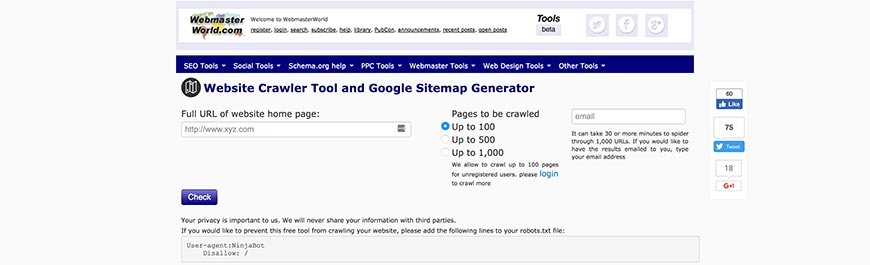
The Webmaster World Website Crawler Tool and Google Sitemap Builder is another free scanner available online. Designed and developed in a very similar manner to the SEO Chat Ninja Website Crawler Tool above, it also allows you to punch in (or copy/paste) a site URL and opt to crawl up to 100, 500, or 1000 of its pages. Because the two tools have been built using almost the same code, it comes as no surprise that you’ll need to register for a free account if you want it to scan more than 100 pages.
Another similarity is that it can take up to half an hour to complete a website crawl, but allows you to receive the results via email. Unfortunately, you’re still limited to five scans per day.
However, where the Webmaster World tool does outshine the SEO Chat Ninja is in its site builder capabilities. Instead of being limited to XML, you’ll be able to use HTML too. The data provided is also interactive.
8. Rob Hammond’s SEO Crawler
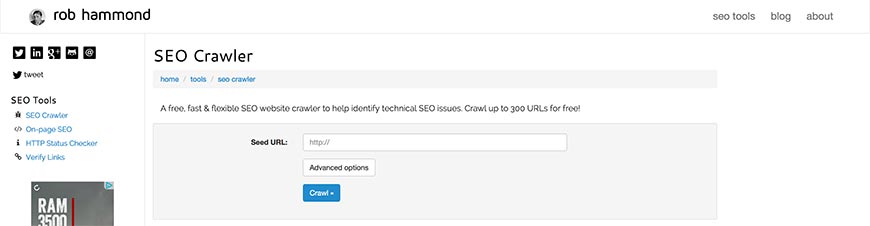
Rob Hammond offers a host of architectural and on-page search engine optimization tools, one of which is a highly efficient free SEO Crawler. The online tool allows you to scan website URLs on the move, being compatible with a limited range of devices that seem to favor Apple products. There are also some advanced features that allow you to include, ignore, or even remove regular expressions (the search strings we mentioned earlier) from your crawl.
Results from the website crawl are in a TSV file, which can be downloaded and used with Excel. The report includes any SEO issues that are automatically discovered, as well as a list of the total external links, meta keywords, and much more besides.
The only catch is that you can only search up to 300 URLs for free. It isn’t made clear on Hammond’s site whether this is tracked according to your IP address, or if you’ll have to pay to make additional crawls—which is a disappointing omission.
9. WebCrawler.com
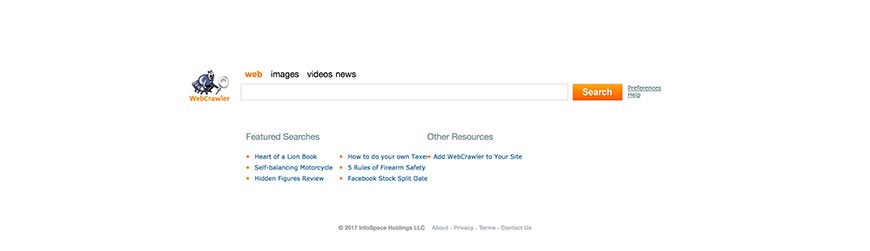
WebCrawler.com is easily the most obviously titled tool on our list, and the site itself seems a little overly simplistic, but it’s quite functional. The search function on the site’s homepage is a little deceptive, acting as a search engine would and bringing up results of the highest ranking pages containing the URL you enter. At the same time, you can see the genius of this though—you can immediately see which pages are ranking better than others, which allows you to quickly determine which SEO methods are working the best for your sites.
One of the great features of WebCrawler.com is that you can integrate it into your site, allowing your users to benefit from the tool. By adding a bit of HTML code to your site (which they provide for you free of charge as well), you can have the WebCrawler.com tool appear on your site as a banner, sidebar, or text link.
10. Diffbot
Diffbot uses computer vision and natural-language processing to extract structured data from web pages without requiring site-specific scraping rules. Its Automatic Extraction APIs identify articles, products, discussions, and events automatically, and the Knowledge Graph indexes over 10 billion web entities. Subscription-based, starting around $299/month. Best for teams that need clean structured data from heterogeneous sources without writing per-site parsers.
11. The Internet Archive’s Heritrix
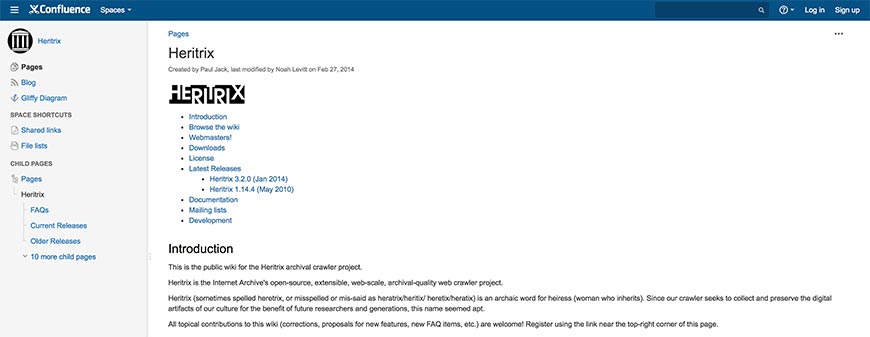
The Internet Archive’s Heritrix is the first open source website crawler we’ll be mentioning. Because it (and, in fact, the rest of the crawlers that follow it on our list) require some knowledge of coding and programming languages. Hence, it’s not for everyone, but still well worth the mention.
Named after an old English word for an heiress, Heritrix is an archival crawler project that works off the Linux platform using JavaScript. The developers have designed Heritrix to be SRE compliant (following the rules stipulated by the Standard for Robot Exclusion), allowing it to crawl sites and gather data without disrupting site visitor experience by slowing the site down.
Everyone is free to download and use Heritrix, for redistribution and (or) modification (allowing you to build your website crawler using Heritrix as a foundation), within the limitations stipulated in the Apache License.
12. Apache Nutch
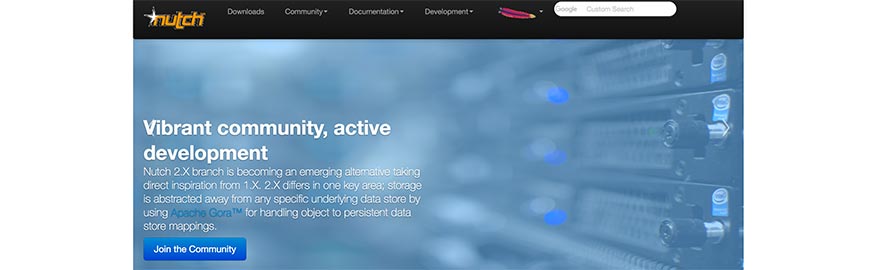
Based on Apache Lucene, Apache Nutch is a somewhat more diversified project than Apache’s older version. Nutch 1.x is a fully developed cross-platform JavaScript website crawler available for immediate use. It relies on another of Apache’s tools, Hadoop, which makes it suitable for batch processing—allowing you to crawl several URLs at once.
Nutch 2.x, on the other hand, stems from Nutch 1.x but is still being processed (it’s still usable, however, and one can use it as a foundation for developing your website crawler). The key difference is that Nutch 2.x uses Apache Gora, allowing for the implementation of a more flexible model/stack storage solution.
Both versions of Apache Nutch are modular and provide interface extensions like parsing, indexation, and a scoring filter. While it’s capable of running off a single workstation, Apache does recommend that users run it on a Hadoop cluster for maximum effect.
13. Scrapy
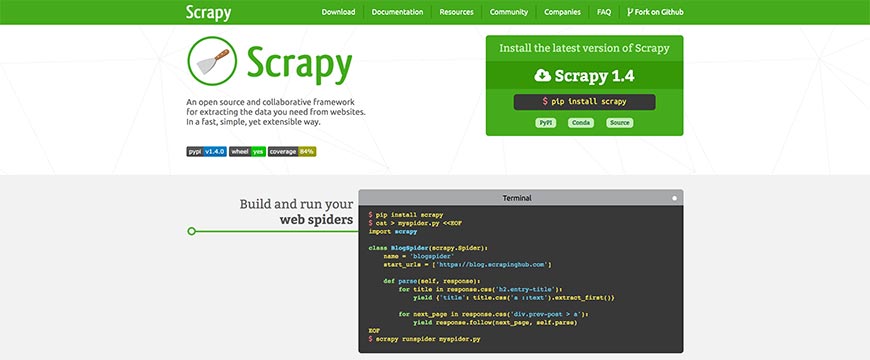
Scrapy is a collaborative open source website crawler framework, designed with Python for cross-platform use. Developed to provide the basis for a high-level web crawler tool, Scrapy is capable of performing data mining as well as monitoring, with automated testing. Because the coding allows for requests to be submitted and processed asynchronously, you can run multiple crawl types—for quotes, for keywords, for links, et cetera—at the same time. If one request fails or an error occurs, it also won’t interfere with the other crawls running at the same time.
This flexibility allows for very fast crawls, but Scrapy is also designed to be SRE compliant. Using the actual coding and tutorials, you can quickly set up waiting times, limits on the number of searches an IP range can do in a given period, or even restrict the number of crawls done on each domain.
14. Sitebulb
Sitebulb is a desktop SEO crawler with a focus on visual reporting and prioritized recommendations. Where Screaming Frog gives you raw data, Sitebulb organizes issues by severity and generates client-ready reports with screenshots and explanations. Available as a desktop app (Windows/Mac) or cloud (Sitebulb Cloud). Pricing starts at £13.50/month for the desktop app. Best for SEO consultants and agencies who need presentable audit output.
15. GNU Wget
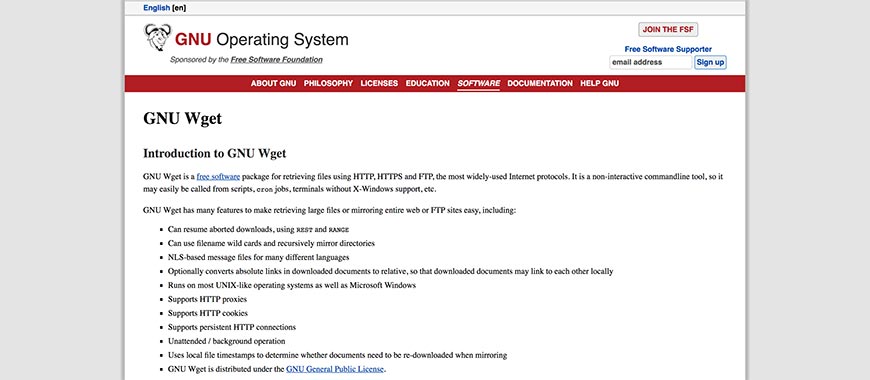
Formed as a free software package, GNU Wget leans toward retrieving information on the most common internet protocols, namely HTTP, HTTPS, and FTP. Not only that, but you’ll also be able to mirror a site (if you so wish) using some of GNU Wget’s many features.
If a download of information and files is interrupted or aborted for any reason, using the REST and RANGE commands, allow you to resume the process with ease quickly. GNU Wget uses NSL-based message files, making it suitable for a wide array of languages, and can utilize wildcard file names.
Downloaded documents will be able to interconnect locally, as GNU Wget’s programming allows you to convert absolute links to relative links.
GNU Wget was developed with the C programming languages and is for use on Linux servers (but compatible with other UNIX operating systems, such as Windows).
16. JetOctopus
JetOctopus is a cloud-based technical SEO crawler designed for large sites — it can crawl millions of URLs in hours and integrates Google Search Console, log-file analysis, and Core Web Vitals data into a single dashboard. Strong JavaScript rendering support and built-in segmentation make it a popular alternative to Lumar and Botify for enterprise SEO teams. Pricing from $99/month.
17. HTTrack Website Copier
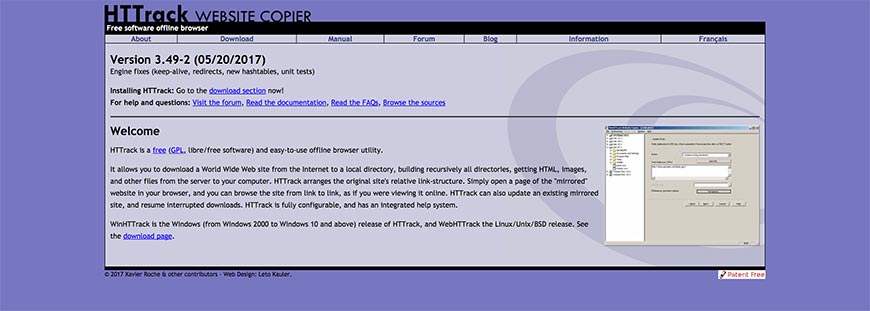
The HTTrack Website Copier is a free, easy-to-use offline website crawler developed with C and C++. Available as WinHTTrack for Windows 2000 and up, as well as WebHTTrack for Linux, UNIX, and BSD, HTTrack is one of the most flexible cross-platform software programs on the market.
Allowing you to download websites to your local directory, HTTrack allows you to rebuild all the directories recursively, as well as sourcing HTML, images, and other files. By arranging the site’s link structure relatively, you’ll have the freedom of opening the mirrored version in your browser and navigate the site offline.
Furthermore, if the original site is updated, HTTrack will pick up on the modifications and update your offline copy. If the download is interrupted at any point for any reason, the program is also able to resume the process automatically.
HTTrack has an impressive help system integrated as well, allowing you to mirror and crawl sites without having to worry if anything goes wrong.
18. Norconex Collectors
Available as an HTTP Collector and a Filesystem Collector, the Norconex Collectors are probably the best open source website crawling solutions available for download.
JavaScript based, Norconex Collectors are compatible with Windows, Linux, Unix, Mac, and other operating systems that support Java. And if you need to change platforms at any time, you’ll be able to do so without any issues.
Although designed for developers, the programs are often extended by integrators and (while still being easily modifiable) can be used comfortably by anyone with limited developing experience too. Using one of their readily available Committers, or building your own, Norconex Collectors allow you to make submissions to any search engine you please. And if there’s a server crash, the Collector will resume its processes where it left off.
The HTTP Collector is designed for crawling website content for building your search engine index (which can also help you to determine how well your site is performing), while the Filesystem Collector is geared toward collecting, parsing, and modifying information on local hard drives and network locations.
19. OpenSearchServer
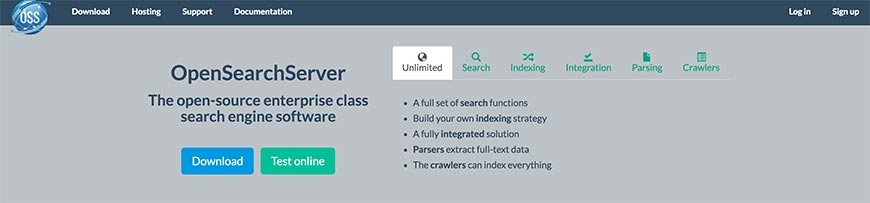
While OpenSearchServer also offers cloud-based hosting solutions (starting at $228 annually on a monthly basis and ranging up to $1428 for the Pro package), they also provide enterprise-class open source search engine software, including search functions and indexation.
You can opt for one of six downloadable scripts. The Search code, made for building your search engine, allows for full text, Boolean, and phonetic queries, as well as filtered searches and relevance optimization. The index includes seventeen languages, distinct analysis, various filters, and automatic classification. The Integration script allows for index replication, periodic task scheduling, and both REST API and SOAP web services. Parsing focuses on content file types such as Microsoft Office Documents, web pages, and PDF, while the Crawler code includes filters, indexation, and database scanning.
The sixth option is Unlimited, which includes all of the above scripts in one fitting space. You can test all of the OpenSearchServer code packages online before downloading. Written in C, C++, and Java PHP, OpenSearchServer is available cross-platform.
20. YaCy
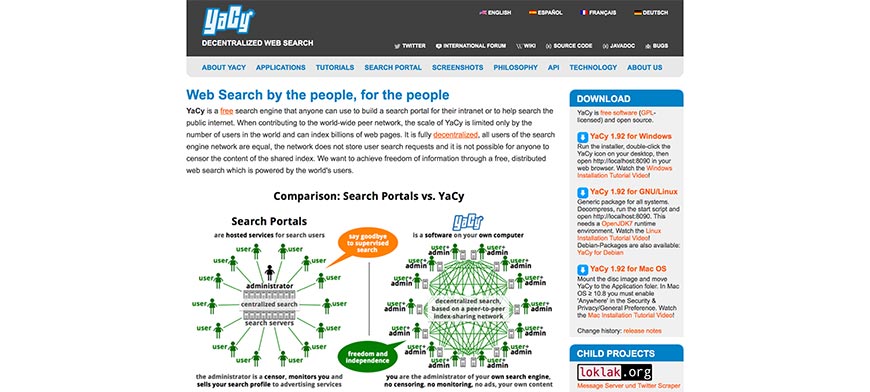
A free search engine program designed with Java and compatible with many operating systems, YaCy was developed for anyone and everyone to use, whether you want to build your search engine platform for public or intranet queries.
YaCy’s aim was to provide a decentralized search engine network (which naturally includes website crawling) so that all users can act as their administrator. Period means that search queries are not stored, and there is no censoring of the shared index’s content either.
Contributing to a worldwide network of peers, YaCy’s scale is only limited by its number of active users. Nevertheless, it is capable of indexation billions of websites and pages.
Installation is incredibly easy, taking only about three minutes to complete—from download, extraction, and running the start script. While the Linux and Debian versions do require the free OpenJDK7 runtime environment, you won’t need to install a web server or any databases—all of that is included in the YaCy download.
21. Ahrefs Site Audit
Ahrefs Site Audit is the crawling module inside the broader Ahrefs SEO suite. It crawls your site, flags 140+ common SEO issues (broken links, redirect chains, missing meta, slow pages, thin content), and ties each finding back to Ahrefs’ backlink and keyword data so you can prioritize fixes by traffic impact. Included in Ahrefs plans starting at $129/month. Best when you are already paying for Ahrefs for backlink research.
22. Semrush Site Audit
Semrush’s Site Audit tool crawls your site weekly and scores overall technical SEO health, surfacing issues grouped as Errors, Warnings, and Notices. Like Ahrefs, it integrates with the rest of the Semrush platform, so audit findings connect to keyword, competitor, and backlink data. Included with Semrush subscriptions starting at $139.95/month.
23. Uwe Hunfeld’s PHP Crawler
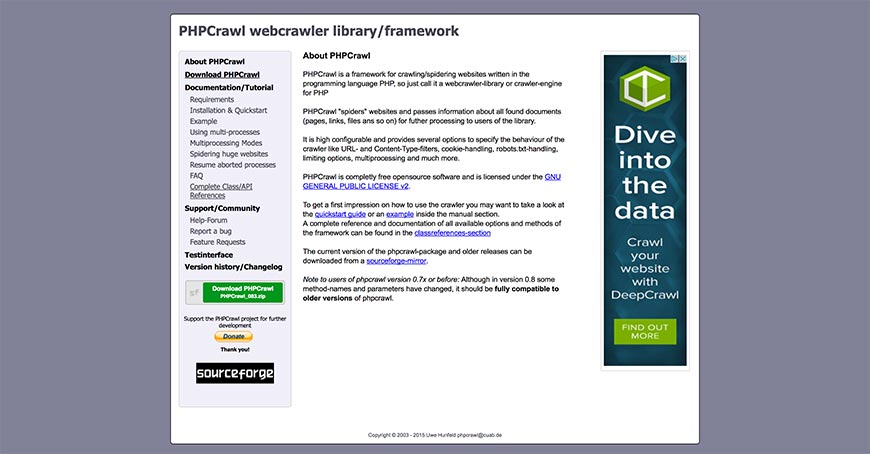
An object oriented library by Uwe Hunfeld, PHP Crawl can be used for website and website page crawling under several different platform parameters, including the traditional Windows and Linux operating systems.
By overriding PHP Crawl’s base class to implement customized functionality for the handleDocumentInfo and handleHeaderInfo features, you’ll be able to create your website crawler using the program as a foundation. In this way, you’ll not only be able to scan each website page but control the crawl process and include manipulation functions to the software. A good example of crawling code that can be implemented in PHP Crawl to do so is available at Dev Dungeon, who also provide open source coding to add a PHP Simple HTML DOM one-file library. This option allows you to extract links, headings, and other elements for parsing.
PHP Crawl is for developers, but if you follow the tutorials provided by Dev Dungeon a basic understanding of PHP coding will suffice.
24. WebSPHINX
Short for Website-Specific Processors for HTML Information Extraction, WebSPHINX provides an interactive cross-platform interactive development source for building web crawlers, designed with Javascript. It is made up of two parts, namely the Crawler Workbench and WebSPHINX Class Library.
Using the Crawler Workbench allows you to design and control a customized website crawler of your own. It allows you to visualize groups of pages as a graph, save website pages to your PC for offline viewing, connect pages together to read and (or) print them as one document and extract elements such as text patterns.
Without the WebSPHINX Class Library, however, none of it would be possible, as it’s your source for support in developing your website crawler. It offers a simple application framework for website page retrieval, tolerant HTML parsing, pattern matching, and simple HTML transformations for linking pages, renaming links, and saving website pages to your disk.
The standard for Robot Exclusion-compliant, WebSPHINX is one of the better open source website crawlers available.
25. WebLech
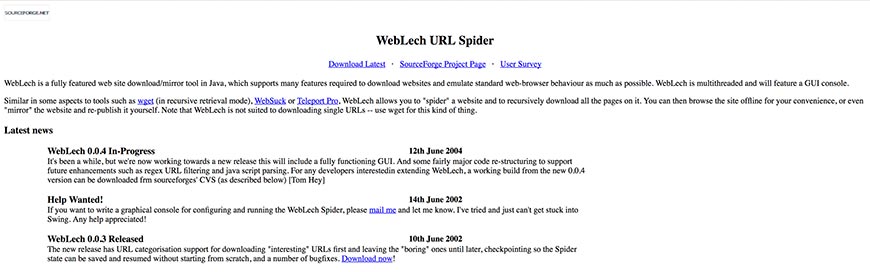
While in pre-Alpha mode back in 2002, Tom Hey made the basic crawling code for WebLech available online once it was functional, inviting interested parties to become involved in its development.
Now a fully featured Java based tool for downloading and mirroring websites, WebLech can emulate the standard web-browser behavior in offline mode by translating absolute links into relative links. Its website crawling abilities allow you to build a general search index file for the site before downloading all its pages recursively.
If it’s your site, or you’ve been hired to edit someone else’s site for them, you can re-publish changes to the web.
With a host of configuration features, you can set URL priorities based on the website crawl results, allowing you to download the more interesting/relevant pages first and leaving the less desirable one for last—or leave them out of the download altogether.
26. Arale

Written in 2001 by an anonymous developer who wanted to familiarize himself/herself with the java.net package, Arale is no longer actively managed. However, the website crawler does work very well, as testified by some users, although one unresolved issue seems to be an OutofMemory Exception error.
On a more positive note, however, Arale is capable of downloading and crawling more than one user-defined file at a time without using all of your bandwidth. You’ll also have the ability to rename dynamic resources and code file names with query strings, as well as set your minimum and maximum file size.
While there isn’t any real support systems, user manuals, or official tutorials available for using Arale, the community has put together some helpful tips—including alternative coding to get the program up and running on your machine.
As it is command-prompt driven and requires the Java Runtime Environment to work, Arale isn’t really for the casual user.
27. JSpider
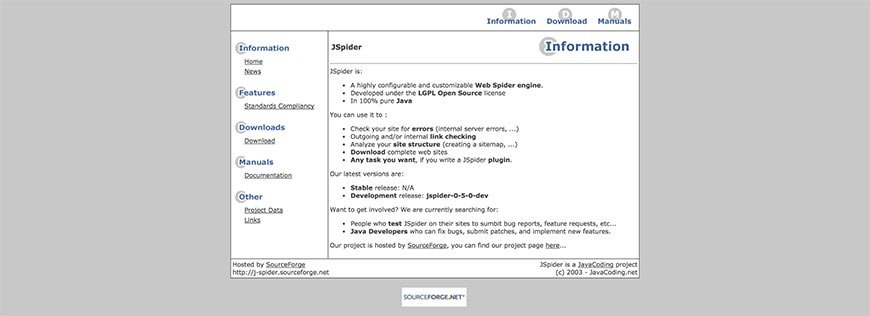
Hosted by Source Forge, JSpider was developed with Java under the LGPL Open Source license as a customizable open source website crawler engine. You can run JSpider to check sites for internal server errors, look up outgoing and internal links, create a sitemap to analyze your website’s layout and categorization structure, and download entire websites.
The developers have also posted an open calling for anyone who uses JSpider to submit feature requests and bug reports, as well as any developers willing to provide patches that resolve issues and implement new features.
Because it’s such a highly configurable platform, you have the option of adding any number of functions by writing JSpider plugins, which the developers (who seem to have last updated the program themselves in 2004) encourage users to make available for other community members. Of course, this doesn’t include breaking the rules—JSpider is designed to be compliant with the Standard for Robot Exclusion.
28. HyperSpider
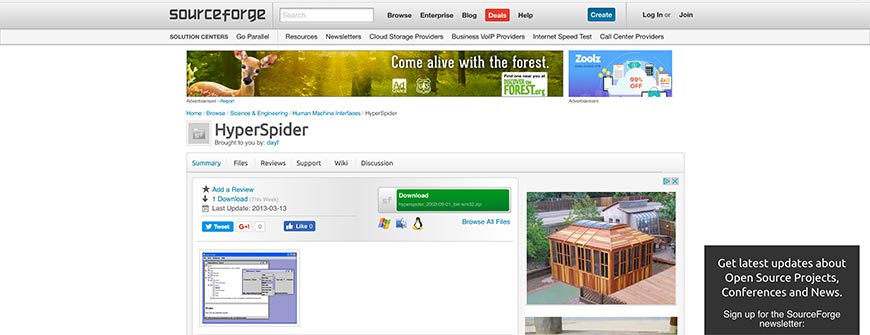 Another functional (albeit last updated in 2003) open source website crawling solution hosted by Source Forge, HyperSpider offers a simple yet serviceable program. Like most website crawlers, HyperSpider was written in Java and designed for use on more than one operating system. The software gathers website link structures by following existing hyperlinks, and both imports and exports data to and from the databases using CSV files. You can also opt to export your gathered information into other formats, such as Graphviz DOT, XML Topic Maps (XTM), Prolog, HTML, and Resource Description Framework (RDF and (or) DC).
Data is formulated into a visualized hierarchy and map, using minimal click paths to define its form out of the collection of website pages—something which, at the time at least, was a cutting-edge solution. It’s a pity that the project was never continued, as the innovation of HyperSpider’s initial development showed great promise. As is, it’s still a worthy addition to our list.
29. Arachnid Web Spider Framework
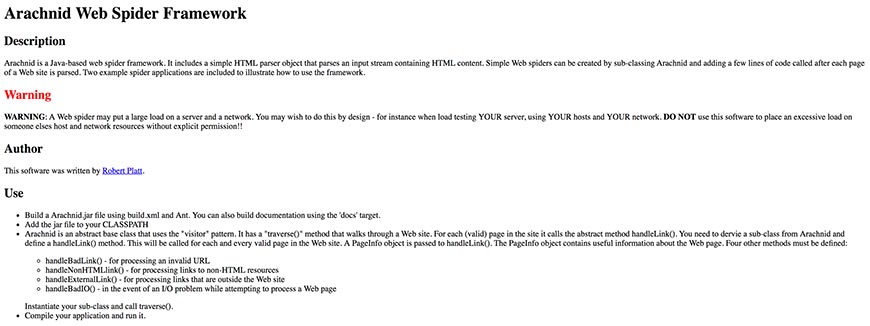
A simple website crawling model based on JavaScript, the Arachnid Web Spider Framework software was written by Robert Platt. Robert’s page supplies an example set of coding for building a very simple website crawler out of Arachnid. However, as it isn’t designed to be a complete website crawler by itself, Arachnid does require a Java Virtual Machine to run, as well as some adequate coding experience. All in all, Arachnid is not an easy website crawler to set up initially, and you’ll be needing the above link to Robert’s page for doing so.
One thing you won’t have to add yourself is an HTML parser for running an input stream of HTML content. However, Arachnid is not intuitively SRE compliant, and users are warned not to use the program on any site they don’t own. To use the website crawler without infringing on another site’s loading time, you’ll need to add extra coding.
30. BitAcuity Spider

BitAcuity was initially founded in 2000 as a technical consulting group, based in Washington DC’s metropolitan area. Using their experience in providing and operating software for both local and international clients, they released an open source, Java-based website crawler that is operational on various operating systems.
It’s a top quality, enterprise class website crawling solution designed for use as a foundation for developing your crawler program. Their aim was (and is) to save clients both time and effort in the development process, which ultimately translates to reduced costs short-term as well as long-term.
BitAcuity also hosts an open source community, allowing established users and developers to get together in customizing the core design for your specific needs and providing resources for upgrades and support. This community basis also ensures that before your website crawler becomes active, it is reviewed by peers and experts to guarantee that your customized program is on par with the best practices in use.
31. Lucene Advanced Retrieval Machine (LARM)
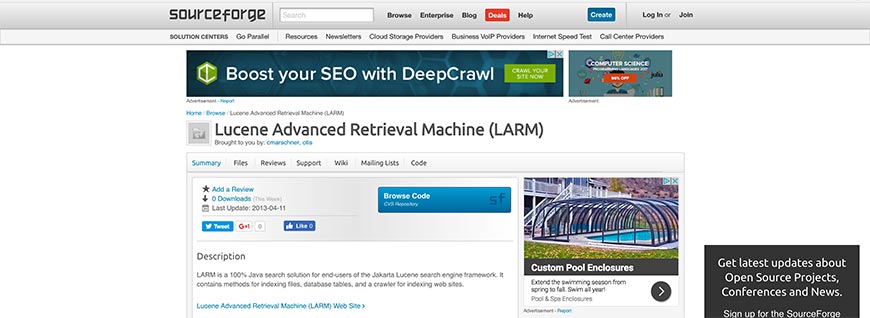
Like most open source website crawlers, LARM is designed for use as a cross-platform solution written with Javascript. It’s not entirely flexible, however, having been developed specifically for use with the Jakarta Lucene search engine frame.
As of 2003, when the developers last updated their page, LARM was set up with some basic specifications gleaned from its predecessor, another experimental Jakarta project called LARM Web Crawler (as you can see, the newer version also took over the name). The more modern project started with a group of developers who got together to brainstorm how best to take the LARM Web Crawler to the next level as a foundation framework, and hosting of the website crawler was ultimately moved away from Jakarta to Source Forge.
The basic coding is there to implement file indexation, database table creation, and maintenance, and web site crawling, but it remains largely up to the user to develop the software further and customize the program.
32. Metis
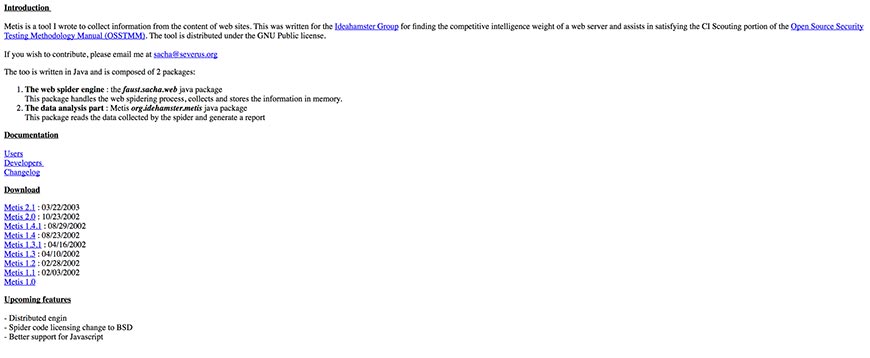
Metis was first established in 2002 for the IdeaHamster Group with the intent of ascertaining the competitive data intelligence strength of their web server. Designed with Java for cross-platform usage, the website crawler also meets requirements set out in the Open Source Security Testing Methodology Manual’s section on CI Scouting. This flexibility also makes it compliant with the Standard for Robot Exclusion.
Composed of two packages, the faust.sacha.web and org.ideahamster.metis Java packages, Metic acts as a website crawler, collecting and storing gathered data. The second package allows Metis to read the information obtained by the crawler and generate a report for user analysis.
The developer, identified only as Sacha, has also stipulated an intention to integrate better Java support, as well as a shift to BSD crawling code licensing (Metis is currently made available under the GNU public license). A distributed engine is also in the works for future patches.
33. Aperture Framework
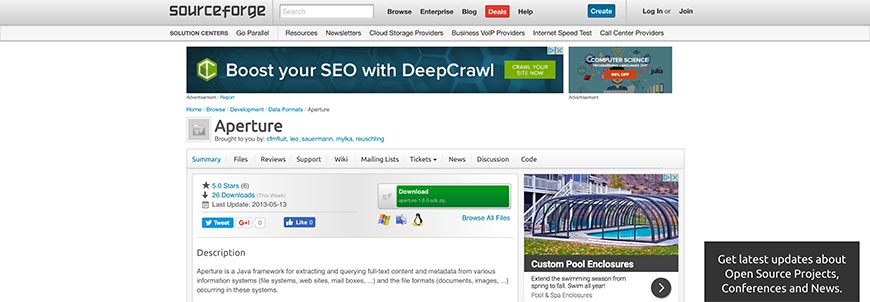
Hosted by Source Forge, the Aperture Framework for website crawler software was developed primarily by Aduna and DFKI with the help of open source community members. Written in JavaScript, Aperture is designed for use as a cross-platform website crawler framework.
The structure is set up to allow for querying and extracting both full-text content and metadata from an array of systems, including websites, file systems, and mailboxes, as well as their file formats (such as documents and images). It’s designed to be easy to use, whether you’re learning the program, adding code, or deploying it for industrial projects. The architecture’s flexibility allows for extensions to be added for customized file formats and data sources, among others.
Data is exchanged based on the Semantic Web Standards, including the Standard for Robot Exclusion, and unlike many of the other open-source website crawler software options available you also benefit from built-in support for deploying on OSGi platforms.
34. The Web Harvest Project
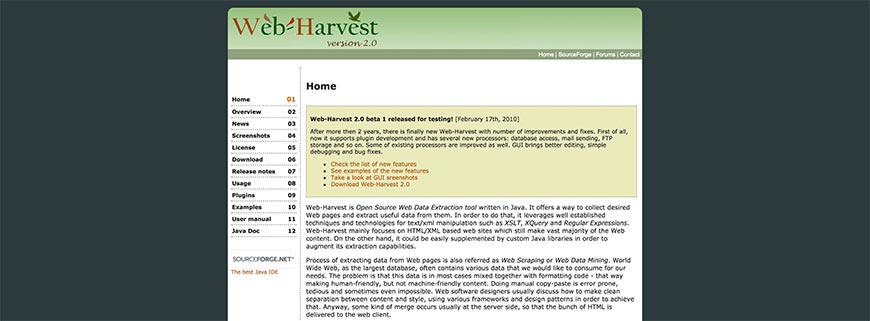
Another open-source web data extraction tool developed with JavaScript for cross-platform use and hosted on Source Forge, the Web Harvest Project was first released as a useful beta framework early in 2010. Work on the project began four years earlier, with the first alpha-stage system arriving in September 2006.
Web Harvest uses a traditional methodology for XSLT, XQuery, and Regular Expressions (among others) text to XML extraction and manipulation. While it focuses mainly on HTML and XML websites in crawling for data—and these websites do still form the vast majority of online content—it’s also quite easy to supplement the existing code with customized Java libraries to expand Web Harvest’s scope.
A host of functional processors is supported to allow for conditional branching, file operations, HTML and XML processing, variable manipulation, looping, file operations, and exception handling.
The Web Harvest project remains one of the best frameworks available online, and our list would not be complete without it.
35. ASPseek
FindBestOpenSource.com are passionate about gathering open source projects together and helping promote them. It comes as no surprise that they’ve opted to host ASPseek, a Linux-oriented C++ search engine software by SVsoft.
Offering a search daemon and a CGI search frontend, ASPseek’s impressive indexation robot is capable of crawling through and recording data from millions of URLs, using words, phrases, wildcards, and performing Boolean searches. You can also limit the searches to a specified period (complying with the Standard for Robot Exclusion), website, or even to a set of sites, known as a web space. The results are sorted by your choice of date or relevance, the latter of which bases order on PageRank.
Thanks to ASPseek’s Unicode storage mode, you’ll also be able to perform multiple encodings and work with multiple languages at once. HTML templates, query word highlighting, excerpts, a charset, and iSpell support are also included.
36. Bixo Web Mining Toolkit
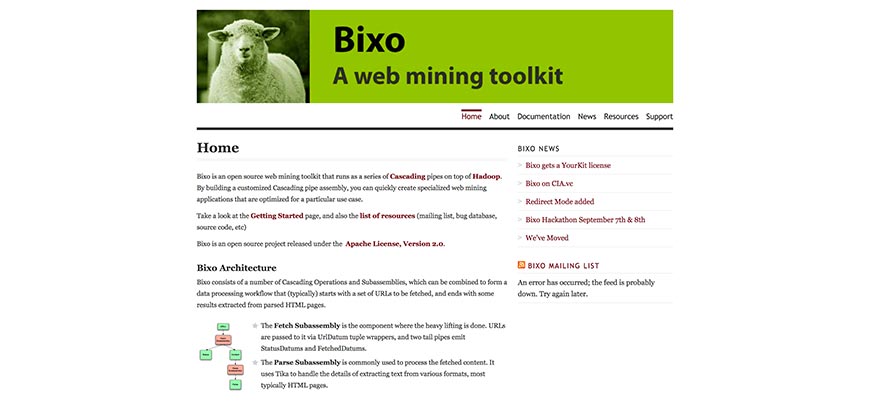
Written with Java as an open source, cross-platform website crawler released under the Apache License, the Bixo Web Mining Toolkit runs on Hadoop with a series of cascading pipes. This capability allows users to easily create a customized crawling tool optimized for your specific needs by offering the ability to assemble your pipe groupings.
The cascading operations and subassemblies can be combined, creating a workflow module for the tool to follow. Typically, this will begin with the URL set that needs to be crawled and end with a set of results that are parsed from HTML pages.
Two of the subassemblies are Fetch and Parse. The former handles the heavy lifting, sourcing URLs from the URL Datum tuple wrappers, before emitting Status Datums and Fetched Datums via two tailpipes. The latter (the Parse Subassembly) processes the content gathered, extracting data with Tika.
37. Crawler4j
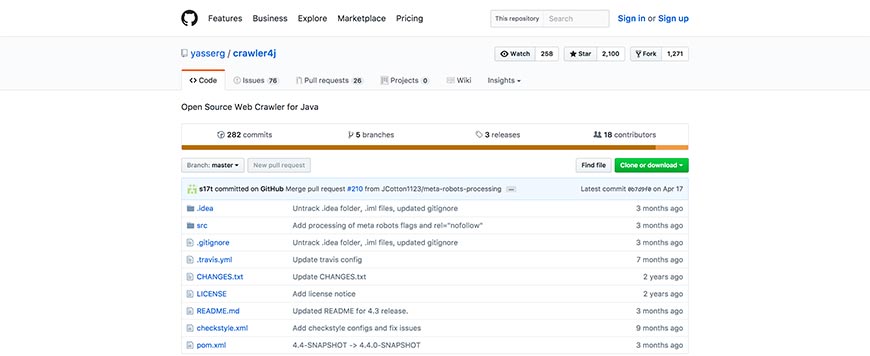
Crawler4j, hosted by GitHub, is a website crawler software written (as is the norm) in JavaScript and is designed for cross-platform use. The existing code offers a simple website crawler interface but allows for users to quickly expand Crawler4j into a multi-threaded program.
Their hosting site provides step by step coding instructions for setting Crawler4j up, whether you’re using Maven or not in the installation process. From there, you need to create the crawler class that differentiates between which URLs and URL types the crawler should scan. This class will also handle the downloaded page, and Crawler4j provides a quality example that includes manipulations for the shouldVisit and visit functions.
Secondly, you’ll want to add a controller class to specify the crawl’s seeding, the number of concurrent threads, and a folder for immediate scan data to be stored in. Once again, Crawler4j provides an example code.
While it does require some coding experience, by following the list of examples almost anyone can use Crawler4j.
38. Matteo Radaelli’s Ebot
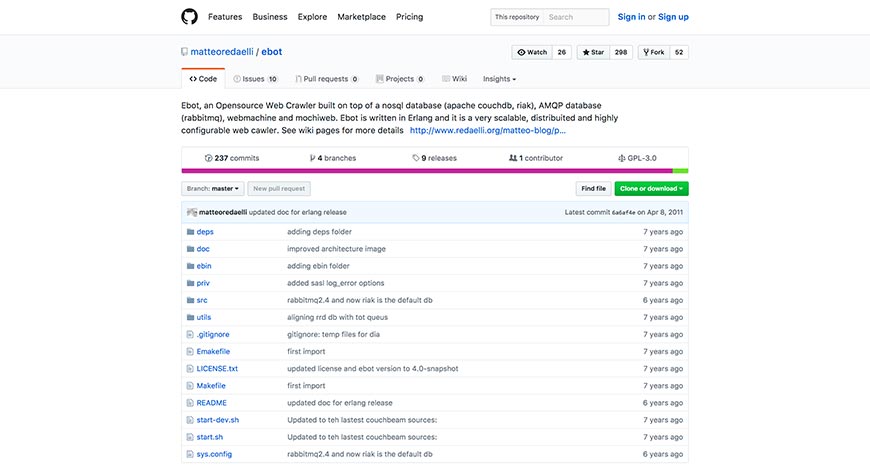
Also hosted by GitHub, Matteo Radaelli’s Ebot is a highly scalable and customizable website crawler. Written in Erlang for use on the Linux operating system, the open-source framework is designed with a noSQL database (Riak and Apache CouchDB), webmachine, mochiweb, and AMQP database (RabbitMQ).
Because of the NoSQL database structure (as opposed to the more standard Relational Database scheme), Ebot is easy to expand and customize—without having to spend too much extra money on a developer.
Although built on and primarily for Linux Debian, Matteo Radaelli released a patch that allowed for other operating systems that support Erlang coding to run and host the Ebot website crawling tool.
There are also some plugins available to help you customize Ebot, but not very many—you’ll end up looking for someone experienced in Erlang to help you flesh it out to your satisfaction.
39. Google Code Archive’s Hounder
Designed as a complete package written with JavaScript on Apache Lucene, Google Code Archive’s Hounder is website crawler that can run as a cross-platform standalone process. Allowing for different RPCs (such as xml-rpc and RMI), Hounder can communicate with and integrate applications written in other coding languages such as Erlang, C, C++, Python, and PHP.
Designed to run as is, but allowing for customization, Hounder also includes a wiz4j installation wizard and a clusterfest website application to monitor and manage the engine’s many components. This capacity makes it one of the better open source website scanners available, and it’s fully integrated with a more than a satisfactory crawler, document indexes, and search function.
Hounder is also capable of running several queries concurrently and has the flexibility for users to distribute the tool over many servers that run search and index functions, thus increasing the performance of your queries as well as the number of documents indexed.
40. Hyper Estraier
Designed and developed by Mikio Hirabayashi and Tokuhirom, the Hyper Estraier website crawler is an open source cross-platform program written in C and C++ and hosted, of course, on Source Forge.
Based on architecture made through peer community collaborations, the Hyper Estraier essentially mimics the website crawler program used by Google. However, it is a much-simplified version, designed to act as a framework structure on which to build your software. It’s even possible to develop your search engine platform using the Hyper Estraier work form, whether you have a high-end or low-end computer do so on.
As such, most users ought to be able to customize the coding themselves, but as both C and C++ can be somewhat complicated to learn on the go, you’d benefit from having very little experience with either language or hiring someone who does
41. Open Web Spider
Open Web Spider was designed and developed independently but encourages community members to get involved. First released in 2008, Open Web Spider has enjoyed several updates but appears to have remained much the same as it did in 2015. Whether the original developers continue to work on the project or community peers have largely taken over, is unknown at present.
Nevertheless, as an open source website crawler framework it certainly packs a punch to this day. Compatible with the C# and Python coding languages, Open Web Spider is fully functional on a range of operating systems.
You’ll be surprisingly happy with the Open Web Spider Software, with its quick set-up, high-performance charts, and fast operation (their site boasts of the program’s ability to source up to 10 million hits in real time).
The Open Web Spider developers have relied on community members not only to assist in keeping the project alive but also to spread its reach by translating the code.
42. Pavuk
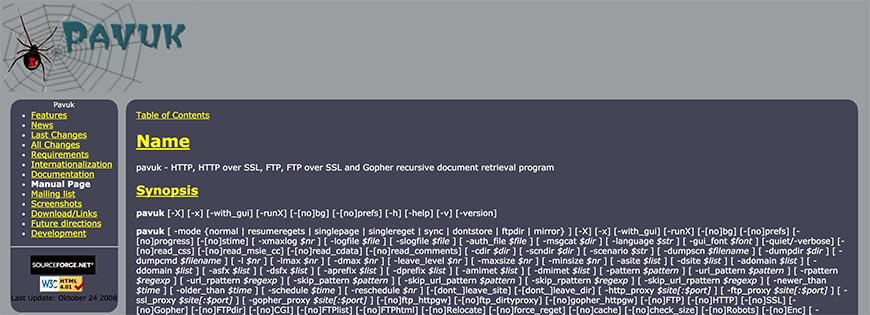
A Gopher, HTTP, FTP, HTTP over SSL, and FTP over SSL recursive data retrieval website crawler written in the C coding language for Linux users, Pavuk is known for using the string used to query servers to form the document titles, converting URL to file names. It is possible to edit this if it creates issues when you want to review the data, however (some punctuation in string forms are known to do so, especially if browsing manually through the index).
Pavuk also includes a detailed built-in support system, accessed by executing code from commands (which Linux favors), and has several configuration options for notifications, logs, and interface appearance. Besides these, there are a wide array of other customization options available, including proxy and directory settings.
Of course, Pavuk has been designed with the Standard for Robot Exclusion. Our list of website crawlers would certainly not be complete without this open source software.
43. The Sphider PHP Search Engine
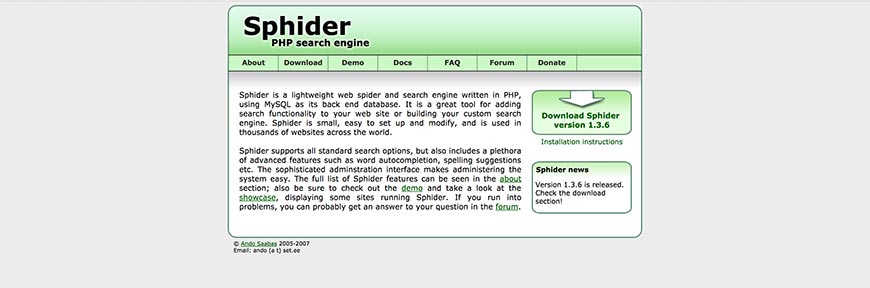
As you’ve probably noticed by now, most open source website crawlers are primarily marketed as a search engine solution, whether on the scale of rivaling (or attempting to rival) Google or as an internal search function for individual sites. The Sphider PHP Search Engine software is indeed one of these.
As the name itself implies, Sphider was written in PHP and has been designed as a cross-platform solution. The back end database is programmed for MySQL, the most common database format in the world. All this makes the Sphider PHP Search Engine flexible as well as functional as a website crawler.
Sphider is fully compliant with the Standard for Robot Exclusion and other robots.txt protocols, and also respects the no-follow and no-index META tags that some sites incorporate to distinguish pages for exclusion in website crawls and the development of search engine indexes.
44. The Xapian Project
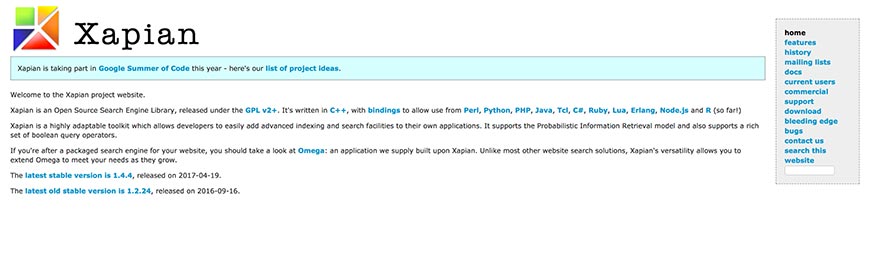
Licensed under the GPL as a free open source search engine library, the Xapian Project is kept very well up to date. In fact, it was initially available in C++, but bindings have since been included to allow for Perl, PHP, Python, Tcl, C#, Ruby, Jaca, Erlang, Lua, R, and Node.js. And the list is expected to grow, especially with the developers set to participate in the 2017 Google Summer of Code.
The toolkit’s code is incredibly adaptive, allowing it to run on several operating systems, and affording developers the opportunity to supplement their applications with the advanced search and indexation website crawler facilities provided. Probabilistic Information Retrieval and a wide range of Boolean search query operators are some of the other models supported.
And for those users looking for something closer to a finished product, the developers have used the Xapian Project to build another open source tool: Omega, a more refined version that retains the same versatility the Xapian Project is known for.
45. Arachnode.net
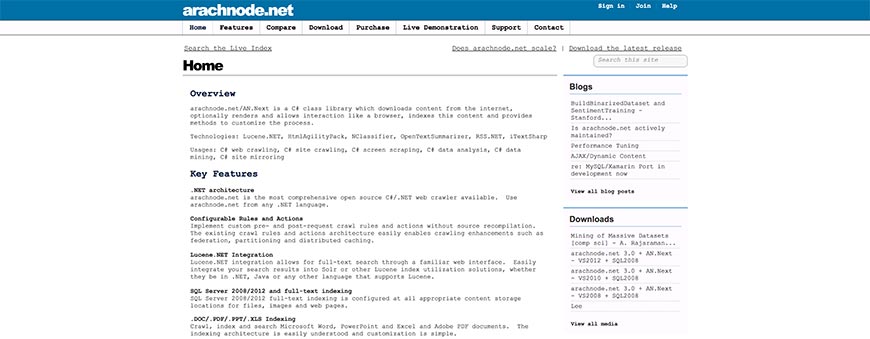
Arachnode.net was written with the C# coding language best suited to Windows. In fact, it is indeed (as the name itself implies) a program designed to fit the .NET architecture, and quite an expensive one at that.
Arachnode.net is a complete package, suitably used for crawling, downloading, indexation, and storing website content (the latter is done using SQL 2005 and 2008). The content isn’t limited to text only, of course: Arachnode.net scans and indexes whole website pages, including the files, images, hyperlinks, and even email addresses found.
The search engine indexation need not be restricted to storage on the SQL Server 2008 model (which also runs with SSIS in the coding), however, as data can also be saved as full-text records in .DOC, .PDF, .PPT, and .XLS formats. As can be expected from a .NET application, it includes Lucene integration capabilities and is completely SRE compliant.
46. Open Source Large-Scale Website Crawwwler
The Open Source Large-Scale Website Crawwwler, also hosted by FindBestOpenSource.com, is still in its infancy phase, but it set to be a truly large scale website crawler. A purposefully thin manager, designed to act as an emergency shutdown, occasional pump, and ignition switch, controls the (currently very basic) plugin architecture, all of which is written for the Java platform in C++ (no MFC inclusion/conversion is available at present, and doesn’t seem to be in the works either).
The manager is also designed to ensure plugins don’t need to transfer data to all of their peers—only those that effectively “subscribe” to the type of data in question, so that plugins only receive relevant information rather than slowing down the manager class.
A fair warning though, from the developers themselves: a stable release of Crawwwler is still in the works, so it’s best not to use the software online yet.
47. Distributed Website Crawler
Not much is known regarding the Distributed Website Crawler, and it’s had some mixed reviews but is overall a satisfactory data extraction and indexation solution. It’s primarily an implementation program, sourcing its code structure from other open source website crawlers (hence the name). This capability has given it some advantage in certain regards and is relatively stable thanks to its Hadoop and Map Reduce integration.
Released under the GNU GPL v3 license, the Distributed Website Crawler uses svn-based control methods for sourcing and is also featured on the Google Code Archive. While it doesn’t explicitly state as much, you can expect the crawler to meet with and abide by the regulations set out in the Standard for Robot Exclusion. After all, Google is a trustworthy and authoritative name in the industry, and can certainly be relied on to ensure such compliance in any crawler they promote.
48. The iWebCrawler (also known as iCrawler)
Despite the name, the iWebCrawler, which is also known as iCrawler, is not a Mac product at all, but an ASP.NET based Windows software written in Microsoft’s favored programming language, JavaScript.
It’s entirely web-based, and despite being very nearly a complete package as is allows for any number of compatible features to be added to and supported by the existing architecture, making it a somewhat customizable and extensible website crawler. Information, crawled and sourced with svn-based controls, is stored using MS SQL databases for use in creating search engine indexes.
iCrawler also operated under two licenses—the GNU GPL v3 license that many open source data extraction programs use, as well as the Creative Commons 3.0 BY-SA content license.
While primarily a JavaScript-based code model, iCrawler has also been released with C language compatibility and is featured on the Google Code Archive as well as being hosted on FindBestOpenSource.com.
49. Psycreep
As you’ve probably noticed, the two largest competitors in the hosting of open source website crawler and search engine solutions are Source Forge and (increasingly) the somewhat obviously named FindBestOpenSource.com. The latter has the benefit of giving those looking for Google approved options the ability to immediately determine whether an offering is featured on the Google Code Archive.
The developers of Psycreep, who elected to use both Javascript and the increasingly popular Python programming languages, chose to host their scalable website crawler with FindBestOpenSource.com.
Psycreep is also quite extensible and uses regular expression search query keywords and phrases to match with URLs when crawling websites and their pages. Implementing the common svn-based controls for regulating its sourcing process, Psycreep is fully observant of the Standard for Robot Exclusion (although they don’t explicitly advertise the fact, which is an odd exclusion). Psycreep is also licensed under GNU GPL v3.
50. Opese OpenSE
A general open source Chinese search engine, Opese OpenSE consists of four essential components written for Linux servers in C++. These modules allow for the software to act as a query server (search engine platform), query CGI, website crawler, and data indexer.
Users are given the option of specifying query strings but also allows for keyword-driven search results. These results consist mainly of element lists, with each item containing a title, extract, URL link, and a snapshot link of website pages that meet include the query words provided and searched for by front end users.
Opese OpenSE also allows the user to use the picture link for viewing the corresponding website page’s snapshot in the software’s database driven search engine index list. It’s capable of supporting a large number of searches and sites in its index and is Google Code Archive approved—just like most open source solutions found hosted by FindBestOpenSource.com.
51. Andjing Web Crawler 0.01
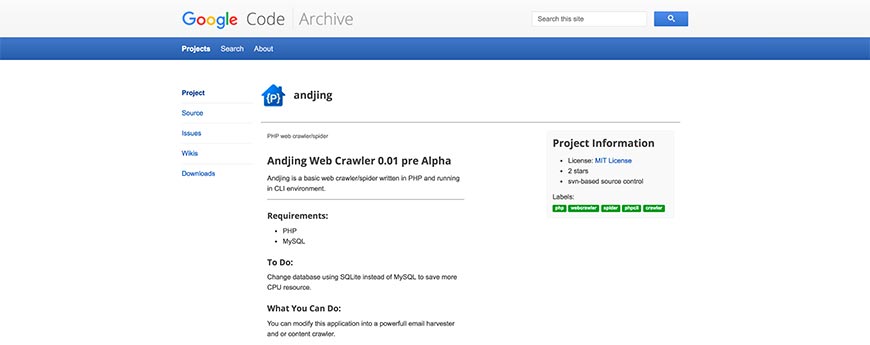
Still, in pre-alpha stage, the Andjing Web Crawler 0.01 originates in India and has been featured on the Google Code Archive. As development has not progressed very far yet, Andjing is still an incredibly basic website crawler. Written in PHP and running in a CLI environment, the program does require some extensive knowledge of the PHP coding language, and a machine that is capable of running MySQL.
Interestingly, one of the recommendations made to users by the developers themselves is to alter the coding to allow for Andjing to use SQLite rather than MySQL to save on your CPU resources. Whether a future patch negating the user’s need to do so will be released or not is unknown at present.
Because the software is not stable, and usability requires a lot of customization at this point, Andjing isn’t quite ready to be used reliably yet, but it does show a lot of potentials.
52. The Ccrawler Web Crawler Engine
Hosted by FindBestOpenSource.com, the Ccrawler Web Crawler Engine operates under three licenses: a public Artistic License, the GNU GPL v3 license, and the Creative Commons 3.0 BY-SA for content.
Despite finding itself well-supported, with inclusion on the Google Code Archive for open source programs, there isn’t very much that can be found on the web regarding Ccrawler. It is, however, known to be svn-based for managing its sourcing, and abides by the regulations set out in the Standard for Robot Exclusion.
Built with the 3.5 version of C# and designed exclusively for Windows, the Ccrawler Web Crawler Engine provides a basic framework and an extension for web content categorization. While this doesn’t make it the most powerful open source resource available, it does mean you won’t have to add any code specifically for Ccrawler to be able to separate website content by content type when downloading data.
53. WebEater
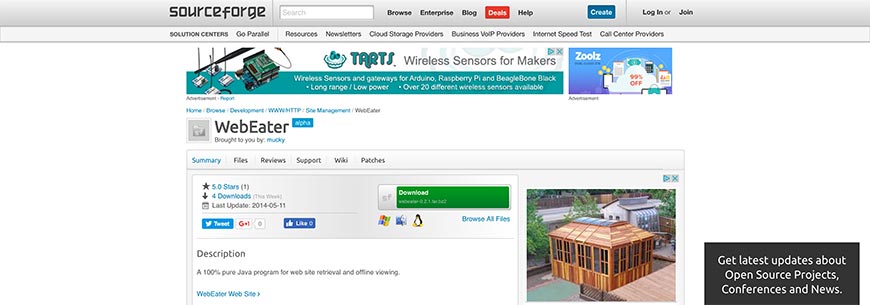
WebEater is a small website data retrieval program written as a cross-platform framework in JavaScript. It’s capable of crawling and mirroring all HTML sites, allowing for a basic search engine index to be generated and the website to be viewed offline by translating absolute reference links into relative reference links. Meaning, clicking on a link in the offline mirrored copy directs you to the corresponding downloaded page, rather than the online version.
Most sites don’t deal purely with HTML though, as often use a pre-processor language as well. PHP is the most common of these, and WebEater—despite its lightweight frame—was designed to accommodate this occurrence.
Licensed under the GPL and LGPL certificates, WebEater enjoyed its last official patch in 2003, when GUI updates were introduced. Nevertheless, it remains a functional website crawling framework and deserves its place on our list.
54. JoBo
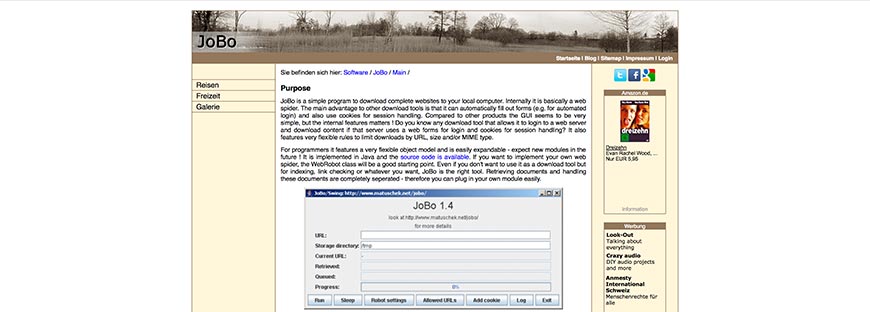
Developed primarily as a site mirroring program for viewing offline, JoBo offers a simple GUI with a website crawler that can automatically complete forms (such as logins) and use cookies for session handling. This ability sets it ahead of many other open source website crawlers available.
The limitation rules integrated for regulating download according to URL, size, and (or) MIME type is relatively flexible, allowing for customization. Aimed at satisfying programmers and non-programmers alike, it’s an easily expandable model developed in JavaScript for cross-platform use. The WebRobot class allows for easy implementation of one’s web crawler if you prefer to use JoBo purely as a search engine plugin, but the existing code provides satisfactory indexation and link-checking functions as is.
Because the branches dealing with the retrieval and handling of documents are kept separated, integrating your modules will be a natural process. JoBo is also expected to release patches with new modules shortly, but a release date and further details have not yet been made public.
55. The Laboratory for Web Algorithmics (LAW)’s UbiCrawler
While the acronym LAW doesn’t quite add up to the word order in its full name, the Laboratory for Web Algorithmics is nevertheless a respected name in technology. UbiCrawler was their first website crawler program, and is a tried and tested platform that was first developed circa 2002. In fact, at the Tenth World Wide Web Conference, their first report on UbiCrawler’s design won the Best Poster Award.
With a scalable architecture, the fully distributed website crawler is also surprisingly fault-tolerant. It’s also incredibly fast, capable of crawling upwards of a hundred pages per second, putting it ahead of many other open source website crawling solutions available online.
Composed of several autonomous agents that are coordinated to crawl different sections of the web, with built-in inhibitors to prevent UbiCrawler from scanning more than one page of any given site at a time (thus ensuring compliance with the Standard for Robot Exclusion).
56. The Laboratory for Web Algorithmics (LAW)’s BUbiNG
A very new entrant in the realm of website crawlers, BUbiNG was recently released as the Laboratory for Web Algortihmics’ follow-up to UbiCrawler after ten years of additional research. In fact, in the course of developing BUbiNG as a working website crawler, the development team managed to break a server worth nearly $46,000. They also needed to reboot their Linux operating system after incurring bug #862758, but the experience they gained through the process has enabled them to design a code structure, so sound BUbiNG is reportedly capable of opening 5000 random-access files in a short space of time.
At present, the website crawler is still dependent on external plugins for URL prioritization, but as the team at the Laboratory for Web Algorithmics have proven, they’re hell-bent on eventually releasing a fully stand-alone product in the future.
57. Marple
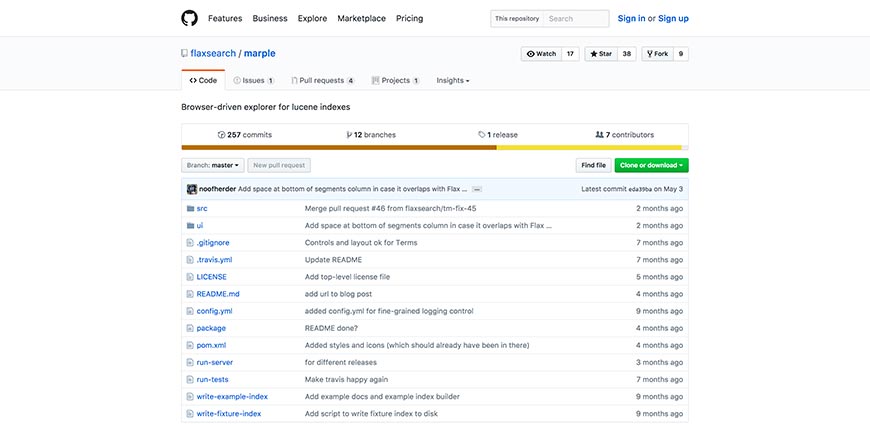
Flax is a little-known but much-respected company that provides an array of open source web application tools, all of which are hosted on GitHub. Marple is their Lucene based website crawling framework program, designed with a focus on indexation.
As the program is written in JavaScript (and having been released even more recently than BUbiNG), at present, it does require a relatively new PC with an updated browser, and for Java 8 JRE to be installed.
Marple has two main components, namely a REST API and the React UI. The former is implemented in Java and Dropwizard and focuses on translating Lucene index data into JSON structure. The latter runs in the browser itself and serves to source the crawled data from the API. For this reason, Marple isn’t a true website crawler at this stage and instead piggybacks on other, established search engine indexes to build its own.
58. Playwright
Playwright is Microsoft’s open-source headless-browser automation framework and the modern successor to older scraping tools like Python Mechanize. It controls Chromium, Firefox, and WebKit with JavaScript, Python, Java, or .NET bindings, making it the go-to choice for scraping modern single-page applications where traditional HTTP-based crawlers fall short. Free and open source.
59. Cloud Crawler Version 0.1
A start-up Ruby project by Charles H Martin, Ph.D., Cloud Crawler Version 0.1 is a surprisingly good website crawler framework considering it doesn’t appear to have been touched much by the developer since he released it in alpha phase back in April 2013.
Cloud Crawler is a distributed Ruby DSL designed to crawl using micro-instances. The original goal was to extend the software into an end-to-end framework capable of scanning dynamic JavaScript and spot instances, but as is has been built using Qles, redis based queues and bloom filters, and anemone DSL as a reimplementation and extension.
A Sinatra application, cloud monitor, is used for supervising the queue and includes coding for spooling nodes onto the Amazon cloud.
60. Storm Crawler

Last (but not least) on our list is Storm Crawler, an open source framework designed for helping the average coder develop their own distributed website crawlers (although limiting them somewhat to Apache Storm), written primarily in Java.
It is in fact not a complete website crawling solution itself, but rather a library of resources gathered with the intention of being a single source point for Apache developers interesting in expanding the website crawler market. To get the full benefit of the package, you’ll need to create an original Topology class, but everything else is pretty much made available. Which isn’t to say you can’t write your custom components too, of course.
Frequently Asked Questions
What is the best website crawler for SEO audits?
For most SEO professionals, Screaming Frog SEO Spider is still the default desktop choice. For teams that need a cloud platform with continuous monitoring, Lumar, Sitebulb Cloud, JetOctopus, and Ahrefs Site Audit are the strong alternatives. The best pick depends on site size, JavaScript needs, and whether you already pay for an all-in-one SEO suite.
Do website crawlers respect robots.txt?
Well-behaved ones do. The Robots Exclusion Protocol was formalized as RFC 9309 in 2022 and is honored by Google, Bing, Apache Nutch, Scrapy, and every major commercial SEO crawler. Scraping tools can be configured to ignore robots.txt, but doing so on sites you do not own can get your IP banned, violate terms of service, and in some jurisdictions expose you to legal risk.
What is the difference between a crawler and a scraper?
Crawlers discover and index pages by following links across a site or the web; scrapers extract specific data from pages that have already been found. Most real-world tools do both, but the emphasis differs: SEO crawlers focus on discovery and coverage, while scraping tools focus on structured data extraction.
Can I build my own crawler?
Yes — open-source frameworks like Scrapy (Python), Apache Nutch (Java), and Colly (Go) give you a proven foundation, and Playwright handles JavaScript rendering for modern sites. Budget for rate-limiting logic, robots.txt handling, deduplication, and data storage before you start. For most SEO or scraping jobs under 10 million URLs, an existing tool is faster to stand up than a custom crawler.
Bottom Line
The crawler landscape in 2026 is bigger and more capable than it was a decade ago: cloud platforms handle JavaScript-heavy modern sites at enterprise scale, open-source frameworks remain strong for custom use cases, and commercial SEO suites turn raw crawl data into prioritized action items. Pick the tool that matches the workload — there is no single right answer for “best crawler,” only the best fit for what you are trying to crawl and why.