
Website Builder Pricing in 2026
Builder pricing has stabilized around three tiers. Knowing which one you are buying helps you compare apples to apples instead of getting steered by introductory discounts.
- Budget tier ($3-$10/mo): Hostinger Website Builder, WebStarts, SiteBuilder.com, WebsiteBuilder.com, iPage, Carrd, Web.com’s entry plans, IONOS MyWebsite Now. Capable enough for a simple business site, often comes with bundled hosting and email. Most of these are sold on long-term contracts (12-36 months prepaid) where the headline price assumes a multi-year commitment.
- Mid tier ($10-$25/mo): Wix, Squarespace, Weebly/Square Online, Jimdo, Webnode, Tilda, Format, Pixpa, Webflow’s lower plans, GoDaddy Websites + Marketing. The sweet spot for most small businesses. Custom domains, no platform ads, real ecommerce on most, and meaningful SEO control.
- Pro / agency tier ($25/mo and up): Duda, Webflow’s CMS and Business plans, Wix Studio, Squarespace Commerce Advanced. Justified when you build sites for clients, sell at scale, or need real team workflows, white-label options, or per-staging-environment access.
Three patterns to watch on the pricing page:
- Introductory pricing. Many builders advertise 50-75 percent off the first year or two. The renewal rate is often 2-3x the headline. Always check what you will pay in year three.
- Transaction fees on commerce. The lower-priced ecommerce tiers on Wix, Squarespace, and others charge a transaction fee on top of the payment processor’s fee. Higher tiers waive that. For a store doing real volume, the higher tier pays for itself.
- Domain and email bundling. Many builders include a free domain for the first year and email forwarding. Renewal pricing on the domain after year one is often higher than buying it directly from a registrar like Namecheap or Cloudflare.
What to Look For in a Website Builder
Before picking from the 35 below, decide which of these matter to your business. The relative weighting changes a lot between, say, a roofing contractor with a five-page site and a single-product DTC brand.
- Mobile-responsive editing. Every modern builder ships responsive templates by default, but how well you can fine-tune the mobile view varies a lot. Wix and Squarespace let you reposition and hide elements per breakpoint; Webflow and Framer give you full per-breakpoint CSS control. Older drag-and-drop tools sometimes produce mobile views that need significant cleanup.
- SEO controls. Custom URLs, meta titles, meta descriptions, canonical tags, structured data, image alt text, and a clean
robots.txtand XML sitemap. Google Sites is weak in this dimension; Webflow, Squarespace, and Wix are strong. Hostinger Website Builder and Duda also have good built-in SEO controls. If you care about ranking for competitive keywords, this is non-negotiable. - Ecommerce. If you sell things, look at transaction fees, payment-gateway support, inventory management, tax handling, shipping rules, and abandoned-cart recovery. Shopify is the gold standard for serious commerce (not on this list because the question was about general builders), but Wix, Squarespace, Square Online, BigCommerce, and Hostinger all handle small stores well. For digital products and services, Squarespace, Wix, and Beacons all have credible options.
- Domains and ownership. Make sure you can use your own domain, point a domain you already own at the builder, and export your content if you want to leave later. Lock-in varies — WordPress.com lets you export to .org reasonably cleanly; Wix is famously hard to leave; Webflow exports static HTML/CSS/JS but not the CMS data structure. Plan an exit before you start.
- Speed and Core Web Vitals. Google’s page-experience signals matter for SEO and user experience. Webflow, Framer, Squarespace, and Hostinger generally produce fast sites by default. Older drag-and-drop generators can produce heavy markup and slow Largest Contentful Paint scores. Run any candidate site through PageSpeed Insights before committing.
- Accessibility. See the web accessibility checklist — every builder is technically capable of producing accessible sites, but the defaults vary. Squarespace, Wix, Webflow, and Duda have the strongest built-in accessibility tooling (keyboard navigation, ARIA support, contrast checking). With ADA Title III lawsuits at record levels (see the lawsuits guide), this is a real liability question, not just a best-practice one.
- AI features. Most major builders now offer AI-assisted site generation (Wix AI, Squarespace AI, Hostinger AI, Jimdo Dolphin, Framer AI), copywriting, and image generation. Useful for a fast start; treat the output as a 60 percent draft you will edit. The AI does not yet replace good template selection or thoughtful copy.
- Support and ecosystem. Wix and Squarespace have huge ecosystems of designers and freelancers; if you outgrow self-service, you can hire help. Smaller platforms like Voog or Webnode have thinner ecosystems, which can matter if you ever want to delegate.
- Templates that fit your industry. All major builders publish industry-specific templates (restaurant, gym, salon, photographer, contractor, online store). Browse those before deciding — a builder with a great editor but no templates that match your business type is harder to use than a slightly weaker editor with a perfect starting template.
Common Mistakes Small Businesses Make Picking a Builder
After watching enough small businesses pick (and re-pick) website builders, a few patterns recur:
- Picking on price alone. The cheapest plan often skips a custom domain, runs platform ads, or caps storage at levels that force an upgrade within months. Compare on what you will pay at year three, with the features you actually need.
- Picking on template alone. A beautiful template you cannot edit comfortably is worse than a plain template you can. Spend ten minutes in each candidate’s editor before signing up — most builders offer a free trial or free starter tier.
- Buying the domain through the builder. Domain renewal pricing inside builders is usually 2-3x the rate at a dedicated registrar (Namecheap, Cloudflare, Porkbun). Buy your domain elsewhere and point it at the builder.
- Ignoring export. The platform you pick today will not be the platform you use in five years. Verify before signing up that you can export your content, blog posts, and product catalog in a standard format.
- Treating the builder as the website. The builder is one piece. You also need analytics (GA4 or Plausible), a working business email (Google Workspace or Microsoft 365 — not the free forwarding the builder offers), backup of any user-generated content or store data, and accessibility testing. Most builders integrate with these; few include them.
- Building everything before launch. Ship a five-page MVP — home, about, services, contact, blog index — and add to it. Most small-business sites that never launch were waiting for the perfect tenth page.
AI in Website Builders, 2025-2026
Every major builder added AI features between 2023 and 2025, and they have settled into roughly three patterns worth knowing before you start clicking through them:
- AI starter generation. Answer a few questions about your business and the platform produces a starter site (sections, copy, images, color scheme). Wix AI, Squarespace Blueprint AI, Hostinger AI, Jimdo Dolphin, GoDaddy Airo, and Framer AI all do this. Useful as an unblocking tool. Treat the output as a 60 percent draft you will edit substantially.
- AI editing assistants. Inside the editor, AI rewrites copy, generates images, suggests layouts, and can fill in alt text. Wix and Squarespace both ship strong implementations. Less time saved than the demo videos suggest, but real time saved on the boring blocks (copyright text, generic about-page paragraphs).
- AI for SEO and accessibility. Newer builders integrate AI to suggest meta titles and descriptions, write image alt text, identify accessibility issues, and audit page speed. Duda and Webflow lead here for agency users.
What AI does not reliably do well in 2026: pick the right structure for your business, write copy that does not sound like every other AI-generated copy, or replace a thoughtful pricing page. Use the AI to skip the blank-page paralysis, then put the human eye on what ends up published.
Hosted Builders vs Self-Hosted CMS
The 35 builders above are mostly hosted — the platform runs the server, the database, the CDN, and the editor. Pricing covers everything. The alternative is a self-hosted CMS like WordPress.org, Drupal, or Craft, where you rent a server (or a managed-host plan from Bluehost, Hostinger, SiteGround, Kinsta, or WP Engine) and install the software yourself. Self-hosted gives you maximum flexibility but transfers the operational burden to you. The line between the two has blurred — managed WordPress.org hosts feel almost like a hosted builder, and Wix/Squarespace expose enough customization for most small business needs.
For a small business under five employees in 2026, hosted is almost always the right starting point. Self-hosted starts to win when you need: very specific plugins not available on the hosted platforms; deep control over caching, database, or CDN; or you have technical staff who actively prefer self-hosting. Most small businesses migrate to self-hosted after they have proven a site works on a hosted builder, not the other way around.
1. WordPress
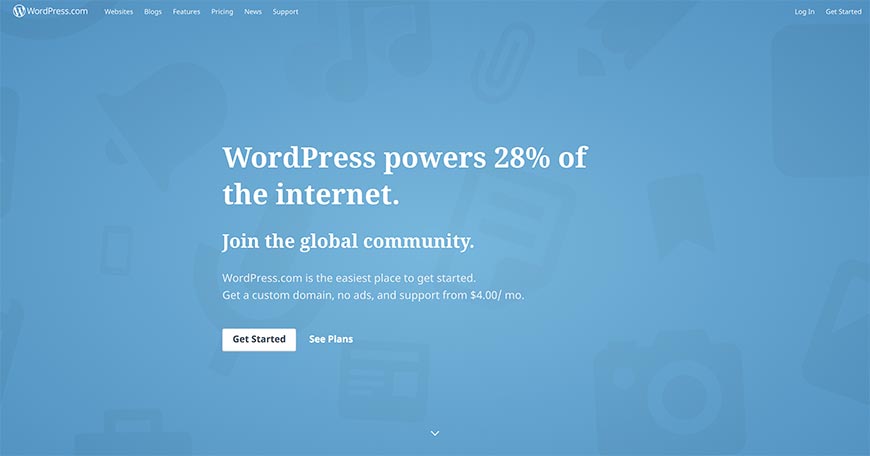
WordPress comes in two distinct flavors that small business owners often confuse. WordPress.com is the hosted version, run by Automattic — sign up, pick a plan, drag and drop. WordPress.org is the open-source software you install on your own host (Bluehost, Hostinger, SiteGround) and customize with themes and plugins. WordPress.com is closer to a website builder; .org is closer to a CMS. Both power roughly 43 percent of the live web in 2026 according to W3Techs. For a small business that wants both an easy starting point and unlimited future flexibility, WordPress.com starting on the Personal plan and graduating to Business when you need plugins is the standard path.
2. Squarespace

Squarespace remains one of the strongest design-first builders, especially for service businesses, restaurants, and creators. The 7.1 platform unifies template families, the Fluid Engine drag-and-drop editor handles desktop and mobile separately, and Squarespace Commerce competes head-on with Shopify for many use cases. The 2024 acquisition of Acuity Scheduling and Tock pulled appointment booking and reservations directly into the platform. Plans start around $16 per month for personal and $23 for business at the time of writing. If your differentiator is visual polish and you do not want to fight a template, Squarespace is the safest pick.
3. Weebly / Square Online
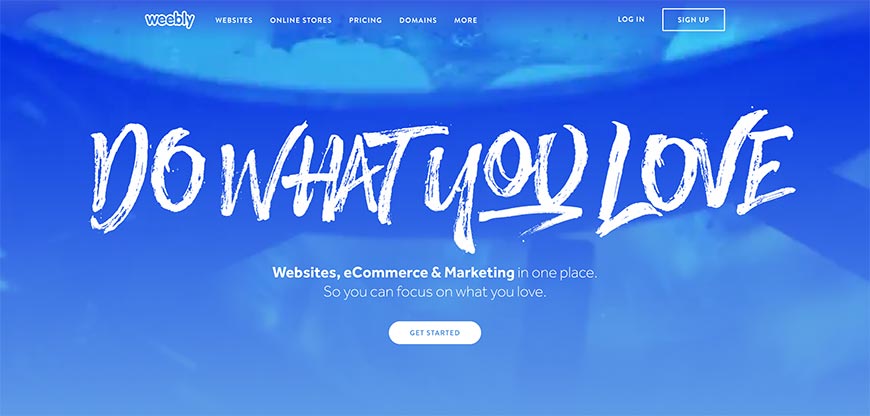
Square acquired Weebly in 2018 and has since reframed it as Square Online, the website-and-store half of the Square commerce stack. The classic Weebly builder is still accessible, but new accounts are funneled toward Square Online if there is any commerce intent. The platform is best when you also use Square for in-person payments — inventory, orders, customers, and fulfilment all sync. The free tier is generous (Square keeps a small per-transaction cut); paid plans add a custom domain and remove ads. For a brick-and-mortar small business that wants a simple companion site, this is a frictionless choice.
4. Voog
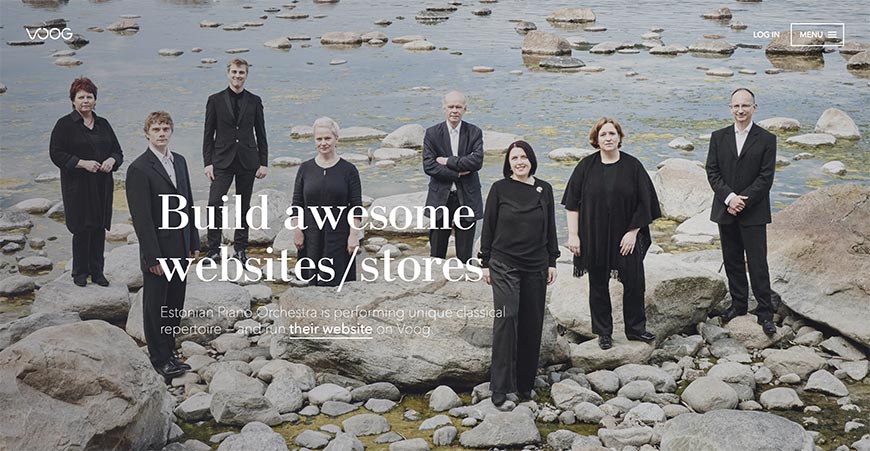
Voog (formerly Edicy) is an Estonian builder with a niche the bigger platforms still do not cover well: native multilingual sites with proper hreflang and per-language editing, with a clean modern UI. It is the right pick if your small business serves customers in two or more languages and you do not want to maintain parallel sites or fight with translation plugins. The free tier hosts a small site; paid plans start in the low double digits per month. Smaller community than Wix or Squarespace, but the multilingual support is best-in-class.
5. WebStarts
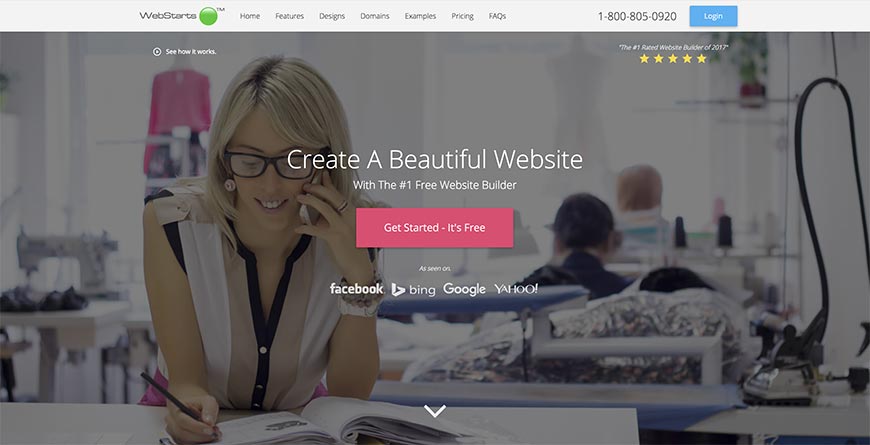
WebStarts has been around since 2008 and still occupies the bottom of the price ladder, with a free tier and paid plans that undercut almost everyone else. The editor is dated compared to Wix or Squarespace, but it gets a usable, mobile-responsive site online in an afternoon. SEO controls are basic but present, and the platform supports its own hosted store. Choose it if you are budget-constrained and willing to trade polish for cost.
6. Wix

Wix is the largest hosted builder by user count, with hundreds of millions of accounts and a feature surface that has expanded into ecommerce, booking, restaurants, and more. The classic Wix Editor is the friendliest drag-and-drop on the market; Wix ADI generates a starter site from a few questions; Wix Studio (launched 2024) is the new pro-tier editor for designers and agencies; and Wix AI features can generate copy, images, and section layouts. Plans run roughly $17–$159 per month depending on tier. Wix is the strongest “one tool for everything” pick for most small businesses in 2026.
7. Strikingly
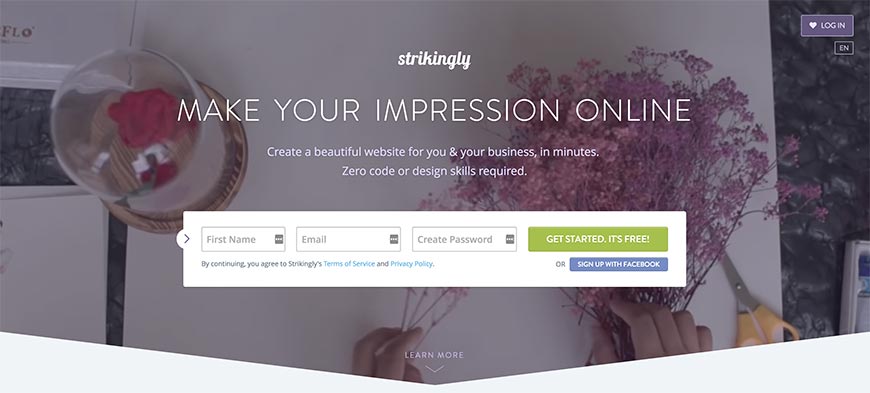
Strikingly specializes in single-page sites — landing pages, portfolios, and small business one-pagers. The editor enforces a section-stacking layout that is hard to make ugly and easy to make in an hour. Strikingly added basic ecommerce and a simple form builder over the years; it is now competent for a small business that does not need a full multi-page site. Pricing has a free tier with Strikingly branding and paid plans starting around $8 per month.
8. Ucraft
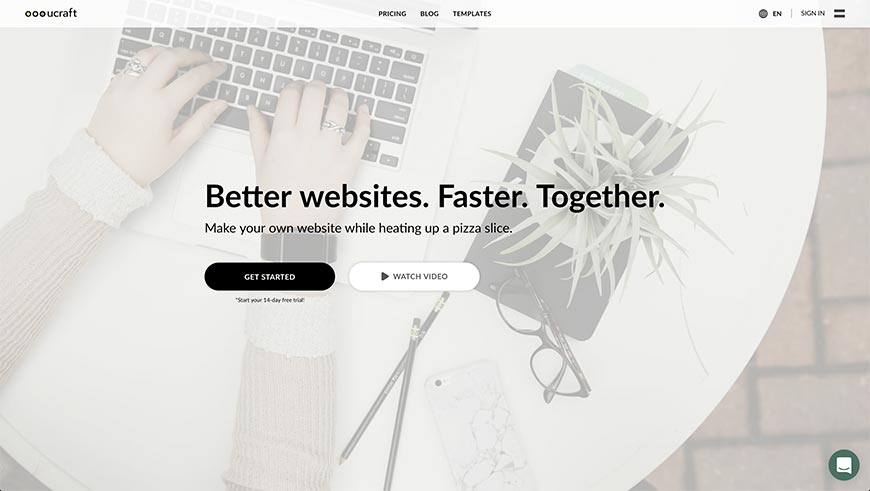
Ucraft is an Armenian builder that has held its ground against the big platforms by offering an unusual combination of free starter tier, full ecommerce, and an integrated logo and brand-asset builder. The drag-and-drop editor is competent if not flashy, and the platform supports custom code where needed. Plans start with a free “landing page” tier and scale up to a Pro Shop tier for serious ecommerce.
9. Duda

DudaOne was rebranded as simply Duda several years ago and has positioned itself squarely at agencies and freelancers building sites for clients. Duda’s strength is its team and client collaboration features, white-label options, AI-assisted content, and an emphasis on performance. Pricing is on the higher end (starts around $25 per month and scales to several hundred for agency tiers) because the target customer is a professional, not a hobbyist. If you build sites for other small businesses, Duda is the most agency-friendly option on this list.
10. Zoho Sites

Zoho Sites is part of the broader Zoho One business suite, which makes it a strong fit if you already use Zoho CRM, Zoho Mail, or Zoho Books. The drag-and-drop editor is straightforward; integrations with the rest of Zoho are seamless. Pricing is competitive — a free tier exists and paid plans start under $10 per month — and a single Zoho One subscription bundles dozens of business apps including the website builder.
11. Webflow
Webflow has gone from a designer’s curiosity to a major no-code platform since the original 2018 list. It exposes the full underlying CSS box model in a visual editor, which means a fluent designer can build pixel-precise responsive sites with real semantic HTML output and no code. The CMS is genuinely good, ecommerce was added, and Webflow’s own conference (Webflow Conf) and Memberstack-style auth integrations have built a serious ecosystem around it. Plans start around $14 per month. The learning curve is the steepest on this list — Webflow is closer to “visual development” than “website builder” — but the ceiling is much higher than the hosted platforms above. Replaced SnapPages in this list — SnapPages was discontinued.
12. Google Sites

Google Sites is free with any Google or Google Workspace account and is best understood as an internal-and-light-public-site tool. The editor is intentionally simplified, the templates are spare, and the integration with Google Drive, Docs, and Calendar is excellent. It is most useful for a small business intranet, a project page, or a quick public landing page. It is not the right tool for a polished marketing site or a store, but for the right narrow use case it is unbeatable on price.
13. Framer
Framer started as a high-end prototyping tool for product designers and pivoted into a full no-code website builder around 2022. Its differentiator is design fidelity — the editor feels closer to Figma than to Wix, and the published sites are fast, clean, and modern by default. Framer added a CMS, ecommerce primitives, and AI-assisted layout generation in subsequent releases. Pricing starts around $5 per month for a single site. Choose Framer when you want Squarespace-level polish but with much more layout control. Replaced Adobe Muse in this list — Adobe officially discontinued Muse on March 26, 2020.
14. Carrd
Carrd is the gold standard for single-page sites. The editor is opinionated, the templates are tight, and a competent person can have a beautiful one-pager live in 30 minutes. Pricing is the most generous on this list — a free tier covers most personal landing pages, and paid plans start at $9 per year for a custom domain. Use Carrd for a personal brand page, an early-stage product landing, an event one-pager, or a link-in-bio replacement that looks more credible than the alternatives. Replaced SiteZulu in this list — SiteZulu is no longer operating.
15. Hostinger Website Builder
Hostinger Website Builder (formerly Zyro before Hostinger consolidated brands) has become one of the fastest-growing budget-tier builders in the last few years. It bundles AI-assisted generation (logo, copy, image), drag-and-drop editing, and Hostinger’s hosting infrastructure into a single subscription that often comes in cheaper than Wix or Squarespace. Plans start around $3 per month on long-term contracts. For a small business that wants a competent modern builder without paying premium pricing, this is one of the strongest 2026 picks. Replaced XPRS in this list — XPRS is no longer operating.
16. Yola
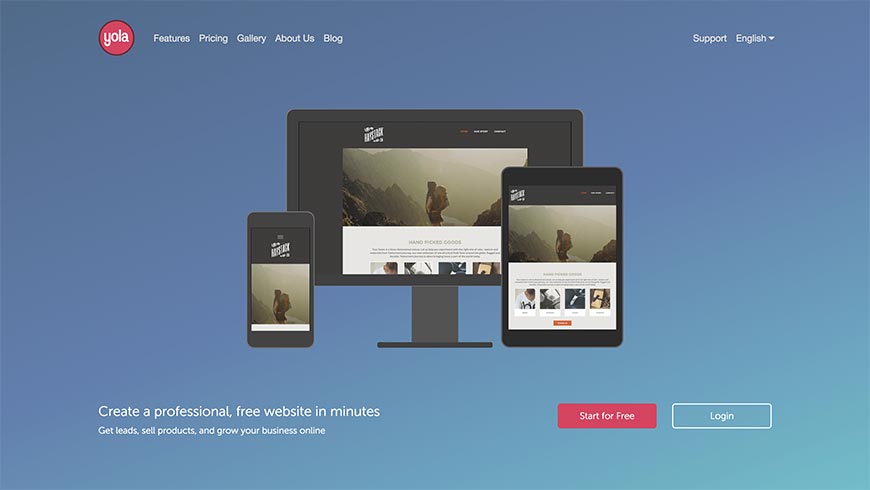
Yola has been around since 2007 and is now a small-but-stable platform aimed at simple business sites. The editor is straightforward, the template library is dated but functional, and pricing is competitive at the low end. It is not the flashiest option on this list, but it is honest about what it is — a no-frills tool for getting a five-page small-business site online with minimal fuss.
17. VistaPrint Digital
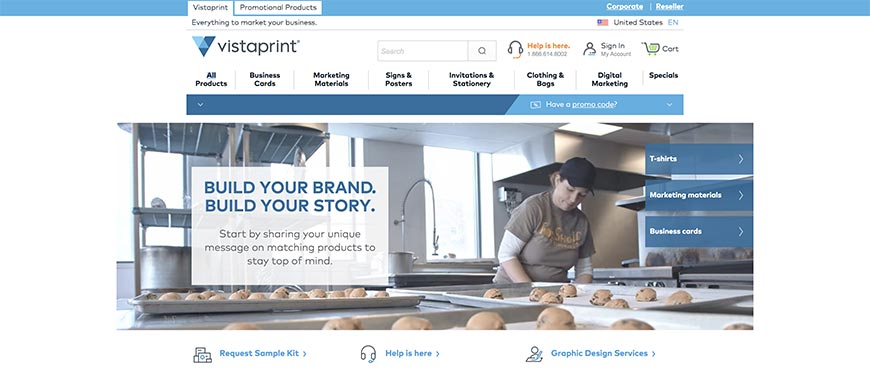
VistaPrint, best known for printed business cards and signage, has built out a small but workable digital arm including a website builder. It is mostly used by VistaPrint customers who already buy print materials and want a matching website. The editor is basic and the customization ceiling is lower than a dedicated platform like Wix or Squarespace, but the value is in the bundled deal — print, digital, and domain in one bill. (VistaPrint shut down its earlier Webs.com acquisition in 2022.)
18. uCoz

uCoz is a free hosted builder that has been around since 2005, with a different feature philosophy than the hosted Western players — it leans toward modular widgets, forums, photo galleries, and community features. The free tier is unusually generous (it does serve ads), and paid plans remove them. The platform has stayed stable rather than reinventing itself, which is a feature for users who do not want to relearn an editor every two years.
19. Pixpa
Pixpa is a portfolio-and-store builder aimed at photographers, designers, artists, and creators. Its image-heavy templates, client-proofing galleries, and built-in store make it directly competitive with Format, Smugmug, and Squarespace’s photographer templates. Plans start around $7 per month. For a creative small business that needs to show work to clients and sell prints or digital downloads, Pixpa is purpose-built. Replaced Cindr in this list — Cindr is no longer operating.
20. Jimdo
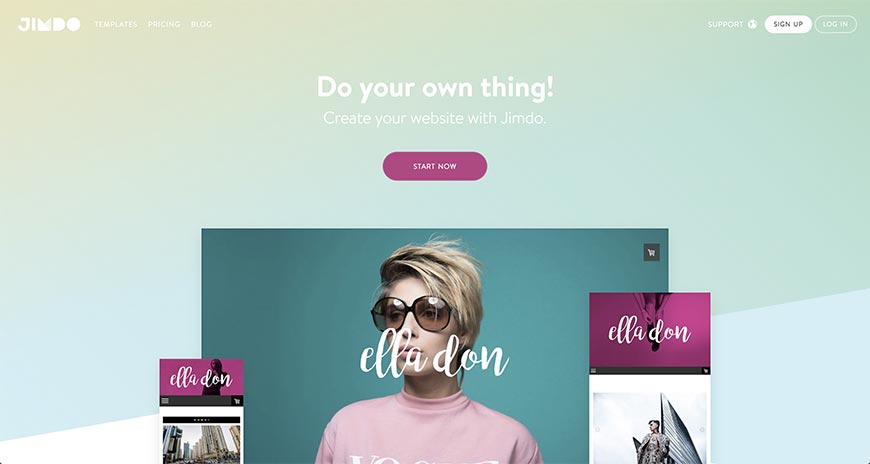
Jimdo, a German builder, was an early adopter of AI-assisted site generation with its Dolphin tool, which builds a starter site from a few questions and existing social-media links. The classic Creator editor remains for hands-on customization. Both versions support ecommerce and German-market staples (legal-page generators for the GDPR-conscious EU). Plans run from a free tier to around $40 per month for full ecommerce. Strong fit for European small businesses, especially those that want compliant legal pages out of the box.
21. Webnode
Webnode is a Czech-Swiss builder with a particular strength in multilingual sites — over 20 supported interface languages and good handling of multilingual content. It is a competent generalist beyond that, with drag-and-drop editing, ecommerce, and a free tier. Plans top out around $20 per month. Best fit for small businesses with a strong international footprint that do not need the depth of Voog’s multilingual tooling.
22. Format
Format is a portfolio platform aimed primarily at photographers and visual artists, with elegant gallery templates, password-protected client galleries, and an integrated store and print-on-demand option. The editor is opinionated in service of the design language, which is generally a feature for the target audience. Plans start around $7 per month. Replaced Moonfruit in this list — Moonfruit was discontinued.
23. Notion Sites
Notion Sites turns any Notion page or database into a public website with a custom domain. It is the right tool when your business already lives in Notion (docs, project pages, knowledge base, light CRM) and you want a simple public face that stays in sync with your internal docs. Custom domains, basic SEO, and password protection are supported. Limitations exist around design customization — if you want a polished marketing site you should use Squarespace or Webflow — but for a startup or solo consultant who already runs everything from Notion, this is a low-friction option. Replaced Webs in this list — Webs.com was shut down by VistaPrint in 2022.
24. SiteBuilder
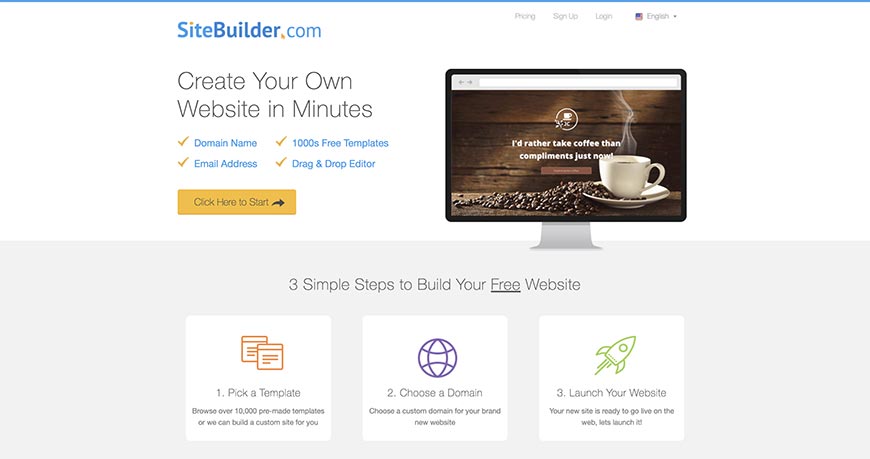
SiteBuilder.com is a budget-tier hosted builder with a generic-but-capable editor and pricing that often runs as a deeply discounted long-term contract. The product is most often bundled with hosting and email at a low monthly rate. Not the most polished option on this list, but a sensible pick for a no-frills business site at the lowest price point.
25. WebsiteBuilder.com

WebsiteBuilder.com (a separate product from SiteBuilder.com) offers a similar low-cost generalist builder with template-based editing and bundled hosting. The marketing leans heavily on AI assistance and template variety. Like SiteBuilder, this is a budget play — pick it when price is the main factor and you do not need the polish or feature depth of a Wix or Squarespace.
26. Homestead
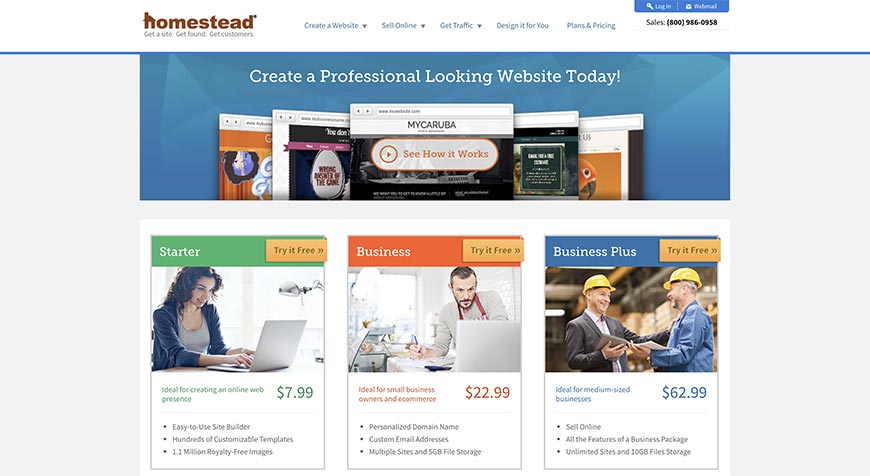
Homestead is a long-running US-focused builder, now part of Network Solutions / Web.com. Its editor is one of the older ones still in active service, and the customer base skews toward small US businesses that signed up years ago and never migrated. New customers are usually better served by a more modern platform, but for existing Homestead users the platform remains stable and functional.
27. GoDaddy Websites + Marketing
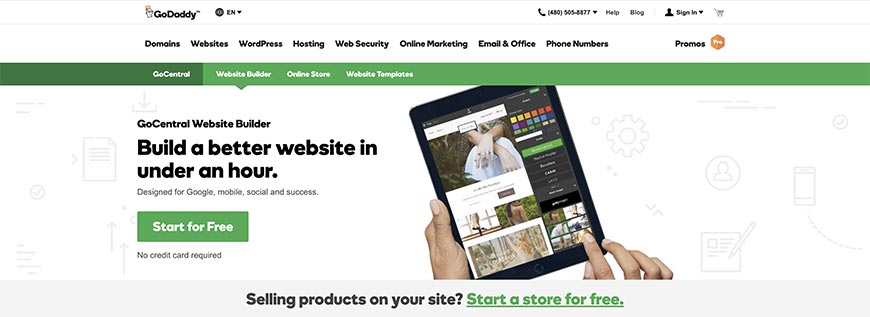
The product the original article called “GoDaddy Website Builder 8” is now GoDaddy Websites + Marketing. It bundles a fast onboarding flow (answer questions, get a starter site), email marketing, social tools, and an Online Store option. The strongest value is for users who already buy domains and email at GoDaddy and want everything in one bill. Pricing starts around $10 per month and scales up with marketing and commerce features. Better than its older reputation suggests, though serious designers still favor Wix, Squarespace, or Webflow.
28. Canva Websites
Canva launched its full website-publishing feature in 2022 and has since grown it into a credible builder, especially for users already deep in Canva for graphics, decks, and social content. The strength is the design-tool DNA: layouts, fonts, and colors transfer cleanly between a poster, an Instagram post, and a website. Custom domains are supported on paid plans. The ceiling is lower than Webflow or Framer, but for a solo creator or small business that already lives in Canva, it is the lowest-friction way to ship a site. Replaced Onepager in this list — Onepager is no longer operating.
29. Beacons.ai
Beacons.ai is a creator-focused platform that started as a Linktree-style link-in-bio service and grew into a full website + ecommerce + email + analytics suite for creators, coaches, and small online businesses. Stores, digital downloads, payment links, and email capture all live on a single page. Free tier is generous; paid plans start around $10 per month. Pick it when your business is built around a personal brand and your customers come through Instagram, TikTok, or YouTube. Replaced Virb in this list — Virb was discontinued by its parent company.
30. IONOS (formerly 1&1)

1&1 rebranded as IONOS in 2018-2019 (after merging with ProfitBricks under the United Internet umbrella). The website builder is now sold as IONOS MyWebsite or MyWebsite Now, depending on tier — the latter is the AI-generated starter, the former is more customizable. IONOS bundles its own domain registration and hosting, so this is the right pick if you want one EU-based vendor across hosting, email, domain, and site builder.
31. Angelfire
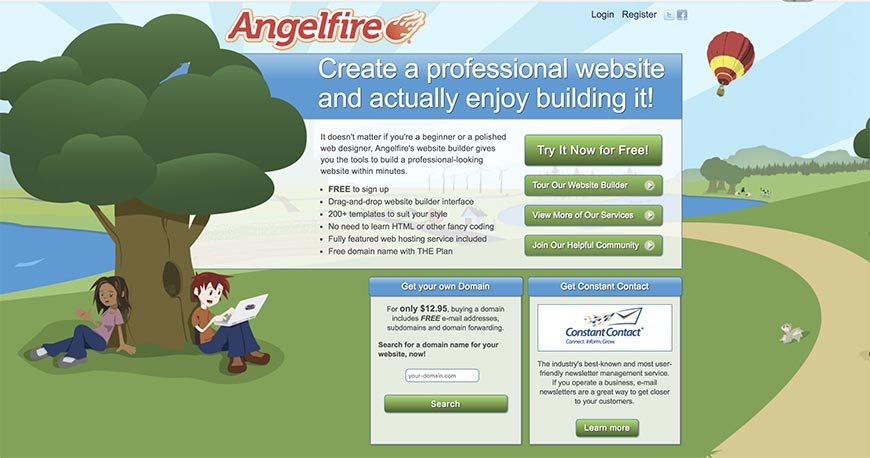
Angelfire (now part of Lycos) is the GeoCities-era survivor of the original free hosting boom and is still operating in 2026 in a barely-modernized form. It is included here as a historical curiosity rather than a serious 2026 recommendation — anyone considering Angelfire for a real small-business site is better off with Carrd, WebStarts, or Hostinger. That said, if you have an old Angelfire page from the 2000s that still works, it probably still works.
32. Tilda
Tilda is a block-based builder with one of the largest pre-designed block libraries on the market — landing-page heroes, feature grids, testimonials, pricing tables, story sections, and so on. The platform leans toward marketing and editorial sites and is widely used by agencies in Europe and the post-Soviet space. The Zero Block editor adds full layout control where the pre-made blocks fall short. Plans start around $10 per month. Strong pick for content-heavy marketing sites that need to look modern fast. Replaced Doodlekit in this list — Doodlekit is no longer actively maintained.
33. Web.com

Web.com is the umbrella brand for Network Solutions, Register.com, Snappy, and several other long-running US small-business web properties. The website builder is functional rather than exciting, and the strongest value comes from bundled hosting, domain registration, and managed services for owners who do not want to learn a builder. Most often picked by small businesses that already have a Web.com domain.
34. Square Online (formerly CityMax replacement)
Square Online is the ecommerce-first builder built into the Square commerce platform — closely related to Weebly (entry 3) but oriented around online stores rather than general websites. If you sell physical or digital goods and either already use Square in person or plan to, this is the path of least resistance. Inventory, orders, and customers sync across Square’s POS, online store, and back office. Free tier is generous (with per-transaction Square fees); paid plans add a custom domain and remove transaction fees. Replaced CityMax in this list — CityMax is no longer operating.
35. iPage
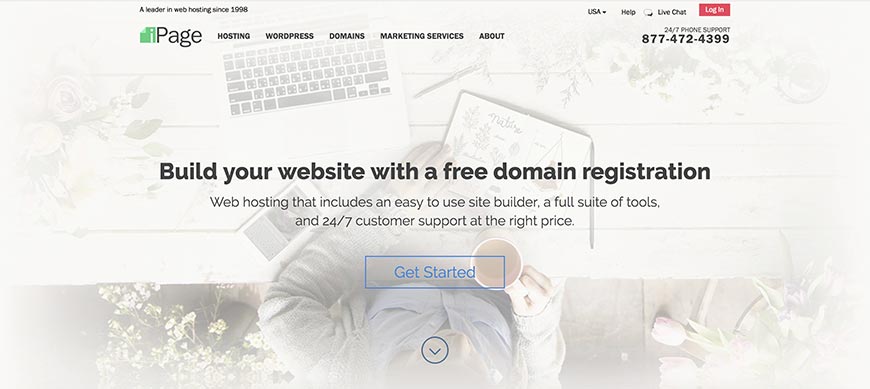
iPage (part of the Newfold Digital family alongside Bluehost and HostGator) is hosting-first with a website builder bolted on top. The builder is competent if generic, and the value is in the bundling — hosting, domain, builder, and email at a low long-term contract price. The right pick if you need full LAMP-stack hosting for the future and want a simple builder for the launch.
How to Pick One of the 35
The 35 builders sort cleanly by use case. Most small businesses match exactly one of the rows below; if two seem to fit, pick the more popular of the candidates so you can find help and templates more easily.
- General small-business website (most readers): Wix, Squarespace, Hostinger Website Builder. Add WordPress.com if you expect to grow into a content-heavy site.
- Online store first: Square Online, Wix, Squarespace Commerce. Add Shopify (not on this list, but the obvious sibling) if commerce is your primary product.
- Single-page or landing page: Carrd, Strikingly. Carrd if you want it cheap and minimal; Strikingly if you want section blocks and basic ecommerce.
- Designer- or agency-led builds: Webflow, Framer, Wix Studio, Duda. Webflow for HTML/CSS-fluent designers; Framer for product-design-fluent designers; Duda for agency client management; Wix Studio for an existing Wix shop scaling up.
- Creative portfolio: Format, Pixpa, Squarespace. Format and Pixpa are tighter for photographers and illustrators; Squarespace is the safer all-rounder.
- Multilingual: Voog and Webnode. Voog has the better tooling but smaller ecosystem.
- Already deep in an existing ecosystem: WordPress.com if you want WordPress; Notion Sites if Notion; Canva Websites if Canva; Zoho Sites if Zoho; Square Online if Square. The integration savings usually beat any individual tool’s polish.
- Creator / link-in-bio with light commerce: Beacons.ai. The closest thing to a built-for-Instagram website on this list.
- Lowest-cost no-frills hosting plus builder: WebStarts, SiteBuilder.com, WebsiteBuilder.com, iPage. Pick whichever has the cheapest year-three pricing on the bundle you want.
- Single EU vendor for everything: IONOS for German/EU-based hosting and builder; Voog or Webnode if multilingual matters.
For the median small business in 2026, the realistic shortlist is two or three names from one row above. Pick the one whose template you find least painful to live with, sign up for a month, and ship something. The article you do not publish never makes you any money.
When to Migrate Off a Builder (and to What)
Most small businesses outgrow their first website builder around year three to five. Common triggers:
- SEO ceiling. You have hit the limits of what the builder will let you control (URL structure, structured data, internal linking patterns, page speed). Typical migration: to WordPress.org with a managed host, or to Webflow.
- Commerce scale. You started on Square Online or a Wix store and have outgrown it. Typical migration: to Shopify or BigCommerce.
- Custom integrations. You need to connect the site to your own internal systems (booking, inventory, ERP) and the builder’s API or webhooks are not enough. Typical migration: to a headless CMS plus a custom front-end, or to Webflow with a backend integration layer.
- Acquisition or rebrand. The business has changed and the entire information architecture needs to be redesigned, not just patched. Typical migration: a clean rebuild on whichever platform fits the new direction.
Migration is always more expensive than it looks — content has to be re-laid-out, URLs need to be 301-redirected to preserve SEO equity, and analytics needs to be re-implemented. A clean migration project for a 50-page small business site typically takes 3-6 weeks. Plan accordingly.
FAQ
What is the easiest website builder for a complete beginner? Wix, Squarespace, and Hostinger Website Builder are the three most beginner-friendly hosted platforms with strong AI-assisted starters. Carrd is the easiest if you only need a single page. All four have free trials, so set up a test account in each before deciding — the editor that feels least frustrating after 30 minutes is the one to pay for.
Is WordPress a website builder? WordPress.com is — it is a hosted builder run by Automattic. WordPress.org is the open-source CMS you install on your own host, which is different (more flexible, more work). When most people say “WordPress” without further qualification, they usually mean .org. The .com platform is the comparable item to Wix or Squarespace; the .org software is closer to Drupal or Craft in role.
Should I pay for a website builder or use a free tier? Free tiers are fine for testing, learning, and personal projects. For any business that wants a custom domain, no platform ads, and decent SEO, you will end up on a paid plan within weeks. Budget $10-$25 per month for the median small-business site. Going below that range usually means giving up the custom domain or accepting platform ads, both of which signal “not a real business” to customers.
Can I move my site between builders? Mostly no. Templates, custom blocks, and platform-specific features do not transfer. Content (text, images) can usually be exported and pasted in manually. Domains move freely between registrars. Plan to commit to a builder for at least 18-24 months. The major exception is WordPress.com to WordPress.org, where the export/import is genuinely clean.
Do AI website builders actually work? They produce a usable starter site that beats a blank canvas. Treat the AI output as a 60 percent draft you will edit heavily. The tools that work best (Wix AI, Squarespace AI, Hostinger AI, Jimdo Dolphin, Framer AI) all share a similar pattern: ask a few questions, generate a starter, then hand off to the visual editor. Where they fall short is in writing copy that sounds specific to your business.
What about Webflow vs Framer in 2026? Both are strong; the differentiator is workflow. Webflow exposes the full CSS box model and is the better pick if you have experience with HTML/CSS conventions. Framer feels closer to Figma and is the better pick if you come from product design. Webflow’s CMS is more mature; Framer’s editor is faster to learn. Both produce fast, accessible, modern sites by default.
Should small businesses worry about accessibility on a website builder? Yes. ADA Title III lawsuits over inaccessible websites have continued climbing through 2024-2025, and a website built on a major builder is not automatically compliant — only as accessible as your edits make it. Run an automated check (axe DevTools, WAVE) before launch and again after any redesign. See the web accessibility checklist.
Will AI eventually replace website builders entirely? Unlikely in the near term. AI is good at the boring parts — generating starter copy, suggesting layouts, writing alt text — and bad at the parts that actually matter for a small business: deciding what your site is for, writing the value proposition, and editing for tone. The most plausible 2027-2028 future is that every builder gets an AI co-pilot that does 70 percent of the rote work, and the human still owns the strategic 30 percent.
How long should it take to build a small-business website in 2026? A solo founder using AI-assisted Wix or Squarespace can ship a credible 5-page site in a weekend. With a freelance designer on Webflow or Framer, plan 3-6 weeks for a 10-page brand site. The biggest time sink is usually copy, not design — start writing your home, about, and services pages before you sign up for a builder.
Bottom Line
The website-builder market has consolidated and matured since 2018. Adobe Muse is gone, Webs and Moonfruit are gone, several mid-sized players were acquired and folded, and a new tier of designer-led no-code platforms (Webflow, Framer) emerged. The good news is that the survivors are dramatically better than they were eight years ago — better mobile editing, better SEO, better commerce, and now genuinely useful AI assistance to skip the blank-page paralysis. Pick from the shortlist that matches your use case, accept that you are committing for at least a year and a half, and start building. The site you ship in a weekend on Wix or Squarespace beats the site you spend three months agonizing about on Webflow.
For the inventory and information-architecture side of running a small-business website — once you have one and start adding pages — Dyno Mapper builds visual sitemaps, runs scheduled content inventories, and tracks accessibility regressions across your full site. That is the next step after “the website builder shipped my homepage.”