SharePoint intranet audit

Audit the intranet nobody has ever mapped.

You audit your website. When’s the last time anyone audited the intranet your whole company logs into every day?

DYNO Mapper connects to SharePoint Online, public or private, behind Microsoft 365 sign-in, and builds the visual sitemap, content inventory and accessibility audit your intranet has never had.

  • SharePoint Online, public or private
  • Works behind Microsoft 365 sign-in
  • SOC 2 compliant · ISO 27001 certified
Visual sitemapSharePoint Online
  • Intranet homeHub
  • Human ResourcesTeam
  • Leave policy (copy)Duplicate
  • IT Service DeskTeam
  • Project Phoenix 2019Orphaned
  • Company NewsCommunication
  • Benefits guide.pdfNot accessible
Illustration with example data
monthly active SharePoint users, according to Microsoft
200M+
fields to connect a private site: URL, username and password
3
one D.A.C.Q. health score for your whole intranet
0 to 100
checks in the free SharePoint intranet audit checklist
12

See it in action

DYNO Mapper for SharePoint, in one video.

Prefer to watch before you talk to us? Start with the walkthrough, then request a demo on your own intranet.

The problem

Nobody has ever mapped this thing.

Ask your team for a current sitemap of your SharePoint intranet and watch what happens. Most organizations can’t produce one. Sites get spun up for a project and never torn down. Document libraries fork and duplicate. Old team sites from a reorg two reorgs ago are still live, still indexed, and still surfacing as the wrong answer when someone searches for a policy.

Native SharePoint gives you a few thin options. None of them show you the whole tenant. None of them audit it.

Ways to see your intranetWhole tenant?
  • Tree viewHidden and text only
    No
  • Site indexA basic alphabetical list
    No
  • Sites web partOnly what sits under one hub
    No
  • DYNO MapperThe whole tenant, mapped and audited
    Yes

What DYNO Mapper does

Five things your intranet has never had.

Every report comes from the same crawl of your SharePoint Online sites, so the sitemap, inventory, audit and accessibility results all describe the same intranet.

01Discovery

Visual sitemap

See your entire SharePoint hierarchy as one interactive, exportable diagram: hub sites, team sites, communication sites and subsites.

Learn more about visual sitemaps
02Discovery

Content inventory

A catalog of every page, document and file across your tenant, public or private, refreshed each time you crawl.

Learn more about content inventory
03Optimization

Content audit

Surface broken links, orphaned sites, duplicate pages and content nobody has touched in years, before it costs someone an afternoon or shows up as the wrong answer in Copilot.

Learn more about content audit
04Optimization

Accessibility testing

Test authenticated intranet pages, not just your public site. WCAG 2.2 AA is the default, and you can choose WCAG 2.1, Section 508 and other guidelines.

Learn more about accessibility testing
05Copilot

AI readiness

The same structural mess that confuses your employees is what makes Copilot get answers about your own company wrong. A map of what is really there is the place to start.

06Your tenant

See it on your own intranet.

The demo is where we get behind your Microsoft 365 sign-in and show you where your intranet actually stands.

Request a demo

The D.A.C.Q. Score

One number for intranet health.

Every SharePoint audit rolls up into one number: a 0 to 100 health score built specifically for private intranets, where the usual public search visibility signal doesn’t apply.

Intranet healthD.A.C.Q. Score
74

Out of 100One number for the whole intranet, with the three pillars behind it.

  • Discoverability70
  • Accessibility78
  • Content Quality74
Illustration with example data

Discoverability

Measures how well pages are connected and described using internal links, click depth, titles, and meta descriptions.

Accessibility

Measures the percentage of automated WCAG-based accessibility checks that pass across your scanned pages.

Content Quality

Measures the percentage of crawled pages that are unique rather than duplicates.

One score, one number. Something you can actually bring to a budget conversation, not three separate reports nobody reads end to end.

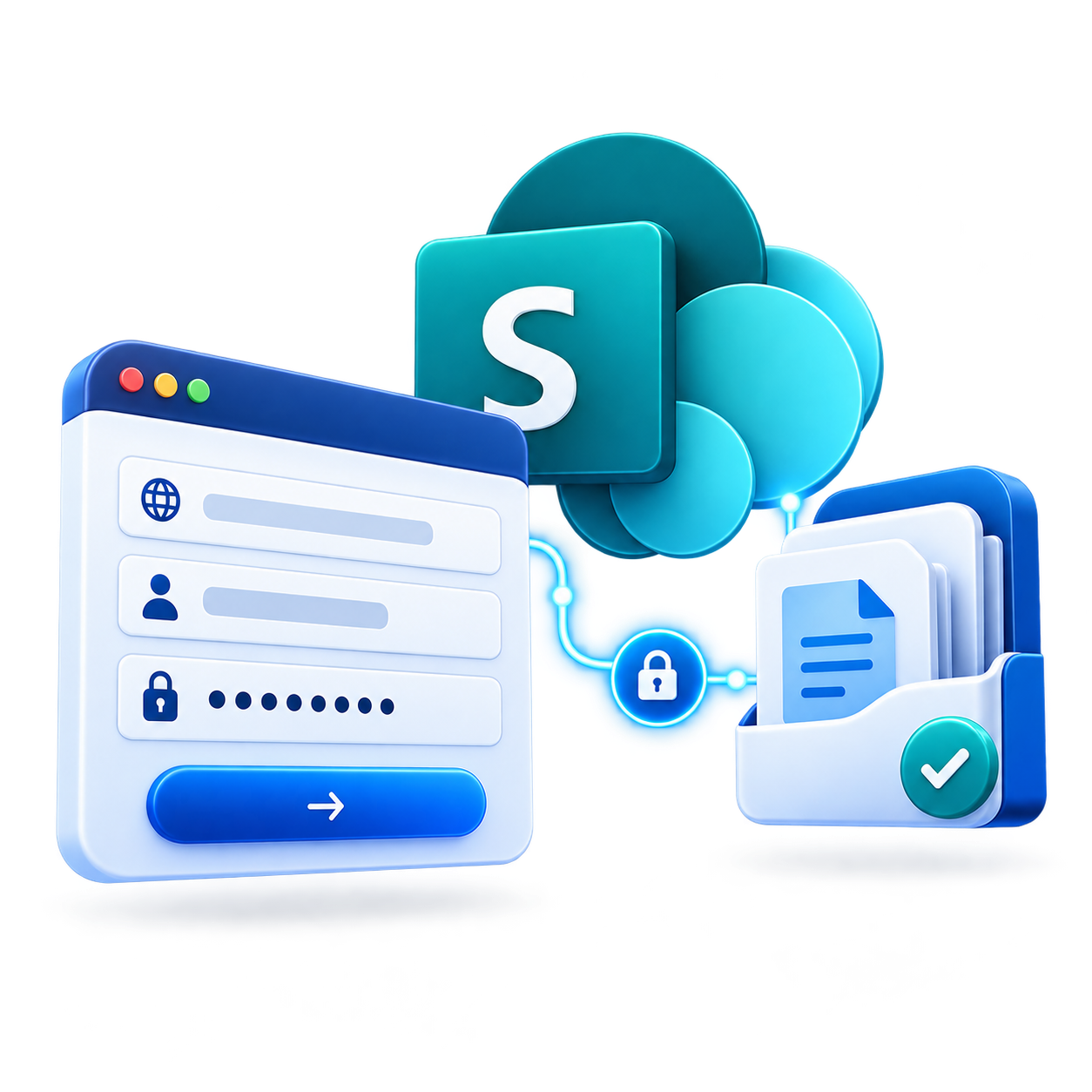
Connecting a private SharePoint site in DYNO Mapper with a URL, username and password
Private SharePoint, three fields

Built for private, authenticated SharePoint

Connect a private site in three fields.

Your URL, a username and a password. No custom login sequence to build by hand.

  • Use a dedicated account.We recommend a dedicated, read-only SharePoint account rather than a personal one.
  • MFA prompts are supported.If that account has MFA enabled, DYNO Mapper prompts you during sign-in. Microsoft Authenticator number matching and one-time passcodes both work.
  • Credentials are never stored.That is also why there is no scheduled, unattended crawling of private SharePoint sites. You enter them fresh each time you crawl or refresh.
  • Or skip the MFA prompt.A Conditional Access exemption in Microsoft Entra ID lets that same dedicated account skip MFA without changing it for anyone else in your tenant. DYNO Mapper provides two static IP addresses to scope it: 35.86.4.170 and 52.37.219.87.
  • Only crawl data is kept.DYNO Mapper stores only URLs, metadata and crawl data. Never page or document content. Never your credentials.
  • SOC 2 compliant and ISO 27001 certified.Single sign-on via SAML or OIDC for your own DYNO Mapper account, with MFA your admins can make mandatory for every sub-user, with no individual bypass.

None of that is filler. Your security review is going to ask for most of it anyway. Better to answer before they ask.

Read the security overview
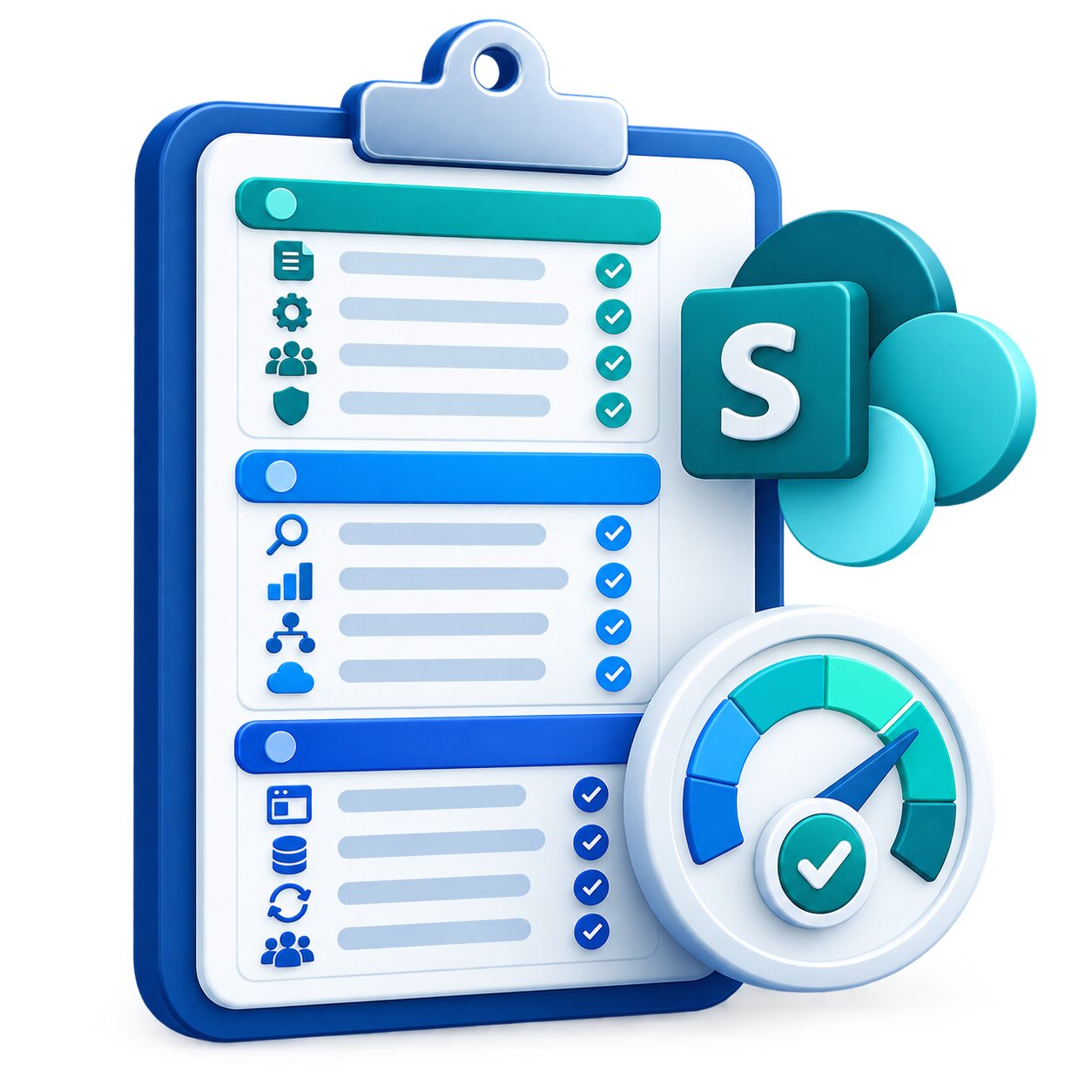
Illustration of the SharePoint Intranet Audit Checklist
Free PDF · 12 checks

Free download

The SharePoint intranet audit checklist.

Most IT teams have never had a framework for evaluating their intranet’s health. This checklist uses the same three areas as the D.A.C.Q. Score. Use its twelve checks to take a broader look at the health of your SharePoint intranet.

  • DiscoverabilityMissing titles and metadata, and pages no navigation path leads to.
  • AccessibilityWhere you are likely failing a WCAG or Section 508 check.
  • Content QualityDuplicate, stale or drifted content nobody has cleaned up.

It gives you a practical starting point. DYNO Mapper automates many of these measurements and gives you the underlying data to investigate further.

Questions

What IT teams ask first.

Anything else? Request a demo and bring your security questions with you.

Does DYNO Mapper work with private SharePoint sites?

Yes. DYNO Mapper crawls SharePoint Online sites behind Microsoft 365 sign-in. You connect a site with its URL, a username and a password, and we recommend a dedicated, read-only account.

Which versions of SharePoint are supported?

SharePoint Online, the version that comes with Microsoft 365. Public and private sites are both supported.

What happens if the account has MFA turned on?

DYNO Mapper prompts you during sign-in, and both Microsoft Authenticator number matching and one-time passcodes work.

To skip the prompt, create a Conditional Access exemption in Microsoft Entra ID for the dedicated account, scoped to the two static IP addresses DYNO Mapper provides. MFA stays on for everyone else in your tenant.

Does DYNO Mapper store our content or our credentials?

No. It stores only URLs, metadata and crawl data, never page or document content, and never your credentials. DYNO Mapper is SOC 2 compliant and ISO 27001 certified.

Can private SharePoint crawls run on a schedule?

No. Because credentials are never stored, there is no unattended crawling of private SharePoint sites. You enter the credentials each time you crawl or refresh.

What is the D.A.C.Q. Score?

A 0 to 100 health score built for private intranets. It combines three pillars: Discoverability, Accessibility and Content Quality.

Why a demo instead of a free trial?

Crawling authenticated SharePoint sites needs a paid subscription. The demo is where we get behind your Microsoft 365 sign-in and show you where your intranet actually stands.

See what’s actually living in your SharePoint intranet.

Ready to see where your actual intranet stands? That means getting behind your Microsoft 365 sign-in, which is what the demo is for.